Motor will not start
Confirm mode and permissives, find the first false series condition, then follow command to contactor feedback.
Build rungs with a graphical editor, run them against live scenario I/O, and see why each contact, branch, coil, timer and counter changes state. No install or credit card for the guided first program.
No account for the first guided program. A free account saves progress; no credit card and no forced expiry.
Use it to build a rung, change virtual inputs, inspect the input image and internal state, and verify the resulting output or machine response. Use the target vendor IDE and real commissioning process for controller configuration, firmware behavior, physical I/O, safety functions and final acceptance. That division keeps a fast learning tool useful without overstating what it proves.
Watch the real browser product respond to the task on this page, then try the same practical workflow yourself. No slides, concept mockups, install, or credit card.
Try this in the browserLadder logic is the graphical PLC programming language that looks like an electrical relay schematic rotated 90 degrees. Two vertical power rails sandwich a series of horizontal "rungs". Each rung reads left to right: contacts (inputs) in series and parallel combinations, then a coil (output) at the far right. If power flows all the way across, the coil energises. If it does not, the coil de-energises.
The language was designed in the 1970s for electricians who already knew how to read relay drawings. That legacy is still why ladder logic dominates discrete control: it is the one PLC language that a hardware-first technician can read on day one without a computer-science background.
At its simplest, a contact-and-coil rung evaluates a Boolean path against the current I/O image and writes a result. Real programs also contain stateful timers, counters, edges, arithmetic and function blocks, so “one Boolean expression” is not a complete runtime description. The useful mental model is ordered evaluation plus explicit instruction state: know what was sampled, what state was retained, which rung owns the command and when the result becomes observable.
A glowing contact is useful only when the learner can connect it to the execution model. This product’s versioned learning facts describe four observable phases: read inputs, execute the current valid program top to bottom, update outputs, then advance the deterministic machine model. The table turns each phase into a falsifiable test rather than a marketing claim.
| Scan phase | Visible evidence | Mistake it exposes | Test to run |
|---|---|---|---|
| 1. Read inputs | The current scenario input state is copied into the program-visible input image. | Expecting a field change in the middle of a scan to alter an earlier rung immediately. | Change one input, single-step or observe the next cycle, and note when its contact changes truth state. |
| 2. Execute logic | Valid rungs execute top to bottom against the current image and retained instruction state. | Writing the same coil from multiple rungs and ignoring that later logic can overwrite an earlier result. | Create two deliberately conflicting writes, observe the result, then refactor to one output owner. |
| 3. Update outputs | The resulting output image is applied after program evaluation. | Confusing rung continuity with a confirmed field actuator response. | Compare rung truth, output tag, output indication and machine-model response as separate observations. |
| 4. Advance model | The deterministic scenario model reacts to the commanded outputs and updates machine state. | Assuming a commanded motor or valve proves the simulated process reached the intended state. | Assert both the command and an independent outcome such as position, level, count or feedback. |
The sequence is a teaching model, not a promise about the scan time, scheduling, I/O update mechanism or asynchronous tasks of every physical controller. Those details are vendor-, model-, firmware- and configuration-specific. When the distinction matters, use the controller manual and measure on the target system.
From rung symbols to machine behavior
These six views connect the graphical program to relay logic, motor control, timed material handling, I/O troubleshooting and sequence testing. Each image supports a distinct concept instead of repeating the same simulator screenshot.
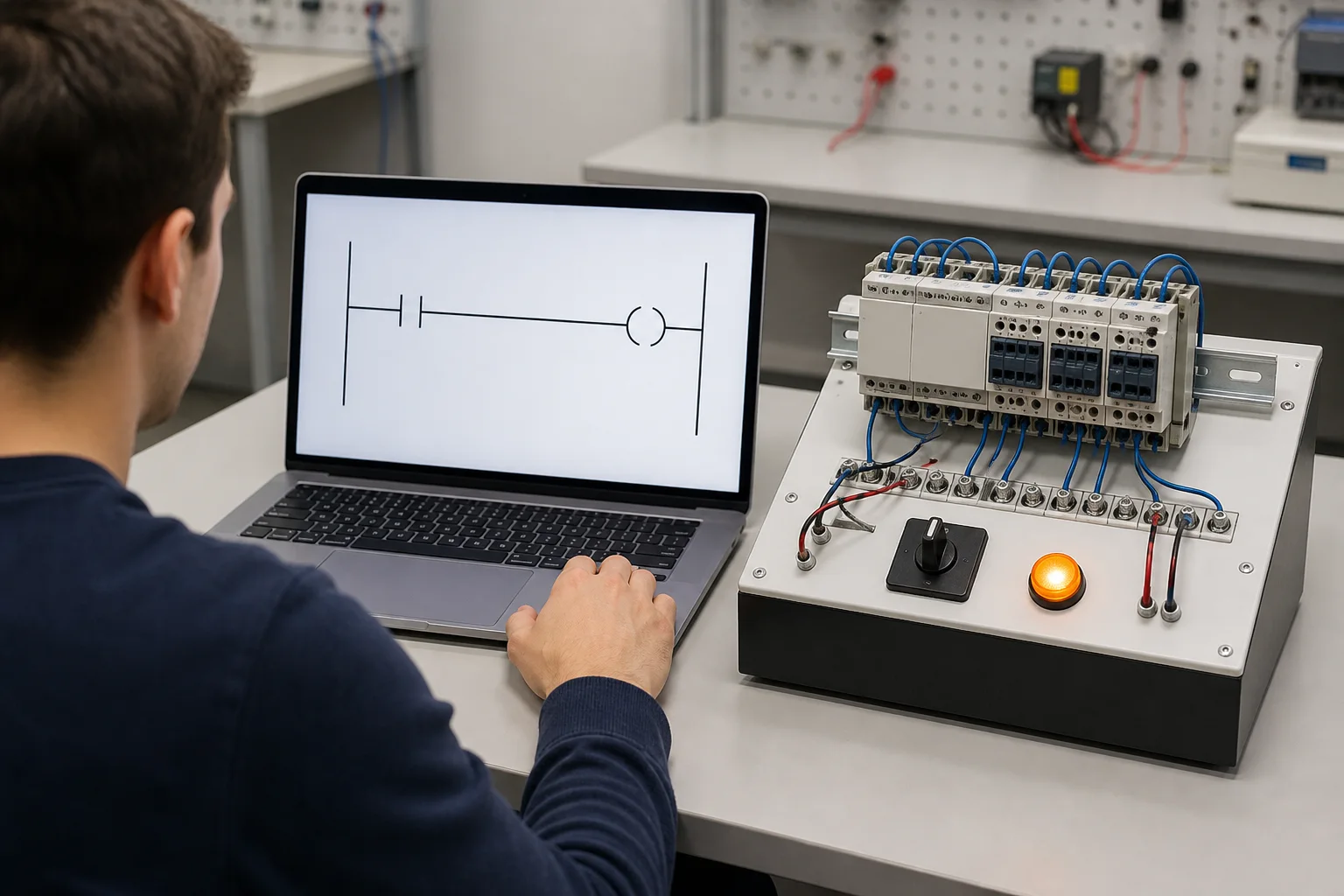
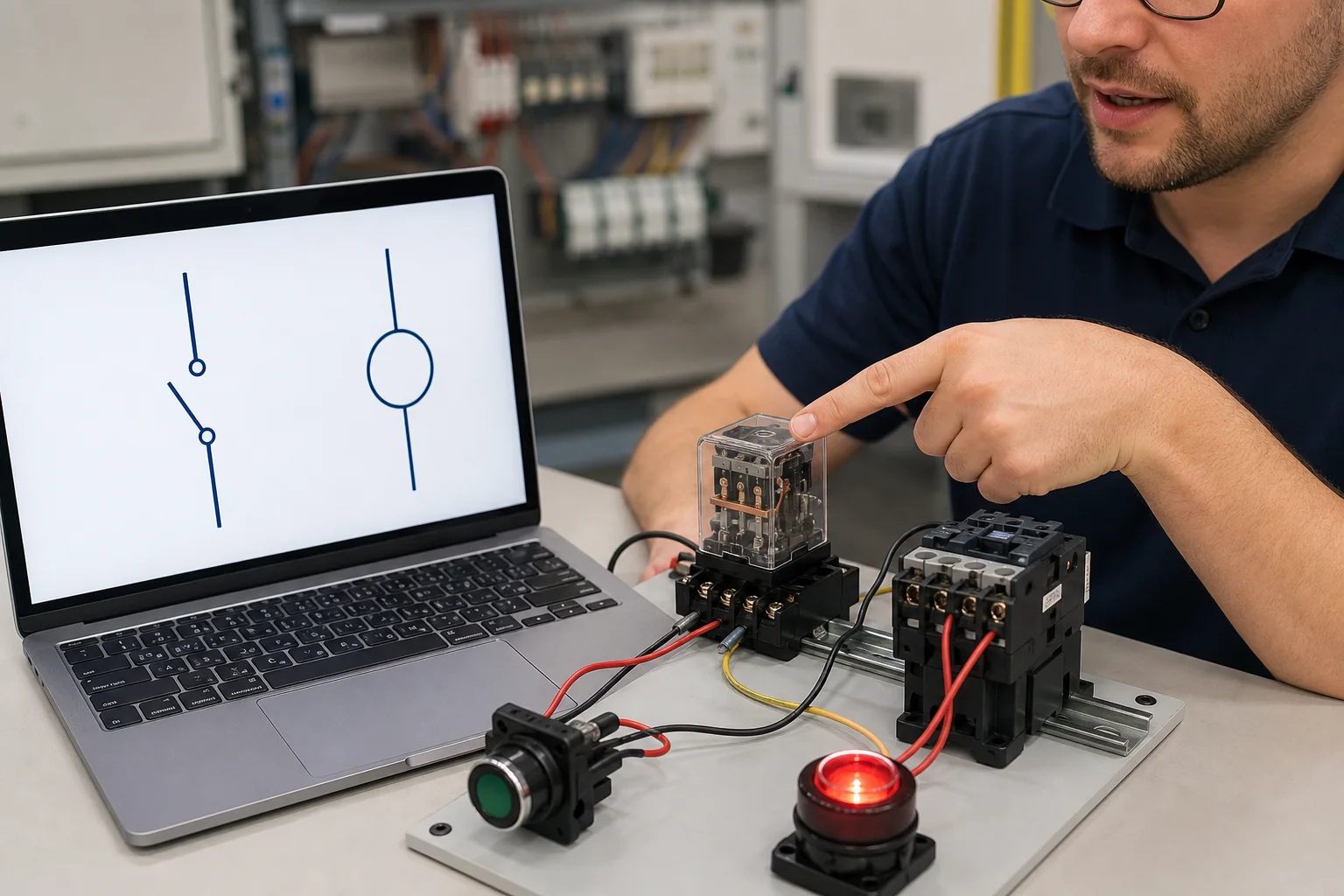
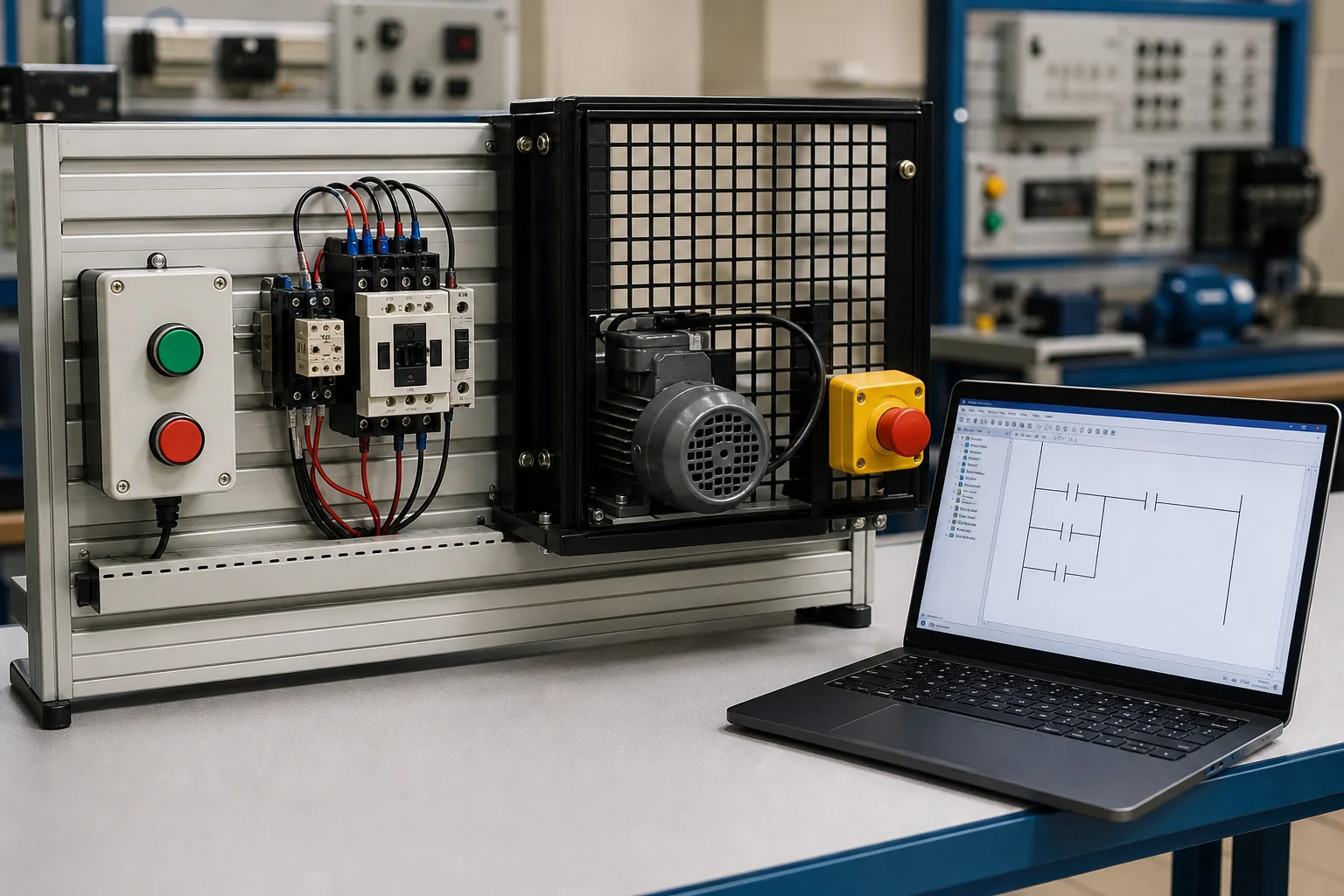
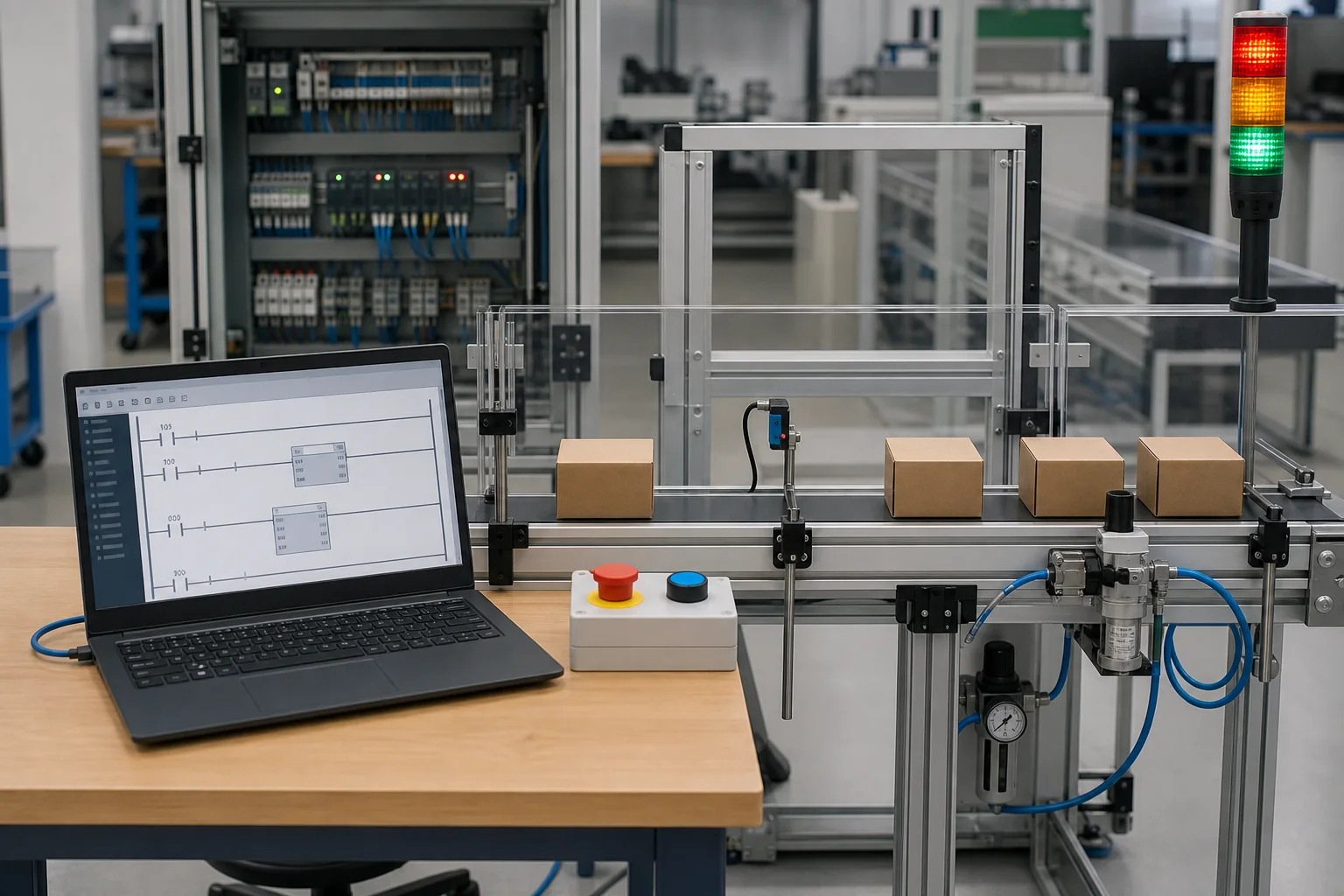
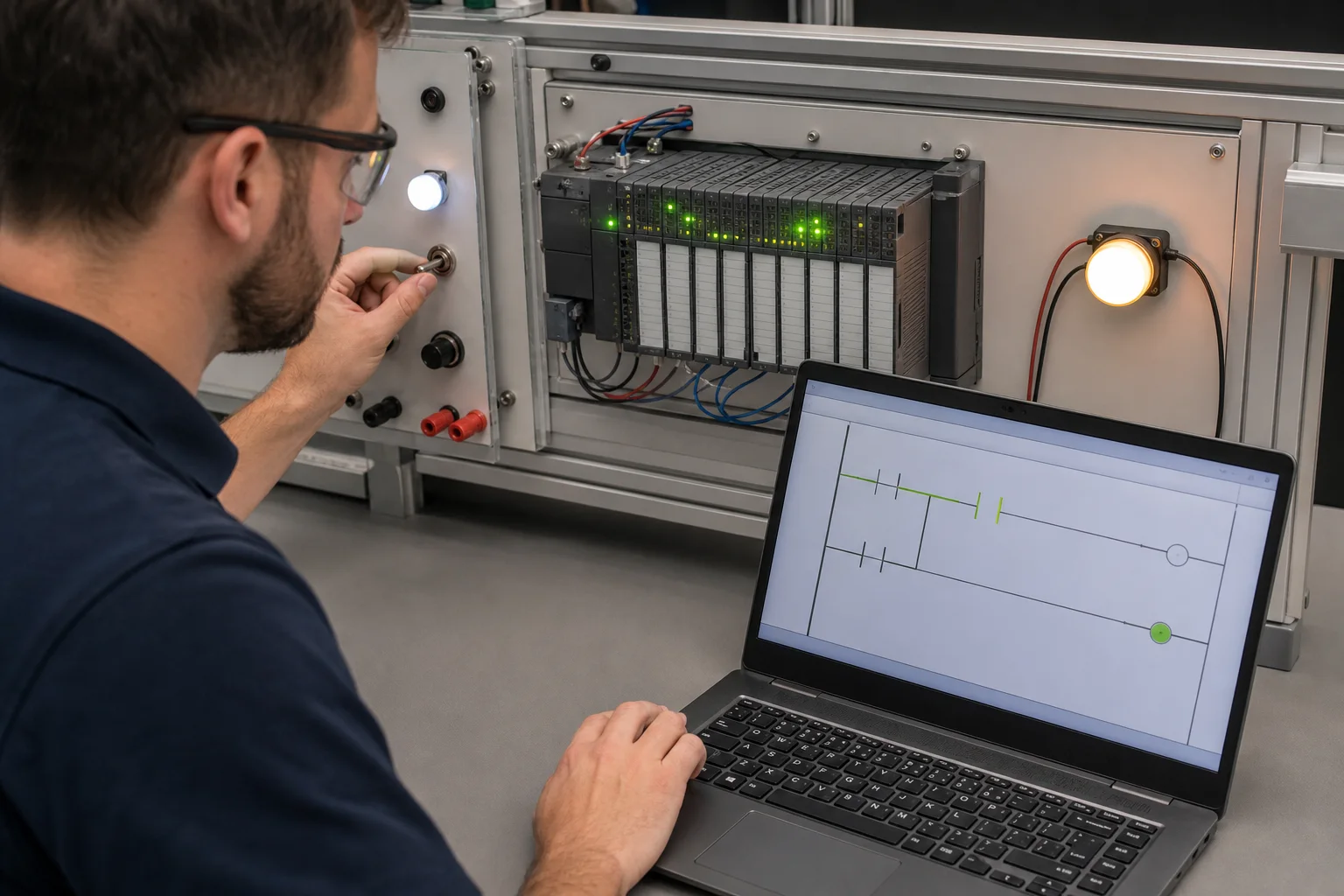
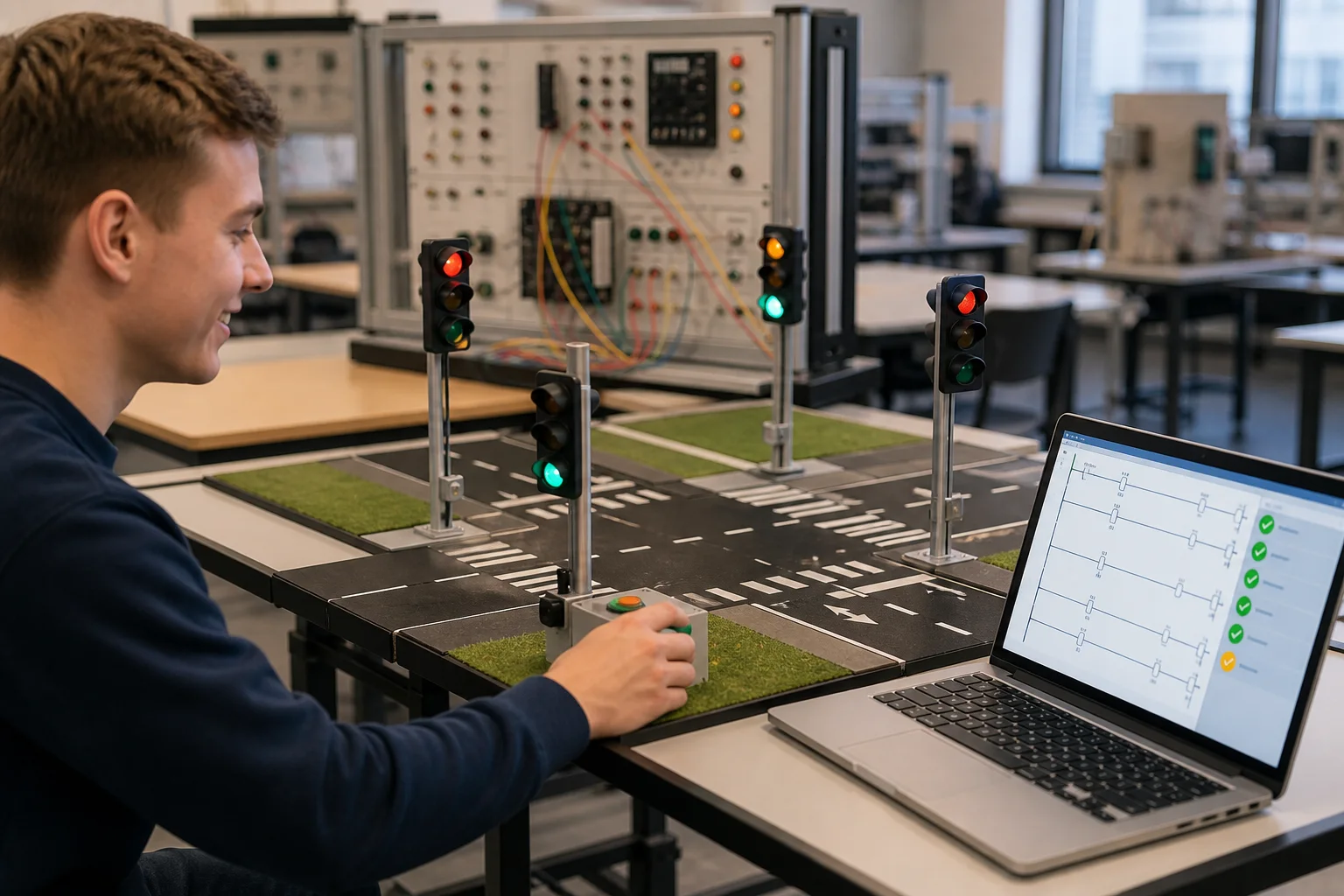
More scenarios do not automatically create more skill. A useful ladder-logic path adds one source of state or uncertainty at a time, demands an observable result, and deliberately injects a failure that the learner must explain. The recommended progression below starts with a complete truth table, then adds retained commands, time, events and process behavior.
| Stage | Exercise | What to prove | Failure to inject |
|---|---|---|---|
| Contact and coil | Switch & Light | LIGHT follows SWITCH in both the true and false cases. | Wrong tag or normally-closed contact. |
| Boolean structure | Two-input AND / OR | All four truth-table combinations produce the specified output. | Series path used where a parallel branch was required. |
| Retained command | Motor Start-Stop | The run command seals in, every stop path releases it, and restart policy is explicit. | Missing seal contact, wrong stop polarity or unsafe automatic restart. |
| Time behavior | Traffic sequence | Phase order, preset boundaries and reset behavior remain correct over repeated cycles. | Off-by-one transition, overlapping phases or timer that never resets. |
| Event behavior | Conveyor sort | One item produces one decision and one count while interlocks remain true. | Long sensor pulse, bounce, missing edge detection or early diverter command. |
| Sequence and process | Tank, mixer or PID lab | The process reaches the target without violating valve, level, timing or alarm constraints. | Stuck input, delayed response, disturbance or impossible state combination. |
After each run, name the first state that differs from the specification and explain the causal chain to the output. That habit transfers to commissioning: symptom, field condition, I/O image, program decision, command and physical feedback remain separate pieces of evidence.
If you are picking one, these are the five tests that matter.
Instruction names vary by vendor, while the underlying control pattern often transfers. The curriculum maps common ideas across 9 learning dialects without claiming to reproduce each proprietary IDE or controller runtime.
The model should separate input-image update, ordered program execution, output update and machine response. That makes rung order, timer state and edge behavior teachable without claiming identical scheduling, timing or I/O behavior across real controller families.
A useful TON exposes enable, elapsed time and done state; a useful counter exposes its event behavior, accumulator and done state. Exact reset, retentive, prescan, overflow and timing semantics vary, so the selected vendor manual remains authoritative for production work.
Debugging ladder logic without a live view of every tag is like debugging C without a debugger. Every address, every internal bit, every timer accumulator should be watchable during a run. Our editor renders them in a sidebar.
The /try route opens one guided first program without an account, install or credit card. Saving progress and opening catalog scenarios uses an account; access then depends on the free or Pro entitlement.
“PLC simulator” can mean a rung trainer, a soft controller, a vendor emulator, a digital twin or an operator-training system. Choose by the evidence you need. This page is deliberately positioned around browser-based programming practice and troubleshooting reasoning; it does not stretch that scope to cover controller downloads or plant validation.
| What you need to prove | Best-fit tool | Why | Important boundary |
|---|---|---|---|
| Learn rung truth and scan-cycle reasoning quickly | Browser learning simulator | Low setup friction, visible state and repeatable exercises. | Not a controller-specific commissioning environment. |
| Configure and download to a named PLC | The controller vendor IDE | Owns hardware catalog, firmware, communications, project format and online diagnostics. | Usually vendor- and operating-system-specific. |
| Validate field wiring and electrical behavior | Electrical CAD, circuit simulation and a controlled training panel | Represents terminals, protective devices, voltages, coils and field connections. | A PLC ladder editor does not prove the physical control circuit. |
| Train operators on a particular production plant | Plant-specific operator-training simulator | Models the actual HMI, procedures, dynamics, alarms and abnormal situations. | A generic PLC exercise cannot reproduce plant fidelity. |
| Prove a safety function or machine acceptance criterion | Formal engineering lifecycle plus target hardware tests | Requires risk assessment, validated architecture, documented verification and competent sign-off. | No browser training tool can certify a machine safe. |
Start with the no-account Switch & Light program. The interface guides the next action, checks the result and shows the output change before asking you to save progress. After signup, catalog exercises connect the same rung logic to motor, conveyor, tank and traffic-control behavior.
The graphical toolbar exposes the elements below. Scenario code and lesson references may introduce additional comparison, math and edge-detection concepts, but this page does not claim parity with a production vendor instruction library.
XIC / --| |-- (true-state test)XIO / --|/|-- (false-state test)OTE / OUT (standard coil)OTL / SET (latch)OTU / RESET (unlatch)TON (on-delay)TOF (off-delay)TP (pulse)CTU (count up)CTD (count down)CTUD (up / down)Parallel branch (OR path)Series contacts (AND path)PID function blockLive I/O and internal tag inspectionThis disclosure was reviewed for the 31 August 2026 owner update against public product facts version 2026-10-04.1. The catalogue currently identifies 170 source-catalogued practice records, including 32 records available to the free tier; the visible set can be lower because account state, entitlement and staged rollout still apply.
| Claim | Evidence surface | Claim boundary |
|---|---|---|
| Browser-based first program | The public /try path opens the guided Switch & Light learning flow without an account. | Catalog play and saved progress use an account; availability varies by entitlement. |
| Published scenario catalog | The public product-facts artifact is generated from the scenario registry and seeder. | Published records are not the same as records visible to every visitor. |
| Graphical ladder practice | The editor exposes contacts, coils, branches, wiring and selected function blocks. | It is not a complete reproduction of every proprietary instruction library. |
| Multiple learning dialects | The curriculum maps transferable ideas across the dialect list in the versioned facts artifact. | A learning dialect is not a firmware-level emulator or native vendor project. |
| Behavior-based scenario feedback | Scenario passing requires observed behavior and exposes per-check results. | A simulator pass is learning evidence, not production validation or safety certification. |
Ownership disclosure: this page is published by the team that operates PLC Simulation Software. The hands-on access statements and product counts are first-party claims, so the versioned artifact and limitations are exposed for checking. Standards and vendor-behavior explanations are linked to primary sources below.
This simulator-oriented pseudocode extends the classic three-wire seal-in exercise with a fault branch. START is a momentary command, STOP is interpreted as a stop request, and RUN_BIT retains the requested run state. The E-stop, overload and feedback mismatch are represented as program inputs so you can test state transitions; they are not a safety architecture or a substitute for hardwired or safety-rated protective functions.
VAR
  START_PB        AT %I0.0 : BOOL;
  STOP_PB         AT %I0.1 : BOOL;
  ESTOP           AT %I0.2 : BOOL;
  THERMAL_OL      AT %I0.3 : BOOL;
  MOTOR_AUX       AT %I0.4 : BOOL;
  MOTOR_CONTACTOR AT %Q0.0 : BOOL;
  RUN_LAMP        AT %Q0.1 : BOOL;
  FAULT_LAMP      AT %Q0.2 : BOOL;
  RUN_BIT         : BOOL;
  FAULT_BIT       : BOOL;
  T_STUCK         : TON;
END_VAR

T_STUCK(IN := MOTOR_AUX AND NOT MOTOR_CONTACTOR, PT := 500);

| ESTOP OR THERMAL_OL OR T_STUCK.Q | S= FAULT_BIT ;
| STOP_PB AND /ESTOP AND /THERMAL_OL AND /T_STUCK.Q | R= FAULT_BIT ;

| START_PB AND /FAULT_BIT | S= RUN_BIT ;
| STOP_PB OR ESTOP OR THERMAL_OL | R= RUN_BIT ;

| RUN_BIT AND /FAULT_BIT | := MOTOR_CONTACTOR ;
| RUN_BIT AND /FAULT_BIT | := RUN_LAMP ;
| FAULT_BIT              | := FAULT_LAMP ;
Continue with the catalog version at /scenarios/motor-start-stop. It uses an account because catalog scenarios save state and enforce entitlements. You can also study the transferable vocabulary in the Allen-Bradley learning dialect or Siemens learning dialect.
Editorial protocol published 31 August 2026. Run the same specification through every tool you are evaluating, keep the initial state identical, and save the observed evidence. The purpose is not to crown a universal winner; it is to reveal whether a tool supports the kind of reasoning you need and where it stops being representative of the target PLC.
| Step | Action | Pass evidence |
|---|---|---|
| 1. Define the observable result | Write the expected input, internal-state, output and machine outcome before touching the editor. | The criterion can be marked pass or fail without interpreting intent after the run. |
| 2. Establish the safe initial state | Set every input false or to its documented normal state and clear retained state. | Outputs remain in their specified power-up state. |
| 3. Prove the happy path | Apply the normal input sequence once while observing rung continuity and tags. | The required output and machine outcome occur in the specified order. |
| 4. Test every false branch | Hold each permissive false in turn rather than testing only the combined true case. | No forbidden command energises and the blocked cause is visible. |
| 5. Test boundaries | Check timer preset edges, count transitions, simultaneous inputs and one-scan pulses. | The transition happens once, at the documented boundary, with no stale state. |
| 6. Inject a fault | Use a stuck sensor, lost permissive, feedback mismatch or interrupted sequence. | The logic reaches the defined safe or diagnostic state. |
| 7. Reset and repeat | Remove the initiating condition and follow the documented reset/restart sequence. | Reset cannot bypass the original cause and restart behavior matches the specification. |
| 8. Transfer with controls | Rebuild in the vendor IDE, review mappings and repeat tests on the target environment. | The production evidence is separate from the browser-learning result. |
Ladder highlighting is only one layer of diagnosis. A simulator is most useful when it teaches you to move through the evidence in order and stop at the first contradiction. In a real plant, follow the site’s safety, isolation and test procedures; never use a browser exercise as permission to probe energised equipment or bypass a protective device.
| # | Evidence layer | Question to answer | Common shortcut to avoid |
|---|---|---|---|
| 1 | Process symptom | What physically failed to happen, and under what operating state? | Vague report such as “it stopped” |
| 2 | Field device | Is the sensor, switch, overload or feedback mechanically and electrically in the expected state? | Forcing software before inspecting the cause |
| 3 | Input channel | Does the PLC-visible input agree with the field state and drawing? | Assuming an HMI indication proves terminal voltage |
| 4 | Program tag | Is the correct tag mapped, updated and used with the intended polarity? | Watching an alias or stale duplicate |
| 5 | Rung path | Which exact permissive, interlock or mode condition breaks continuity? | Editing logic before locating the first false condition |
| 6 | Output command | Did the program request the output, and did another rung or mode overwrite it? | Treating a highlighted rung as the final output state |
| 7 | Output and actuator | Did the channel energise, and did the contactor, valve or drive respond? | Equating a command bit with proven motion |
| 8 | Feedback and process | Did the process reach the required state within the allowed time? | Closing the ticket when only the coil changed |
Confirm mode and permissives, find the first false series condition, then follow command to contactor feedback.
Compare the sensor pulse width with the scan model, inspect edge behavior, and repeat with a deliberately long pulse.
Identify the active state, its exit condition, the responsible field input and any timeout or impossible transition.
Standards define the language family; vendor manuals define actual instruction and runtime behavior; safety authorities define obligations that a training simulator cannot satisfy. Product access and catalogue counts come from the public, versioned facts artifact. Links were reviewed for this owner update on 31 August 2026.
| Primary source | How it was used |
|---|---|
| IEC — IEC 61131-3 publication page | Scope and status of the programmable-controller programming-language standard. |
| CODESYS — Ladder Diagram documentation | Official implementation documentation for ladder elements and execution concepts. |
| Rockwell Automation — Logix Designer instruction reference | Vendor-specific instruction semantics and naming boundary. |
| Rockwell Automation — Logix 5000 General Instructions manual | Primary reference showing controller instruction details and scan-related values rather than assuming generic behavior. |
| Siemens Industry Online Support — programming guidance | Vendor guidance for program structure and controller-specific implementation. |
| PLCopen — technical activities and coding guidance | Interoperability and software-construction context around IEC languages. |
| Schneider Electric — Machine Expert Ladder Diagram language | Official vendor description of contacts, coils, networks and left-to-right condition flow. |
| Mitsubishi Electric — MELSEC iQ-F program-design manual | Official ladder examples for series, parallel, edge, coil and function-block structures. |
| ISO — ISO 13849-1:2023 publication page | Safety-related control-system design and integration boundary. |
| IEC — IEC 62061:2021 publication page | Machinery functional-safety design, integration and validation boundary. |
| OSHA — control of hazardous energy | Reason the troubleshooting lab must not be presented as authority for live-work or isolation procedure. |
| OSHA — 29 CFR 1910.147 | Primary regulatory text for hazardous-energy control in applicable US general-industry work. |
| OSHA — machine guarding | Boundary between logic training and machinery safeguarding responsibilities. |
| Product facts — versioned public artifact | Current catalog, curriculum, access and limitation claims used on this page. |
Open the guided first program without an account and get a passing rung in minutes. Create a free account when you want to save progress and continue into 32 source-tagged catalog records.
Related: PLC programming simulator · Allen-Bradley simulator · Siemens simulator · Ladder diagram simulator · control wiring diagram editor.
Ladder workbench field guide
Direct answer
A PLC ladder logic simulator should execute contacts, coils, timers, counters and state against changing inputs—not merely draw a diagram. The useful outcome is a repeatable link between rung truth, output state, physical response and an acceptance test.
This guide is written for beginners learning relay-style logic, technicians tracing existing programs, students completing exercises and engineers testing transferable control patterns before target-hardware work. The intended result is specific: the learner can predict each rung, distinguish request from feedback, build interlocks and timing, and prove the result against normal, boundary, fault and recovery cases.
Treat each rung as a Boolean or state-changing statement evaluated from its left conditions toward its output instructions during the scan.
A normally open or normally closed instruction examines a Boolean value; it does not physically open or close the field device shown in a wiring diagram.
Give each final output one clear owner or intentional arbitration point so later rungs cannot silently overwrite an earlier decision.
Use maintained state only when stop, fault, mode change and restart behavior are explicit and testable.
Understand preset, accumulated value, done state, enable state, reset and scan timing rather than using one vendor mnemonic by memory.
A commanded output proves only software intent; add sensors, auxiliary contacts or process values to confirm the physical result.
Describe initial conditions, operator action, expected output, stopping condition and abnormal response.
Evidence: The statement can be converted directly into behavioral test cases.
Avoid: Starting with a favorite rung pattern before defining behavior.
Separate physical inputs, commands, permissives, internal state, outputs, feedback and alarms.
Evidence: Every tag has an engineering role, type and expected source.
Avoid: Using one bit as command, status and feedback.
Implement the smallest input-to-output relationship and predict its truth table.
Evidence: Forced or scenario inputs produce the expected coil state over repeated scans.
Avoid: Adding timers and latches before basic ownership is proven.
Define stop priority, permissives, interlocks and reset behavior.
Evidence: Unsafe combinations are blocked and stopping remains deterministic.
Avoid: Relying on rung order as an undocumented safety policy.
Introduce timers, counters or state only where the requirement depends on history.
Evidence: Boundary values and delayed feedback produce defined outcomes.
Avoid: Using delay as a substitute for physical confirmation.
Reset, apply precise stimuli and assert outputs plus modeled machine state.
Evidence: All normal and abnormal cases pass from a fresh initial condition.
Avoid: Accepting one manual run as complete verification.
| Observed symptom | Inspect | Interpretation | Next proving action |
|---|---|---|---|
| Rung looks true, coil is false | Instruction order, branch truth, later writes, master control state and output mapping | Visual highlighting may show an intermediate path while another rule controls the final output. | Cross-reference the final tag and inspect every writer. |
| Coil is true, device is idle | Output channel, interface hardware, protection, actuator energy and feedback | The software request reached its boundary; diagnosis must continue through electrical and physical layers. | Compare module indication with load-side evidence. |
| Timer never completes | Enable continuity, preset units, reset conditions, scan behavior and changing permissives | A one-scan interruption can reset a non-retentive timer even if the cause is hard to see manually. | Trend the enable and accumulated value together. |
| Counter double-counts | Input edge behavior, chatter, scan duration and one-shot logic | A level that remains true or chatters may create more events than the process intended. | Convert the physical event into one tested pulse. |
| Sequence skips a step | Transition priority, simultaneous conditions, state writes and same-scan execution | Multiple true transitions can advance farther than intended when ownership is unclear. | Allow one deliberate transition per scan or event. |
| Program passes then fails after restart | Retentive values, first-scan initialization, physical position and command state | Fresh startup and warm restart are different initial-condition contracts. | Test each restart mode with coherent feedback. |
Product evidence / 05
The browser editor runs ladder against scenario I/O, highlights evaluated state, supports instruction-level exercises and uses behavioral graders that reset the model before each case. Programs can be revised without installing vendor software.
A strong ladder exercise states more than “make the motor run.” It defines the normal initial state, the exact command sequence, stop priority, required permissives, expected feedback, fault timeout and reset policy. That contract lets different correct rung structures pass while rejecting a visually familiar program that behaves incorrectly. It also makes review useful: another learner can challenge the requirement, rerun the same case and explain why the result changed.
Use the live machine model as a second source of truth. If the program tag says the conveyor command is active but speed remains zero, the next question belongs to the output, drive, motor or load layer. If speed exists but a downstream sensor never changes, inspect product flow and sensing. The simulator is most valuable when it stops ladder logic from becoming an isolated drawing and turns it into one part of an observable control system.
It is software that evaluates ladder instructions over repeated scans while exposing inputs, tags, outputs and often a machine or process model.
Yes. A simulator is useful for language, patterns and behavior tests. Use target hardware later for exact I/O, timing, networking and safety validation.
Start with one switch and one output, then implement a start-stop seal-in circuit with explicit stop priority and feedback discussion.
Many PLCs evaluate logic in a defined sequence. Later instructions can read state changed earlier or overwrite the same destination, so ordering must be understood and tested.
Reset to a known state, apply timed inputs, assert outputs and machine state, then cover boundaries, faults, reset and restart.
They share relay-style notation, but one is executable controller software and the other documents wired electrical behavior. Keep software contacts distinct from physical contacts.
Contacts, coils, set/reset, timers, counters, comparisons, one-shots and basic data movement cover many introductory discrete-control tasks.
No. Safety requires hazard analysis, appropriate architecture, validated safety functions, target equipment and qualified review beyond a learning simulator.
Core PLC simulator path
Compare the product scope, open the no-install workbench, study the instruction behavior and progress into structured practice.