Free Online PLC Simulator — Runs in Any Browser
No download. No JRE. No license key. Write ladder logic or Structured Text in a browser tab and watch a simulated machine respond — on a Chromebook, a Mac, Linux, or a locked-down corporate laptop.
Watch a real PLC program run in the browser.
This is recorded from the working simulator—not a conceptual mockup. See the editor, live I/O and industrial scenario respond together before you create an account.
What the footage proves
Write ladder or structured text, run the scan, toggle live I/O and see the machine state respond.
Practice motors, tanks, conveyors, alarms and interlocks instead of watching a decorative animation.
Use checks, explanations and structured learning paths to move from a first rung to job-relevant control work.
No install. No card. Start with a working circuit.
This is an online PLC simulator running live in this browser tab. No install happened to show you this.
Browser access, made concrete
What online PLC practice removes—and what it does not
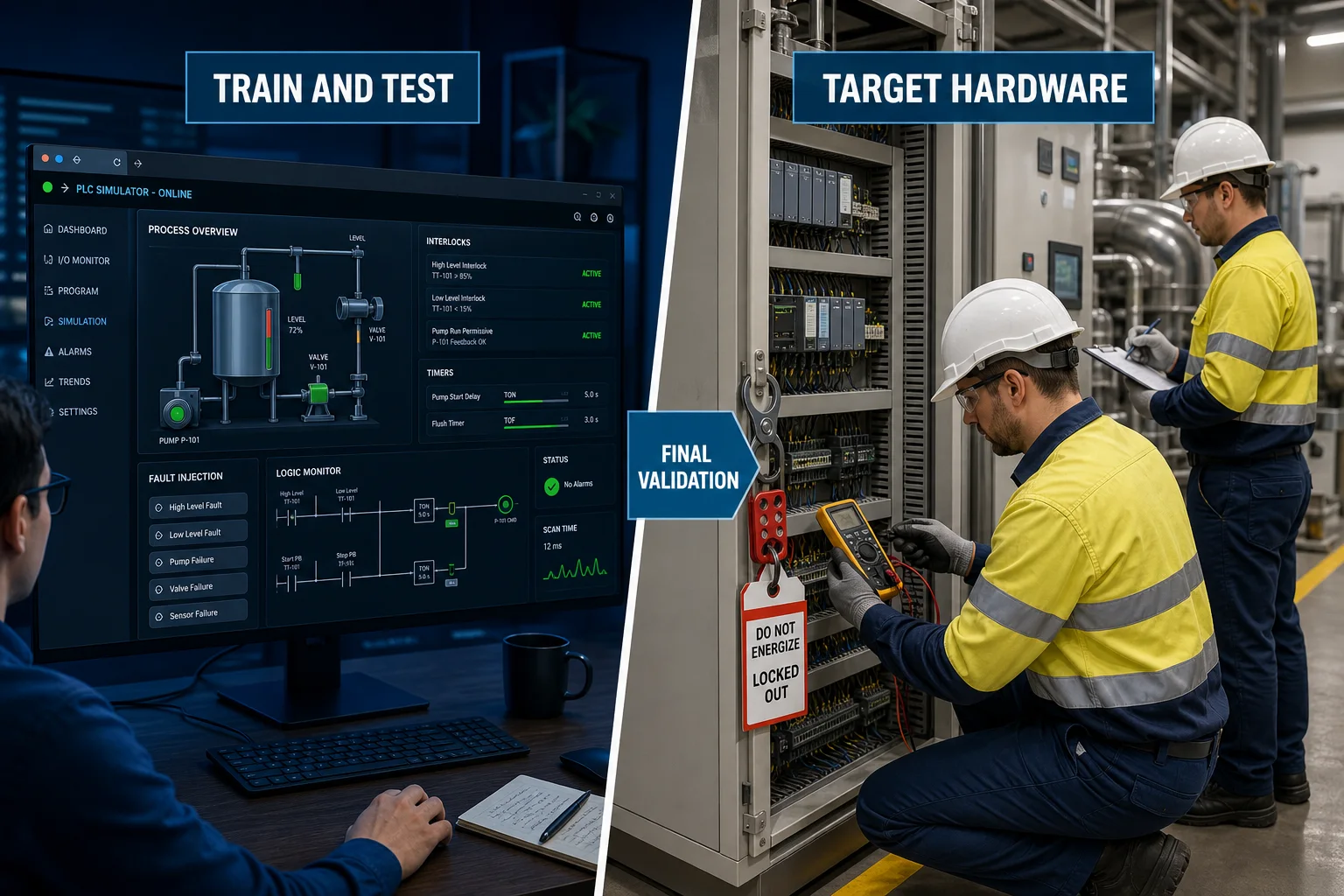
Online delivery removes installation friction and makes repeatable logic practice available on more devices. It does not remove the need for internet access, a usable screen or final validation on the target hardware.
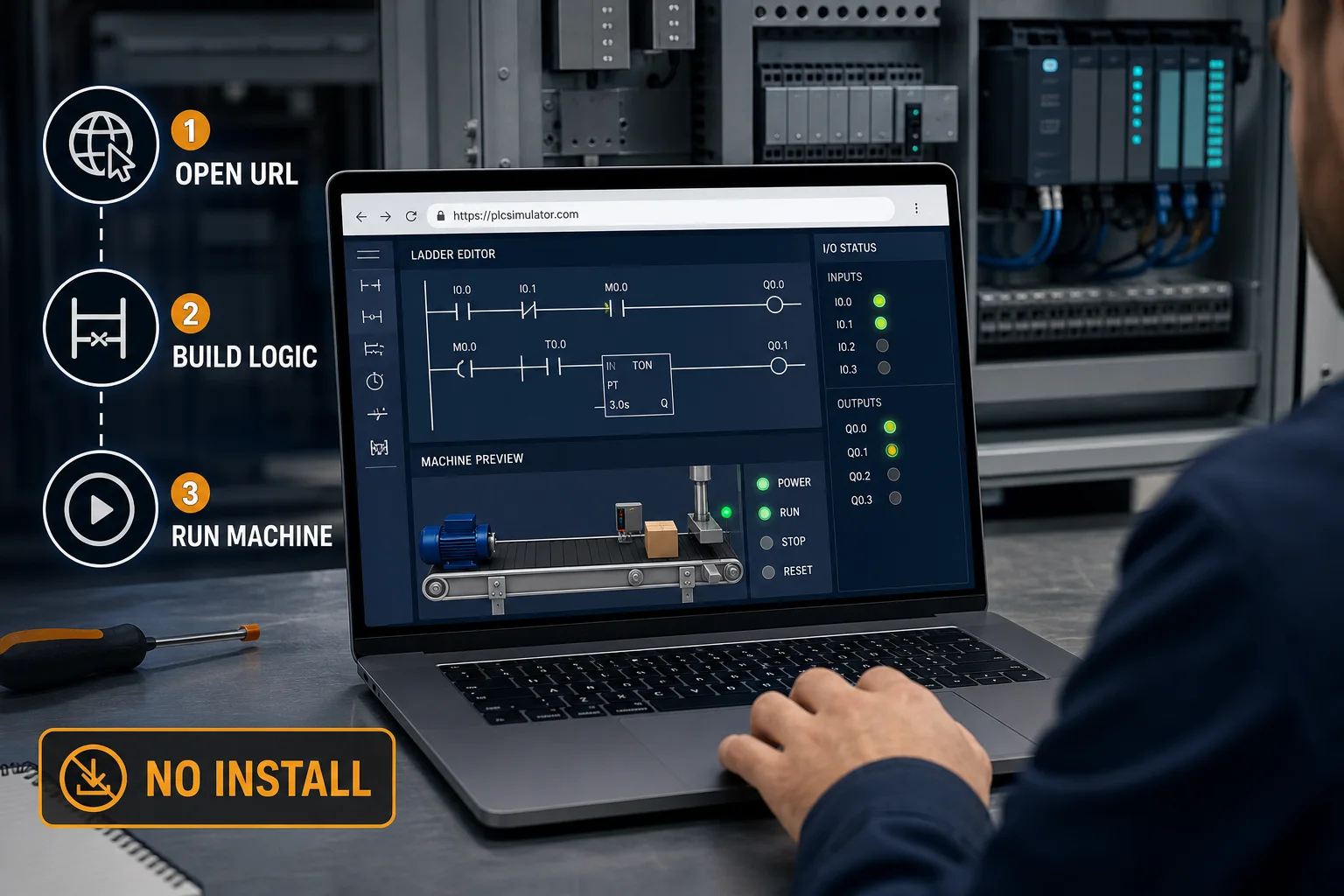
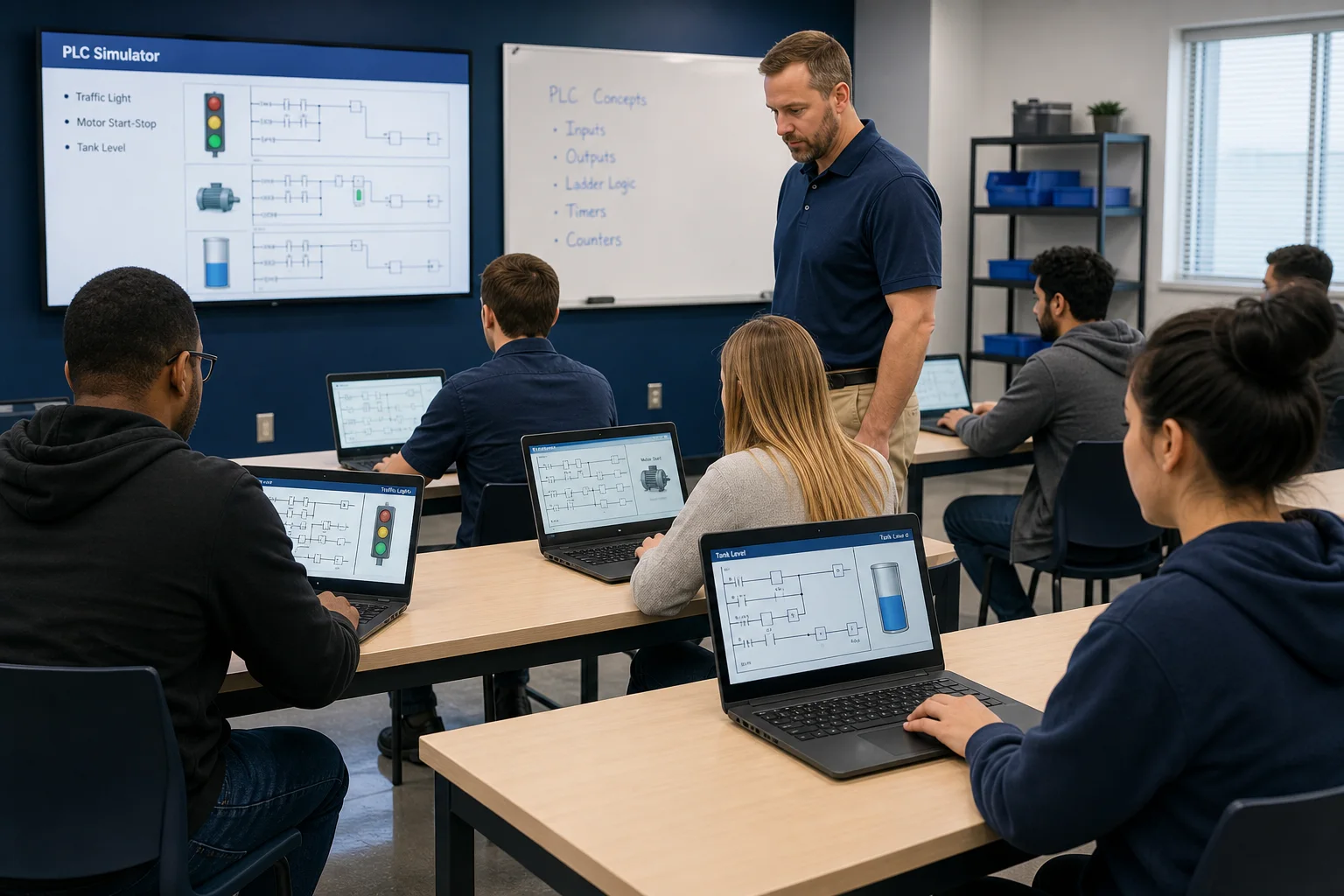
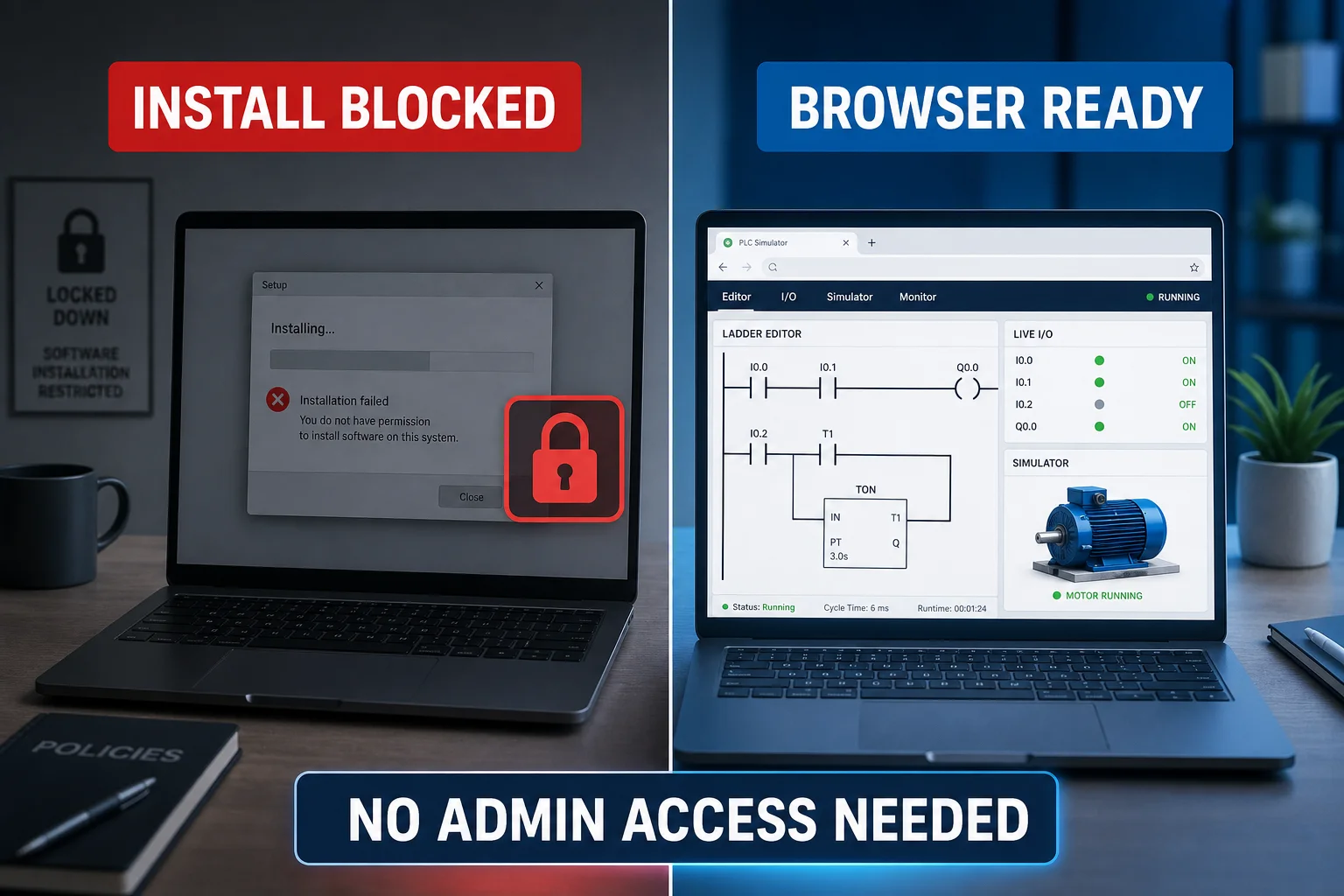
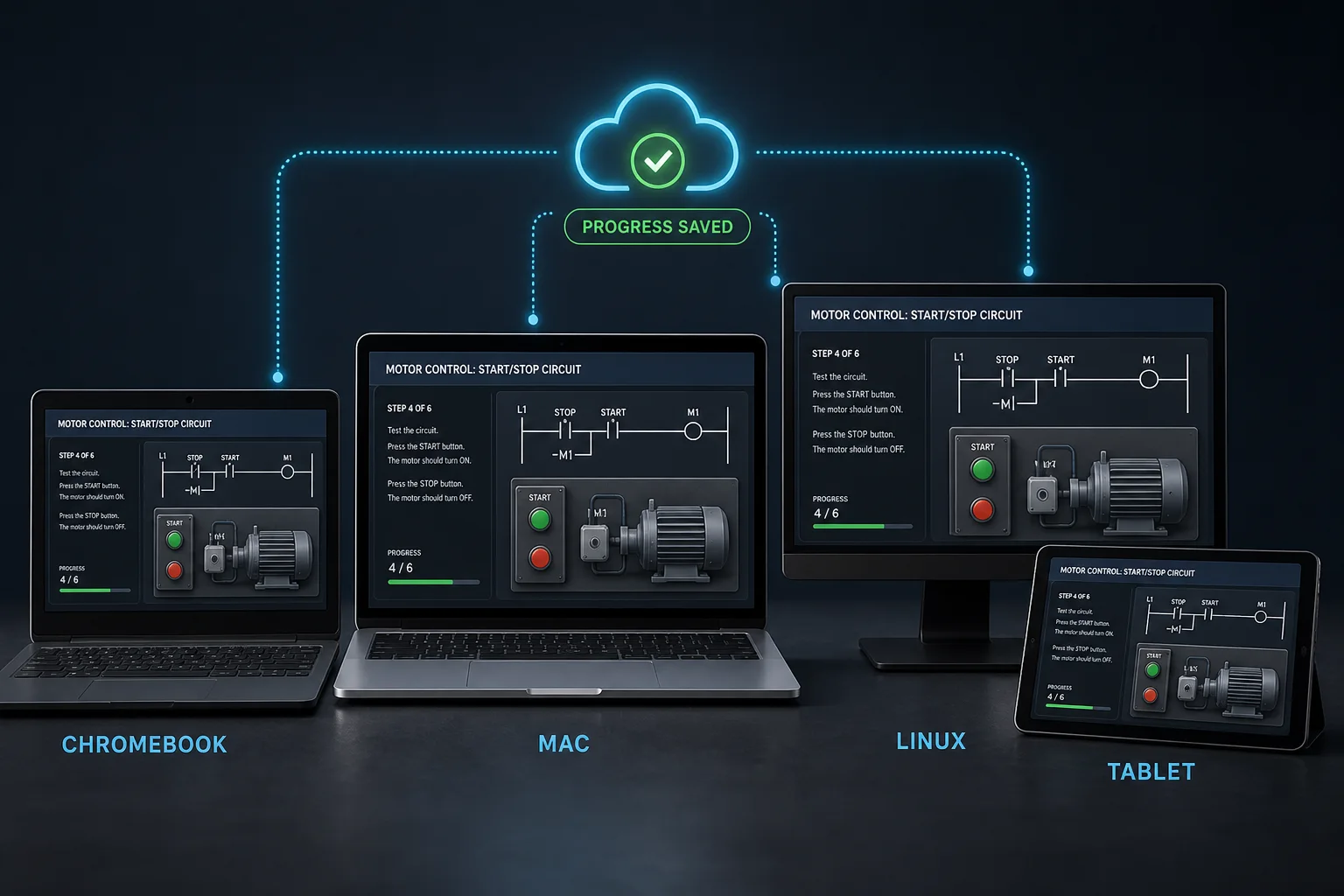
A free online PLC simulator has nothing to download.
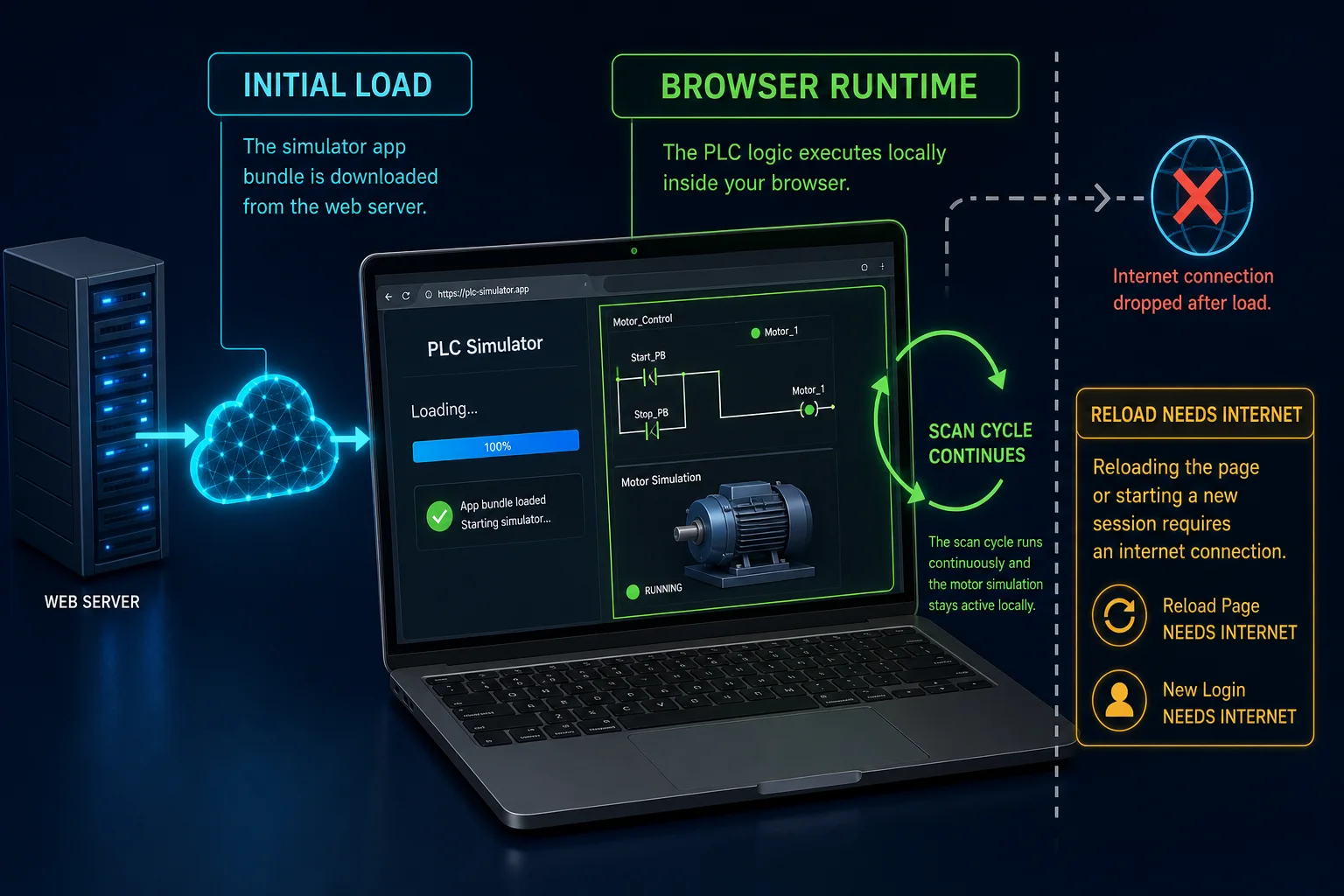
If you searched for a PLC online simulator free download, the fastest correct path is the browser version: open the guided program, run it, and inspect the result. This product does not publish a Windows MSI, macOS DMG, Android APK, Java runtime, browser extension, or unofficial mirror. Initial load and a new authenticated session require internet access; once loaded, scenario execution happens client-side in the tab.
| What you actually need | Best route | Download? | Evidence before committing |
|---|---|---|---|
| Try one PLC program now | Guided anonymous program | No | Build, run and inspect the graded result before signup |
| Keep using the free tier | Free account | No | No credit card and no trial clock; record visibility follows tier and rollout |
| Install a vendor engineering tool | PLC software download guide | Usually | Match controller, version, licence and operating system; use the official publisher |
| Work fully offline | Installable/open-source PLC options | Yes | Prove project format, runtime, target support and safe source provenance |
Dated hands-on proof protocol
Reviewed 31 August 2026. In a fresh supported browser, open the anonymous program, confirm no installer or account is requested, change one rung or ST condition, run the supplied tests, inspect I/O and scan feedback, trigger one expected failure, then save or copy the code before refreshing. This proves browser access and the learning workflow; it does not prove a vendor compiler, controller firmware, physical I/O, machine dynamics, commissioning, cybersecurity controls, or a safety function.
Test before you register
The first conversion step is a successful program, not an email form.
Why an online PLC simulator changes everything.
An online PLC simulator is a programmable logic controller emulator that runs inside a web browser instead of as installed desktop software. You open a URL, write ladder logic or Structured Text, press Run, and a simulated machine responds in real time — driven by the same read-inputs, solve-logic, write-outputs scan cycle a physical PLC CPU executes. Because it is a browser PLC simulator, there is nothing to download, no JRE, no license key, and no operating-system requirement. You can be writing your first rung within 30 seconds of clicking a link.
Traditional PLC simulators are desktop Windows installs. Siemens PLCSIM ships bundled inside TIA Portal — a multi-gigabyte download that requires a Windows machine and a Siemens license. Rockwell's Studio 5000 Logix Emulate is Windows-only and paid. LogixPro is a commercial teaching tool that runs only on Windows. Even OpenPLC Editor, which is free and open-source, is a desktop application you download and install. Every one of these options locks out Chromebook users, Linux users, corporate IT-restricted machines, and anyone without admin rights on their device.
A browser-based online PLC simulator removes every one of those barriers. There is no installer because there is nothing to install. The application is a URL. You type it, the browser loads it, and you are writing ladder logic within 30 seconds. That is the entire friction model. Students on shared university Chromebooks, engineers pulling up a quick logic check from a hotel room, and trainees who have never heard of PLC programming before can all start from the same place.
Modern browsers make this possible without compromise. Chrome, Firefox, Safari, and Edge all ship with WebGL support baked in. The simulator uses Phaser 3 for its rendering pipeline, which targets WebGL by default and falls back to Canvas. JavaScript execution speed in V8 and SpiderMonkey in 2025 is fast enough to run a real scan cycle and a physics model simultaneously. This is not a simplified toy — it is a plc programming online simulator with the same scan-cycle mechanics you would expect from a real controller, running in a browser tab.
Works on any device, no exceptions.
If the device has a browser with WebGL, it runs the online PLC simulator. That covers essentially every device sold in the last eight years.
Chromebook
The cheapest path to PLC learning. Most K-12 and community-college PLC labs use Chromebooks. Every PLC desktop tool locks those students out. Our online PLC simulator runs on any Chromebook with no workarounds — just open Chrome and type the URL.
Mac and Linux
No mainstream PLC IDE ships a native Mac or Linux build. PLCSIM, Studio 5000, LogixPro — all Windows. If you run macOS or Linux you have historically needed a VM just to practice ladder logic. Not any more.
Locked-down corporate Windows
Corporate IT locks software installs behind admin rights for good reason. That same policy has historically blocked PLC students and engineers from running simulator software on their work laptops. A browser URL needs no admin rights, no MSI, no UAC prompt.
Tablet and iPad
The Monaco editor is touch-capable. The Phaser 3 canvas scales responsively. You can write a ladder rung, hit Run, and watch the machine respond on an iPad — a genuinely useful feature when you're reviewing logic away from a desk.
Browser-based does not mean slow.
The honest concern with any online simulator is performance. A desktop tool compiles to native code and talks directly to the GPU driver. A browser app runs JavaScript through a JIT compiler and reaches the GPU via WebGL. The gap used to matter. On modern hardware with a modern browser, it does not.
The simulator uses Phaser 3 as its rendering engine. Phaser targets WebGL by default, which means the scene primitives — tanks, conveyors, motors, lamps, pipes — all render on the GPU. The scan cycle and IO table run in a separate JavaScript loop. The two stay independent, so a heavy scenario does not drop your frame rate, and a high-frequency scan cycle does not stall the animation.
In recent testing across the scenario library, the rendering pipeline holds a consistent frame rate on post-2017 devices. The table below shows measured fps across a sample of scenarios on a mid-range laptop.
| Scenario | Objects in scene | Observed fps (Chrome) | Observed fps (Firefox) |
|---|---|---|---|
| Traffic Light | Low (~12) | ~60 | ~60 |
| Motor Start / Stop | Low (~10) | ~60 | ~60 |
| Conveyor Sort | Medium (~30) | ~60 | ~58 |
| Batch Mixer | Medium (~35) | ~60 | ~57 |
| Bottling Line | High (~55) | ~58 | ~55 |
Measured on a 2019 i5 laptop, Chrome 124, Firefox 126, integrated GPU. Results will vary by hardware.
What actually runs in the browser?
The free online PLC simulator is not a server-side emulator streaming video to your screen. Everything that matters — the scan cycle, the IO table, the machine physics, the test harness — runs entirely in your browser tab as compiled JavaScript. The server serves the application bundle once; after that your device does the work.
Concretely: a scan cycle engine reads your ladder logic or Structured Text, evaluates every rung against the current IO table, and writes outputs — exactly as a real PLC CPU would. The cycle repeats on a configurable interval (default 10 ms). A Phaser 3 rendering loop reads those outputs and animates the machine: motors spin, conveyors move, tanks fill, lamps illuminate. The two loops run independently on separate requestAnimationFrame timers so a slow render never delays the scan.
The Monaco editor (the engine inside VS Code) handles code editing, dialect-specific syntax highlighting, and inline error marking. When you click Run, the engine compiles your source into an instruction list, resets the IO table, and starts the scan. When you click Grade, a scripted test harness replays a sequence of input events and asserts that your outputs responded correctly — checking sequencing, timing windows, and edge-case interlocks.
Free online PLC simulator vs install software — the main trade-off is depth of hardware integration. Desktop tools like PLCSIM or RSLogix Emulate can mirror a real controller configuration, connect to physical I/O over EtherNet/IP, and test code you intend to download to a rack. The browser simulator cannot do that. What it can do — and desktop tools largely cannot — is run on any device, cost nothing to start, and give you immediate auto-graded feedback across 170 source-catalogued practice records without any configuration. For learning, interview prep, and skills refreshes, that trade-off is strongly in the browser's favour.
What you can do in an online PLC simulator.
The online simulator is not a simplified demo. It is a full PLC programming simulator that happens to need nothing beyond a browser. Here is what you can do inside it:
- 1Write ladder logic — contacts, coils, timers, counters, latch/unlatch, edge detection, compare, and math instructions.
- 2Write Structured Text following the IEC 61131-3 standard — portable to Codesys, OpenPLC, and any ST-compatible IDE.
- 3Switch between IEC, Allen-Bradley (RSLogix-style), and Siemens (TIA Portal-style) dialects from the toolbar — without rewriting your logic.
- 4Run auto-graded tests that evaluate sequencing, timing, interlocks, and edge cases against a scripted test harness.
- 5Inspect the IO table mid-scan — every input address and output coil has a live value you can watch while the program runs.
- 6Export IEC Structured Text to paste into a desktop IDE. AB and Siemens export to native formats is on the roadmap.
- 7Work through 40 machine simulation scenarios, from basic motor control to multi-step batch sequencers and PID loops.
Comparing online PLC simulators.
This is an honest comparison, not a marketing table. Every tool listed is real and useful for someone. The question is whether the trade-offs match your situation.
| Tool | Browser-based | Free option | Scenarios | Dialects |
|---|---|---|---|---|
| This simulator | Yes | Yes (free tier) | 170 source-catalogued practice records | 9 learning tracks |
| PLC-Fiddle | Yes | Yes | None | IEC only (rung drawing) |
| OpenPLC Editor | No (desktop install) | Yes | None | IEC 61131-3 |
| PLCSIM (Siemens) | No (TIA Portal required) | No | Custom only | Siemens STL/SCL |
| Studio 5000 Logix Emulate | No (Windows only) | No | Custom only | Allen-Bradley |
| Emulate3D / RoboPlan | No | No | Industrial-scale custom | Vendor-specific |
Desktop tools like OpenPLC Editor and PLCSIM are excellent and worth learning on real hardware. This simulator is the right choice when you cannot or should not install software on the device in front of you — or when you need auto-graded practice scenarios that desktop tools do not ship.
How to get started with the online PLC simulator.
Four steps. The first one does not require an account.
Open the simulator
Click Open the simulator on this page. No download — it runs in any browser tab. Create a free account (no credit card) and the editor loads within seconds on any broadband connection.
Pick a scenario
Choose from the sidebar. The source catalog marks 32 practice records for free-tier access, with visibility varying by entitlement and rollout. The full 170 source-catalogued practice records unlocks with a Pro plan.
Write your ladder logic or Structured Text
The Monaco editor is the same engine that powers VS Code. It autocompletes instruction mnemonics, flags syntax errors inline, and lets you switch between IEC, Allen-Bradley, and Siemens dialects from the toolbar.
Hit Run. Watch the test harness grade your code.
The Phaser-rendered machine responds to your logic in real time. When you trigger the grade, each test case runs — correct sequencing, interlocks, timing windows — and you get pass/fail feedback with failure reasons.
More ways to practise online.
This page covers the zero-install, browser-first angle. If you are looking for a specific capability, these pages go deeper on each topic:
- PLC Simulator — the flagship overview covering all features, all 9 learning dialects, and 170 source-catalogued practice records.
- PLC Programming Simulator — focused on the programming workflow: writing, debugging, and grading ladder logic in the browser.
- Free PLC Simulator — everything you get without paying: two full scenarios, no account required, no trial clock.
- PLC Ladder Logic Simulator — deep dive into ladder logic execution: contacts, coils, timers, counters, and scan-cycle mechanics.
- The scenario catalog — the full scenario library, indexed by vertical and difficulty, with free-tier flags.
- Structured lessons — the guided curriculum: 55 learning modules and 12 quizzes that walk you from your first contact to PID loops, all inside the same online simulator.
Frequently asked about the online PLC simulator.
Open the online simulator. No install required.
Start one guided program without an account. Free accounts require no credit card; availability varies by plan and entitlement.
Related: PLC simulator · free PLC simulator · ladder logic simulator
See this exact skill in the working simulator.
Watch the real browser product respond to the task on this page, then try the same practical workflow yourself. No slides, concept mockups, install, or credit card.
Try this in the browserCore PLC simulator path
Choose the right starting point, then run a real task
Compare the product scope, open the no-install workbench, study the instruction behavior and progress into structured practice.