Ladder Logic Examples & PLC Ladder Diagrams You Can Run
Ladder logic is a graphical PLC programming language drawn like an electrical ladder diagram: two vertical power rails joined by horizontal rungs of contacts (conditions) and coils (outputs). Every scan, the PLC evaluates each rung left to right, top to bottom, and energizes a coil when a path of true contacts reaches it.
Learn the symbols, read worked rungs step by step, then study eight recurring ladder patterns with circuit diagrams, physical-machine context and links into 170 source-catalogued practice records. Build a first contact-and-coil program in your browser without an account.
Watch the real browser product respond to the task on this page, then try the same practical workflow yourself. No slides, concept mockups, install, or credit card.
PLC Ladder Logic Simulator — Real Rung Editor Walkthrough
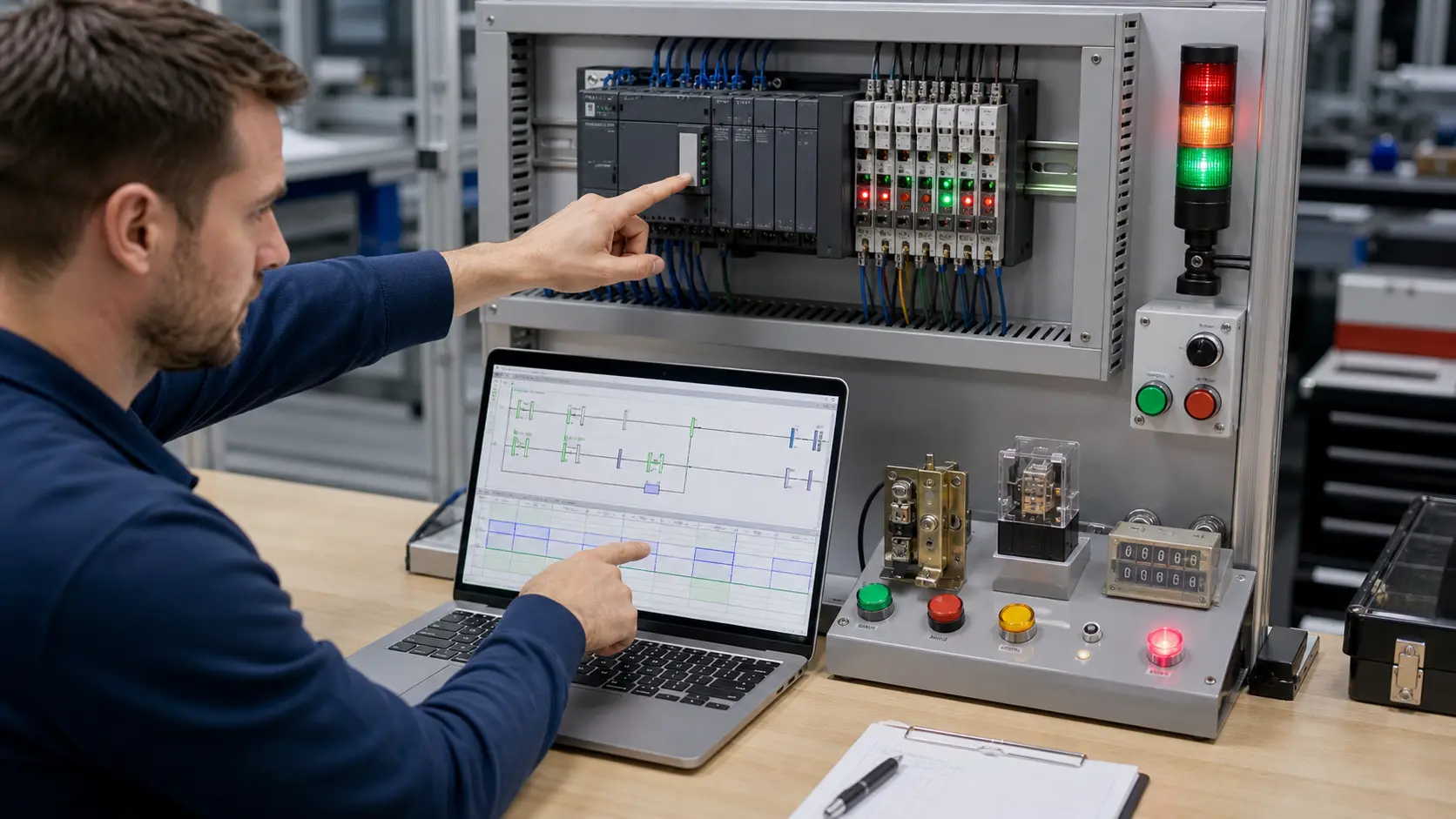
Connect each rung to the machine
Six ladder patterns in real control context
A rung is useful only when you can explain the equipment state it creates. These examples connect the abstract contact-and-coil shapes to motors, sensors, sequence timing, permissives and process stages.
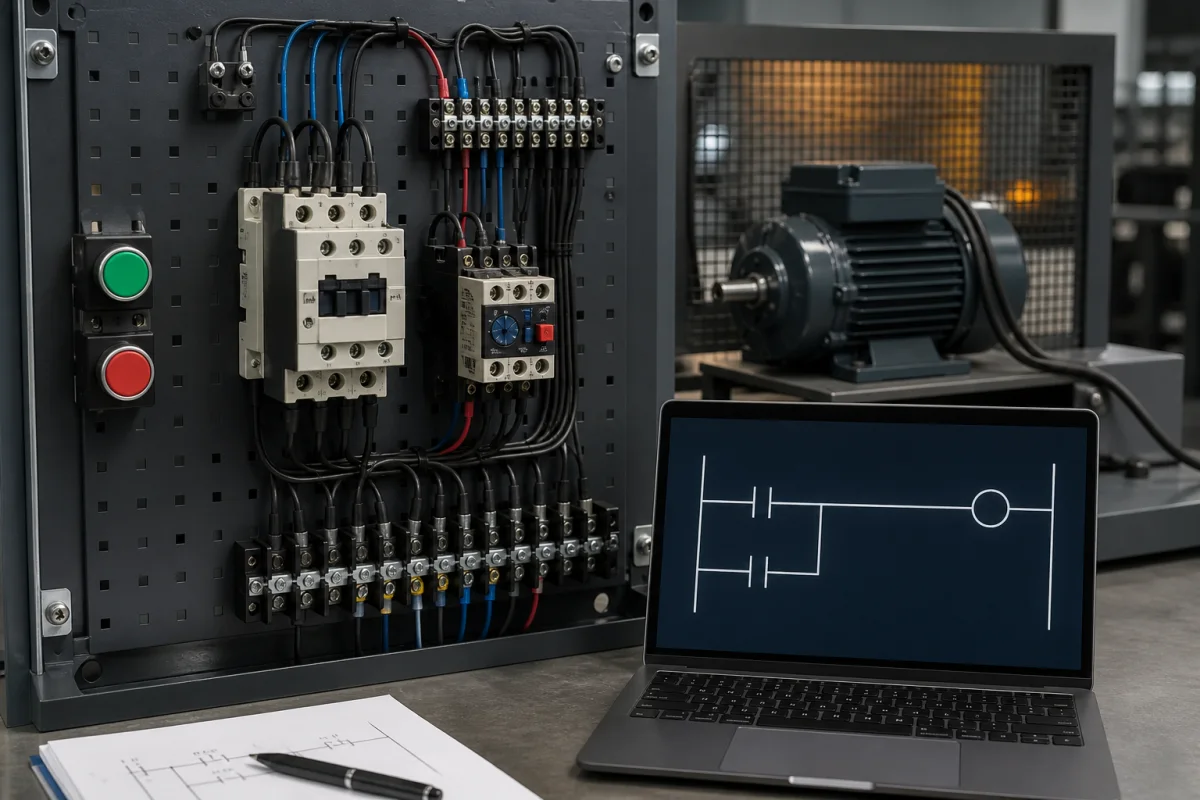
01A seal-in rung turns a momentary START command into a maintained motor command while STOP or overload breaks the path.
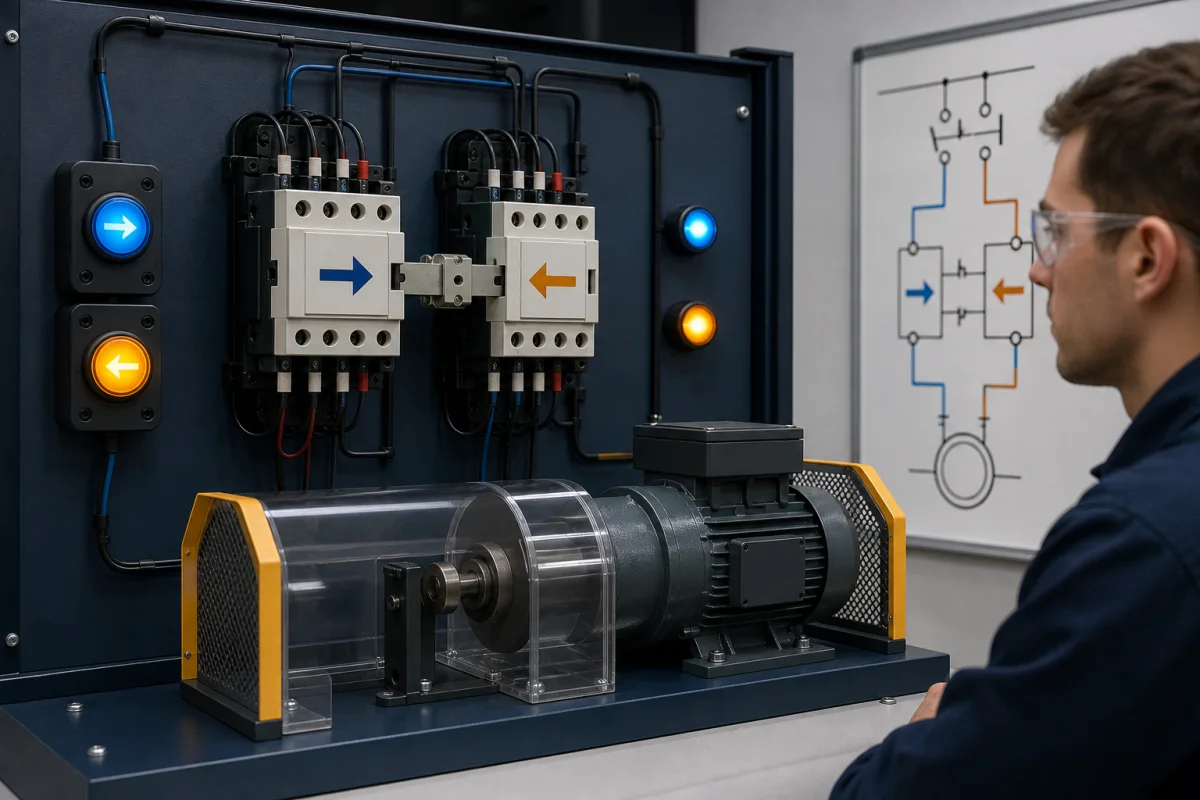
02Forward/reverse control needs logical and physical interlocking so opposing contactors cannot energize together.
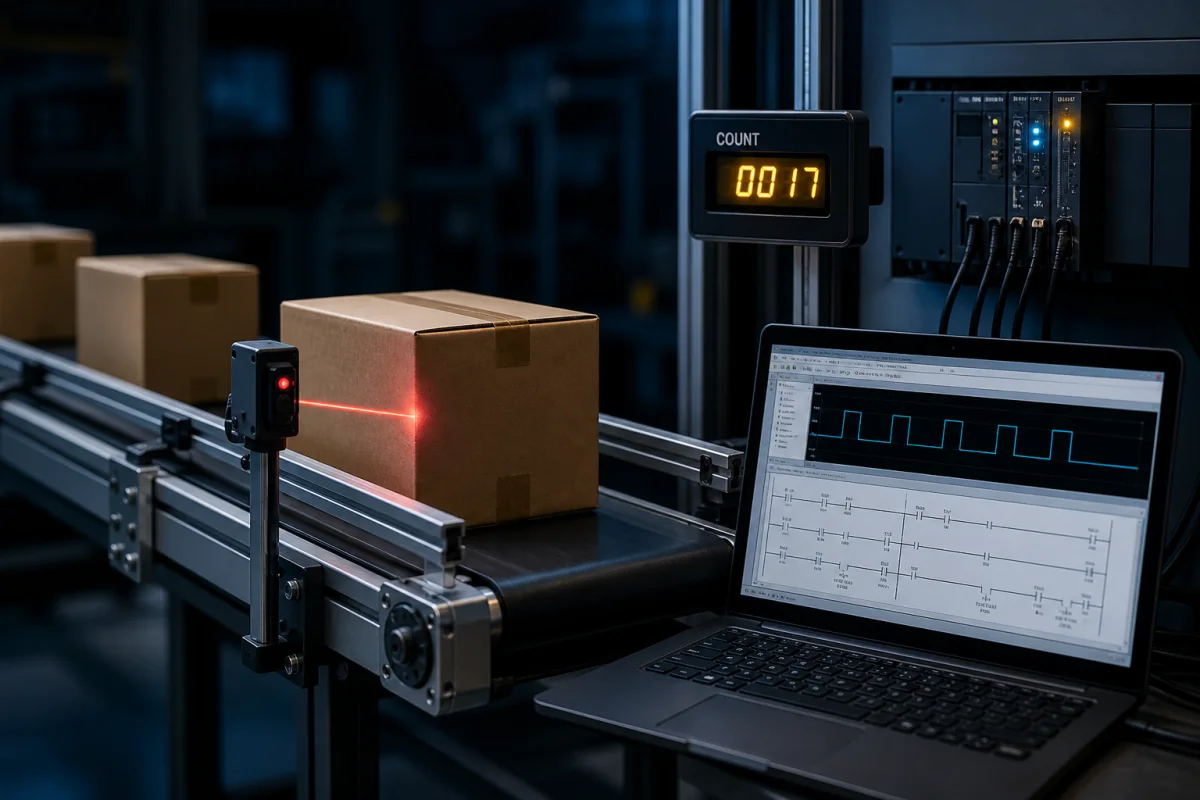
03A one-shot converts the sensor transition into one scan of truth, preventing a carton from being counted on every scan it blocks the beam.
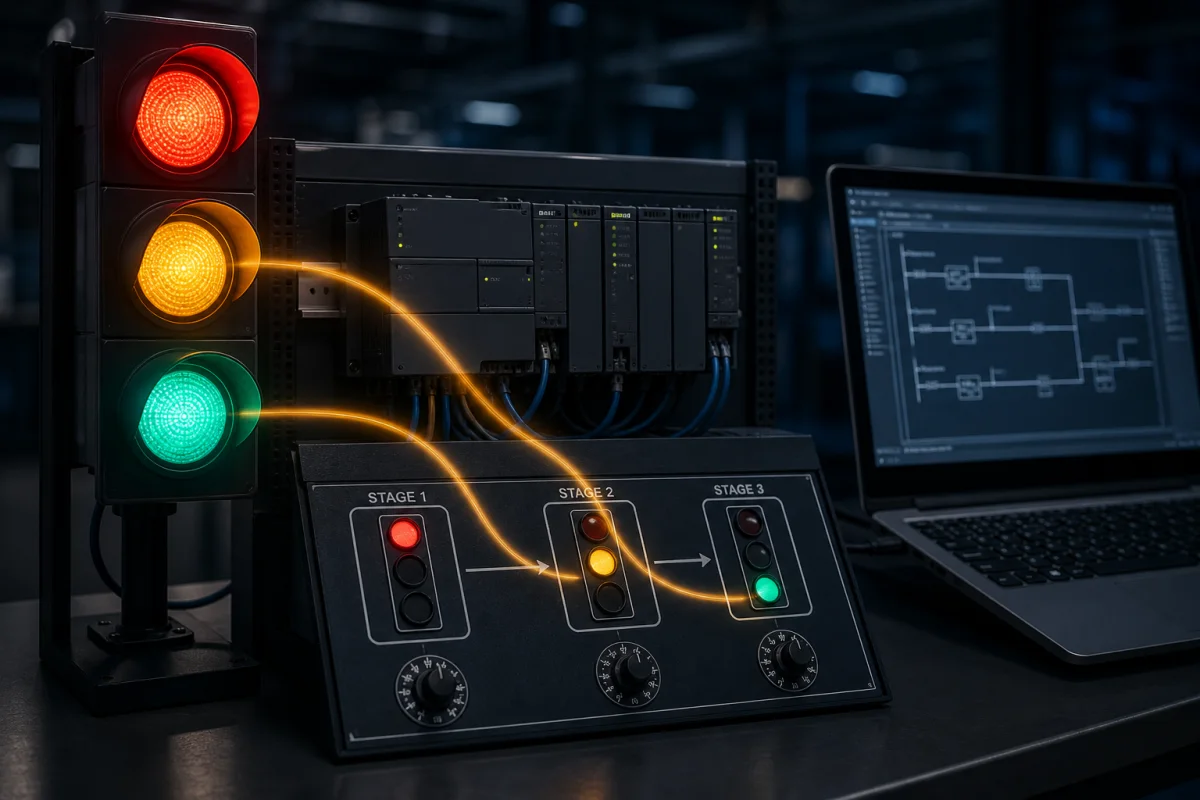
04A timed sequence connects each stage condition to the next transition; outputs must remain mutually consistent as the cycle advances.
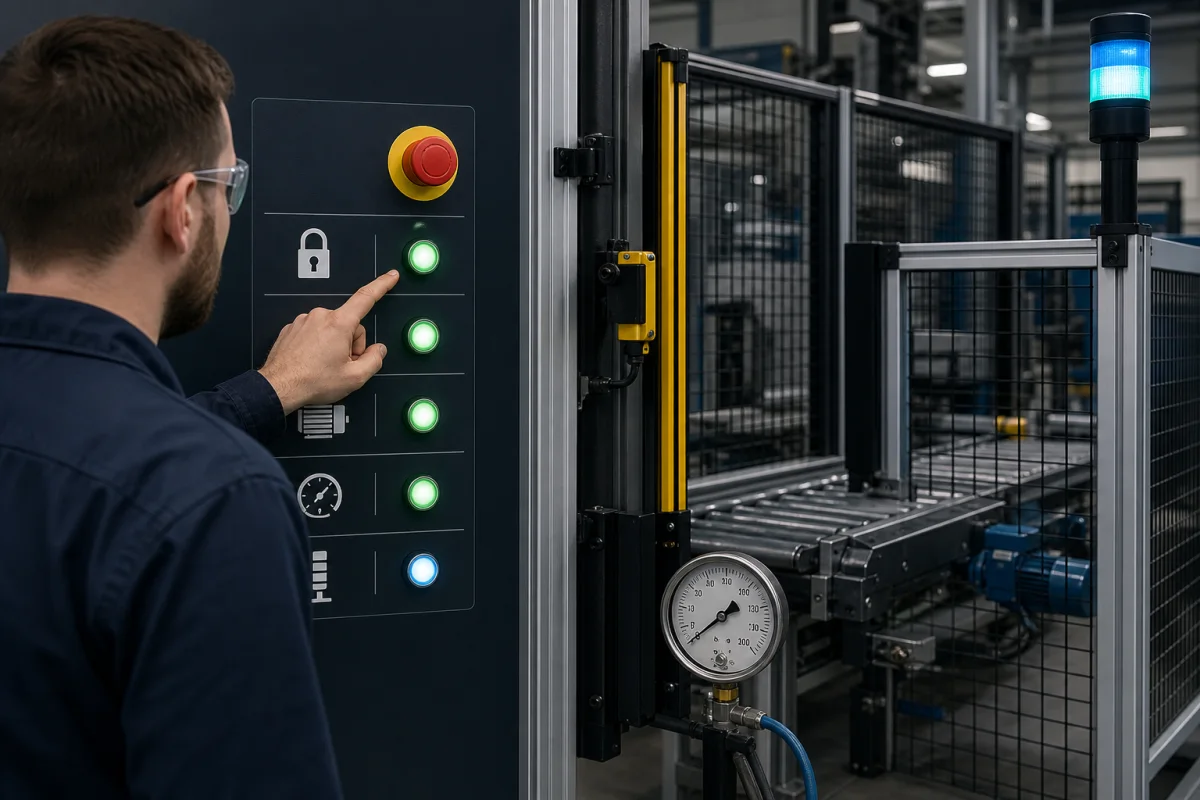
05A permissive chain expresses “all conditions healthy,” but safety-rated functions still require suitable hardware and validated design.
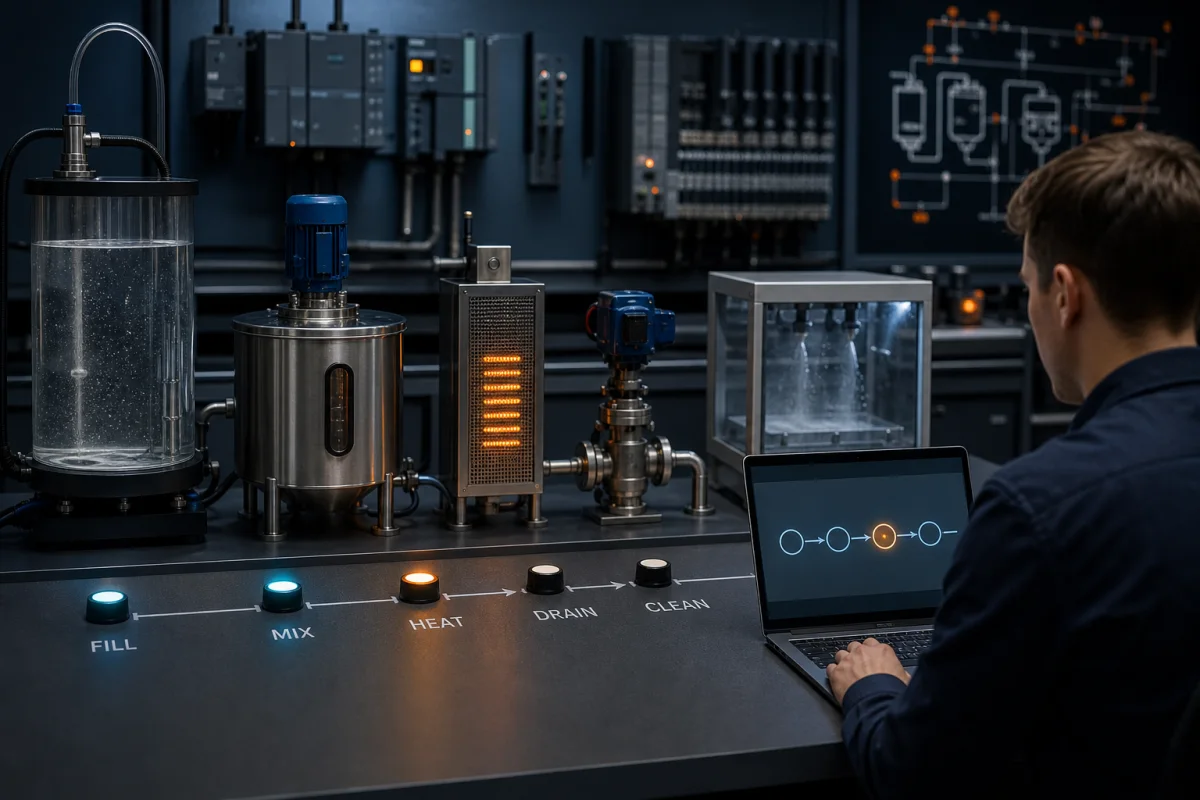
06A state machine makes one operating stage explicit and advances only when the current stage exit conditions are satisfied.
Why patterns matter
Every PLC program is assembled from patterns
A motor start/stop circuit is not invented from scratch each time: the seal-in rung is a recognizable control pattern. An interlock blocking two contactors from energizing simultaneously is another. A timer cascade advancing a timed sequence step by step is another. Pattern recognition helps you form a hypothesis about unfamiliar code, but you still verify tag meaning, scan order, hardware state and the machine specification.
These patterns cover common building blocks in discrete machine control. Learning them is not about memorizing rungs: it is about understanding what problem each pattern solves, what assumptions it makes and how you would prove the resulting behavior.
Each pattern on this page includes a structural diagram (pattern shape only — no complete program, no tag addresses), a plain-English explanation of what it does and when it is used, and links to the live scenarios on this platform that exercise that exact pattern. The scenarios are the place to build the pattern yourself. This page is the conceptual foundation.
Before the patterns: every ladder example is one or more rungs — contacts on the left, a coil on the right, power flowing rail to rail.
Direct answers
What ladder logic is—and what it is not
What is ladder logic?
Ladder logic is a graphical PLC programming language. Each rung evaluates conditions on the left and drives instructions or outputs toward the right during the controller scan. It is the most common first language in PLC programming.
What is a ladder diagram?
A ladder diagram uses two vertical rails with horizontal rungs. Electrical relay diagrams describe wired control; PLC ladder diagrams use similar notation to express software instructions evaluated by a controller.
Relay logic vs PLC ladder logic
Relay logic changes behavior by rewiring components. PLC ladder logic changes software running on a programmable logic controller while field devices remain mapped to I/O. PLCs add timers, counters, data and diagnostics, but the electrical safety circuit still has its own requirements.
Read a ladder diagram
Ladder logic symbols you need first
Most PLC ladder diagrams use a small set of symbols. Allen-Bradley and IEC 61131-3 tools draw them slightly differently and use different instruction names, so both are listed. Each symbol refers to a bit or value in memory, not to a physical wire. The full reference, with vendor variations, is on the ladder logic symbols page, and the mnemonics are decoded on the PLC codes reference.
Symbol
Name
Allen-Bradley
IEC 61131-3
What it does
--[ ]--
Normally open contact
XIC
NO contact
True when its bit is 1, for example while an input is on.
--[/]--
Normally closed contact
XIO
NC contact
True when its bit is 0. It inverts the bit in logic; it says nothing about how the field device is wired.
--( )--
Output coil
OTE
Coil
Writes the rung result to its bit every scan: 1 when the rung is true, 0 when it is false.
--(L)-- / --(S)--
Latch (set) coil
OTL
Set coil (S)
Sets its bit to 1 when the rung is true and leaves it on after the rung goes false.
--(U)-- / --(R)--
Unlatch (reset) coil
OTU
Reset coil (R)
Clears its bit to 0 when the rung is true. Pair every latch with a reset path.
--[P]--
Rising-edge (one-shot)
ONS
P contact or R_TRIG
True for exactly one scan when the condition changes from false to true.
[ TON ]
On-delay timer
TON
TON block
Starts timing when enabled and sets its done output after the preset time.
[ CTU ]
Count-up counter
CTU
CTU block
Adds one on each false-to-true transition and sets its done output at the preset.
[ GRT ] / [ > ]
Compare block
GRT, LES, EQU
GT, LT, EQ
Passes power when the comparison of two values is true, such as Level > 80.
Worked examples
How to read a PLC ladder diagram, rung by rung
Every rung is a Boolean expression. Trace power from the left rail: series contacts are AND, parallel branches are OR, and a normally closed contact is NOT. These four small rungs cover the logic that the patterns further down are built from.
Example 1: Contacts in series (AND)
Press = Left_PB AND Right_PB
|--[ Left_PB ]--[ Right_PB ]--------( Press )--|
Power reaches the coil only if every contact in the path is true. This is the logic behind two-hand start; a real two-hand control also needs safety-rated devices and a simultaneity check.
The valve stays open while the high-level switch is off and closes as soon as the tank reaches the high level.
Example 3: Normally closed contact (NOT) truth table
High_Level
Fill_Valve
0
1
1
0
Example 4: Seal-in, scan by scan
Motor = (Start_PB OR Motor) AND Stop_OK
|--+--[ Start_PB ]--+--[ Stop_OK ]--( Motor )--|
|  |                |
|  +--[ Motor ]-----+
Stop_OK is a normally closed Stop pushbutton, so it is 1 until someone presses Stop (or the wire breaks). The coil feeds its own contact, which holds the rung true after Start is released.
Example 4: Seal-in, scan by scan truth table
Scan
Start_PB
Stop_OK
Motor result
Why
1
1
1
1
Start path is true, so the coil energizes.
2
0
1
1
Start released, but the Motor branch holds the rung true.
3
0
0
0
Stop pressed: the series contact opens the only path.
4
0
1
0
Stop released, but nothing reseals until Start is pressed again.
Rules the PLC follows when it runs ladder logic
Rungs are solved left to right and top to bottom, once per scan, using the input values sampled at the start of the scan.
A bit changed by one rung is already changed for every rung below it in the same scan, so rung order matters.
If two rungs drive the same output coil, the last one solved wins. Use one coil per output, or a deliberate latch/unlatch pair.
A normally closed symbol is a logic inversion. A Stop button wired normally closed is usually examined with a normally open contact, because its healthy input is on.
A momentary Start pushbutton energizes an output coil. A parallel contact — fed by the same output bit — holds the coil energized after the Start button is released. A normally-closed Stop contact in series with the parallel branch breaks the circuit on demand. The output coil "seals itself in" through its own contact.
When it is used
Virtually every motor circuit. Conveyor drives. Pump contactors. Any load that must stay on after a momentary start command and turn off on a momentary stop command. The pattern also appears in alarm latches, fault holds, and mode-enable circuits where any version of seal-in logic is required.
Preventing two outputs from being simultaneously true
The pattern
Two outputs (A and B) must never both be energized at the same time. A normally-closed contact of output A is placed in series with the rung driving output B, and vice versa. If A is true, its NC contact in the B rung opens, blocking B. This is a software interlock; in real panels it is always paired with a hardwired electrical interlock (wired NC contacts across the physical contactors).
When it is used
Forward/reverse motor drives where reversing a spinning motor is mechanically destructive. Star and delta contactors in a star-delta starter — energizing both simultaneously would short two motor terminals. Dual-coil solenoid valves where both coils energized is a fault state. Any dual-output exclusion requirement.
Triggering logic on the rising or falling edge of a signal
The pattern
A one-shot (OSR/R_TRIG) instruction produces a single-scan true output on the rising edge of its input signal — regardless of how long the input stays true. A standard normally-open contact stays true for as long as the input is true; the one-shot is true for exactly one scan. The equivalent falling-edge instruction (OSF/F_TRIG) triggers on the 1→0 (true-to-false) transition.
When it is used
Counting items on a conveyor — a photoelectric sensor sees each item for multiple scans; the one-shot ensures each item counts as exactly one pulse. Incrementing a counter only once per button press even if the button is held. Triggering a timed delay on the first scan that a condition becomes true. Detecting the leading edge of a process alarm before it is acknowledged.
Chaining TON timers to step through a timed sequence
The pattern
Multiple TON (on-delay) timers are chained so that the done bit of timer N enables the coil of timer N+1 and simultaneously de-energizes the output for step N. Each step occupies a time window defined by its TON preset. When the final timer's done bit fires, it resets the chain and the sequence repeats from step 1. The done bit of each timer in the chain also drives its corresponding output.
When it is used
Traffic light sequencing — the canonical example. Machine warm-up sequences with timed dwell phases. Wash cycle timers in a CIP or dishwash sequence. Alarm acknowledgement timeout windows. Any application where a series of outputs must each be active for a fixed duration in a repeating cycle.
Counting events and triggering logic at a threshold
The pattern
A CTU (count-up) instruction increments its accumulator by one on each rising edge of its count input. When the accumulator reaches the preset value, the done bit goes true. A CTD (count-down) decrements from the preset to zero. The accumulator can be read at any time for display or comparison logic. A reset coil sets the accumulator back to zero.
When it is used
Counting boxes on a conveyor and triggering a diverter or stop signal at the batch size. Counting pump starts for maintenance hour scheduling. Counting parts through a machine cycle to verify correct operation. Tracking occupancy (entry CTU − exit CTU = current count). Any scenario where cumulative events drive a threshold action.
Latching and unlatching a bit with separate coil instructions
The pattern
A SET (latch) coil instruction sets its bit true when its rung goes true and holds it true even when the rung goes false — the bit remains latched until a RESET (unlatch) instruction on a separate rung sets it false. Unlike a seal-in circuit, the SET/RESET latch is controlled by two completely independent rungs. In IEC syntax this is the S and R coil pair; in Allen-Bradley it is OTL (Output Latch) and OTU (Output Unlatch).
When it is used
Fault latch circuits where an alarm state must persist until an operator resets it — even across a power cycle if stored in retentive memory. Mode-select logic where pressing a mode button sets a mode bit and pressing another mode button resets it. Any scenario where set and reset conditions are physically or logically separate enough that combining them in a seal-in rung would be confusing.
Requiring all safety conditions to be clear before allowing a start
The pattern
A permissive is a condition that must be satisfied before a machine action is allowed. Multiple permissives are wired in series in the logic — each as a normally-closed contact for a fault bit, or a normally-open contact for a ready bit. Every permissive in the chain must be true simultaneously for the permissive rung output to be true. The permissive rung output then gates the start command. A single failed permissive blocks the entire chain.
When it is used
Boiler startup: purge complete AND gas pressure OK AND no flame present must all be true before pilot ignition is permitted. Conveyor start: guard door closed AND e-stop reset AND upstream conveyor running must all be true before the drive can start. Any machine with multiple independent safety or readiness conditions that must all be verified before motion is permitted.
Organizing complex machine behavior into named states with defined transitions
The pattern
A state machine assigns an integer step counter (or a set of mutually exclusive state bits) to represent which phase of the machine cycle is currently active. Each rung in the program is conditioned on the current step value. Transition logic advances the step counter when the exit conditions for the current step are met. Only one step is active at a time, and only the rungs for that step execute.
When it is used
Garage door controllers where the door can be Opening, Open, Closing, Closed, or Faulted. Batch mixer sequences where the machine moves through Fill, Mix, Heat, Hold, Drain, and Clean phases. Elevator controllers where the cab can be Idle, Moving Up, Moving Down, Door Opening, Door Open, or Door Closing. Any machine with a defined sequence of named operating modes where the active mode determines what the PLC should be doing.
Runnable behavior teaches what a static screenshot cannot
A screenshot of a ladder diagram explains the structure but not the behavior. When you run the same circuit in a live simulation and watch the seal-in contact hold the motor on after you release the Start button — or watch the interlock block the reverse contactor when the forward contactor is energized — the pattern shifts from something you recognize to something you understand. That difference is what the grader measures.
Every pattern is immediately runnable
Each pattern on this page links directly to a scenario in the catalog. Open it in a new tab, write the rung, run it. The grader tests that your circuit behaves correctly under the test inputs — not just that it compiles.
Graded on behavior, not structure
You can implement a seal-in as a parallel contact or as a SET coil. The grader does not care about the method — it tests whether the output stays true after the start input goes false and goes false when the stop input fires. Correct behavior is the standard.
Pattern combinations in advanced scenarios
The advanced scenarios combine multiple patterns from this page. The elevator uses seal-in, interlock, state machine, and safety permissive chains together. Recognizing the individual patterns inside the larger program is the skill industrial employers test in interviews.
The core symbols are the normally open contact (--[ ]--, XIC in Allen-Bradley), the normally closed contact (--[/]--, XIO), and the output coil (--( )--, OTE). Latch and unlatch coils, one-shots, timer blocks, counter blocks and compare blocks build on those three.
A ladder diagram has two vertical rails, like the sides of a ladder, joined by horizontal rungs. The notation comes from the relay control schematics that PLCs replaced, which is why electricians can read it quickly.
A ladder logic example demonstrates one pattern in isolation — seal-in, one-shot, timer cascade. A full ladder program combines multiple patterns to control a real machine. Learning the patterns individually before combining them is the standard industrial training approach: master the seal-in rung first, then apply it inside a larger conveyor drive program.
The patterns described on this page are universal — every major PLC platform (Allen-Bradley, Siemens TIA Portal, Mitsubishi, Omron, Schneider) implements all eight of these patterns. The instruction names differ: Allen-Bradley uses XIC/XIO/OTE/OTL/OTU/TON/CTU; Siemens TIA Portal uses NO/NC/COIL/S/R/TON/CTU; IEC 61131-3 generic uses the same names as Siemens. The simulator supports dialect switching so you can practice the same pattern in Allen-Bradley or IEC syntax.
Start with the guided /try exercise, which runs without an account. Catalog scenarios require an account and let you write ladder logic, run the simulated PLC scan, change simulated inputs, and check behavior against objective test states. No hardware, local install, or vendor license is needed to begin.
Start with Seal-In (the motor start/stop circuit) — it is the single most common pattern in industrial controls. Then learn Interlock (forward/reverse motor), then SET/RESET Latch. These three foundational patterns appear in almost every real PLC program. Once those are solid, add Timer Cascade, Counter Latch, and One-Shot. Safety Permissive Chains and State Machines are advanced patterns that build on all the others.
Ladder logic remains common for discrete machine control and maintenance because technicians can trace contacts and coils visually. Structured Text is often clearer for calculations, data handling, loops, and some sequencing. Modern projects frequently use both; the right choice depends on the task, plant standard, maintainers, and controller platform.
Both achieve a latched output, but via different rung structures. A seal-in uses a normally-open contact of the output in parallel with the start contact — it is a single rung. A SET/RESET latch uses two separate rungs: one SET coil rung and one RESET coil rung. The functional difference is subtle in simple circuits but important when the set condition and reset condition are on physically separate rungs with different permissives. SET/RESET is preferred for fault latch circuits; seal-in is preferred for motor circuits.
The /blog/plc-programming-examples post covers additional patterns with written explanations and circuit diagrams. The source catalog currently contains 170 published practice records; visible availability varies by account, plan, entitlement, and staged rollout.
170 source-catalogued practice records. Built for browser practice.
No install or vendor license is needed to start. Build the first rung without an account.
The reader can explain each example as an input-state-output contract, identify its owned memory and test it at normal, boundary and fault conditions.
Written for pLC beginners and technicians studying start-stop, seal-in, interlock, timer, counter, sequence and alarm patterns before adapting them to a machine.
System map / 02
NODE 01observable
01
Definition
Process requirement, input states, output owner, memory, scan order, priority, timing, count, permissive, feedback, alarm, reset and restart policy.
NODE 02observable
02
Signal path
Operator or field condition through rung continuity and stored state to command, independent feedback, alarm and acceptance evidence.
NODE 03observable
03
Worked example
One start-stop, timer, counter and sequence example executed from a known initial state and explained scan by scan.
NODE 04observable
04
Limits
Simultaneous start and stop, held input, exact preset, repeated edge, feedback failure, reset, mode change, power return and stale state.
NODE 05observable
05
Common mistake
A requirement, contact-truth, state, scan-order, timing, count, output-owner, feedback or reset defect.
NODE 06observable
06
Verification
The selected pattern rewritten for the exact target and regression-tested against machine-specific requirements.
Answer surface / 07
Q01
What ladder logic examples should beginners learn first?
Learn input-to-output truth, stop-priority start-stop, seal-in state, interlocks, TON timing, CTU counting, step sequences, alarms and feedback mismatch in that order.
Q02
How do I test a ladder logic example?
Declare the initial state and expected outputs, then exercise normal operation, simultaneous inputs, exact time or count boundaries, reset, restart and at least one failed-feedback case.