PLC Training — A Complete Online Curriculum
12 structured core lessons, 170 source-catalogued practice records, and 12 quizzes — a PLC training programme you can start free in any browser. Visible practice access varies by plan and entitlement.
Create a free account to save your progress.
PLC training where you write the code, we run the machine.
Watch a real PLC program run in the browser.
This is recorded from the working simulator—not a conceptual mockup. See the editor, live I/O and industrial scenario respond together before you create an account.
What the footage proves
Write ladder or structured text, run the scan, toggle live I/O and see the machine state respond.
Practice motors, tanks, conveyors, alarms and interlocks instead of watching a decorative animation.
Use checks, explanations and structured learning paths to move from a first rung to job-relevant control work.
No install. No card. Start with a working circuit.
What makes this PLC training different.
Most online PLC training is video-based. You watch someone else write code, nod along, then close the tab. These three things are why this approach produces different results.
Built around machine scenarios, not slideshows.
You don't watch — you program. Every scenario is a real simulated machine with sensors, actuators, and a physics model. Your ladder logic drives it. The machine either works or it doesn't. That immediate feedback loop is how motor control intuition forms.
9 PLC learning dialects, one tutor.
IEC 61131-3, Allen-Bradley, Siemens SCL, Mitsubishi, Omron, KEYENCE KV, Schneider Unity, Delta, Instruction List are supported learning tracks. Vendor-style support teaches transferable syntax and patterns rather than complete firmware emulation.
Auto-graded, so you know when you are right.
Hidden test cases check sequencing, timing windows, and interlock conditions. You get pass/fail with failure reasons — not just a green tick for submitting something. You can't bluff your way through a scenario by guessing the answer.
Beginner-to-advanced PLC training path
Build one control skill, apply it, then add the next layer
The curriculum is structured around observable machine outcomes. These six views show the progression from one input and output to motor control, analog processes, transferable dialects and a test-backed practical assessment.
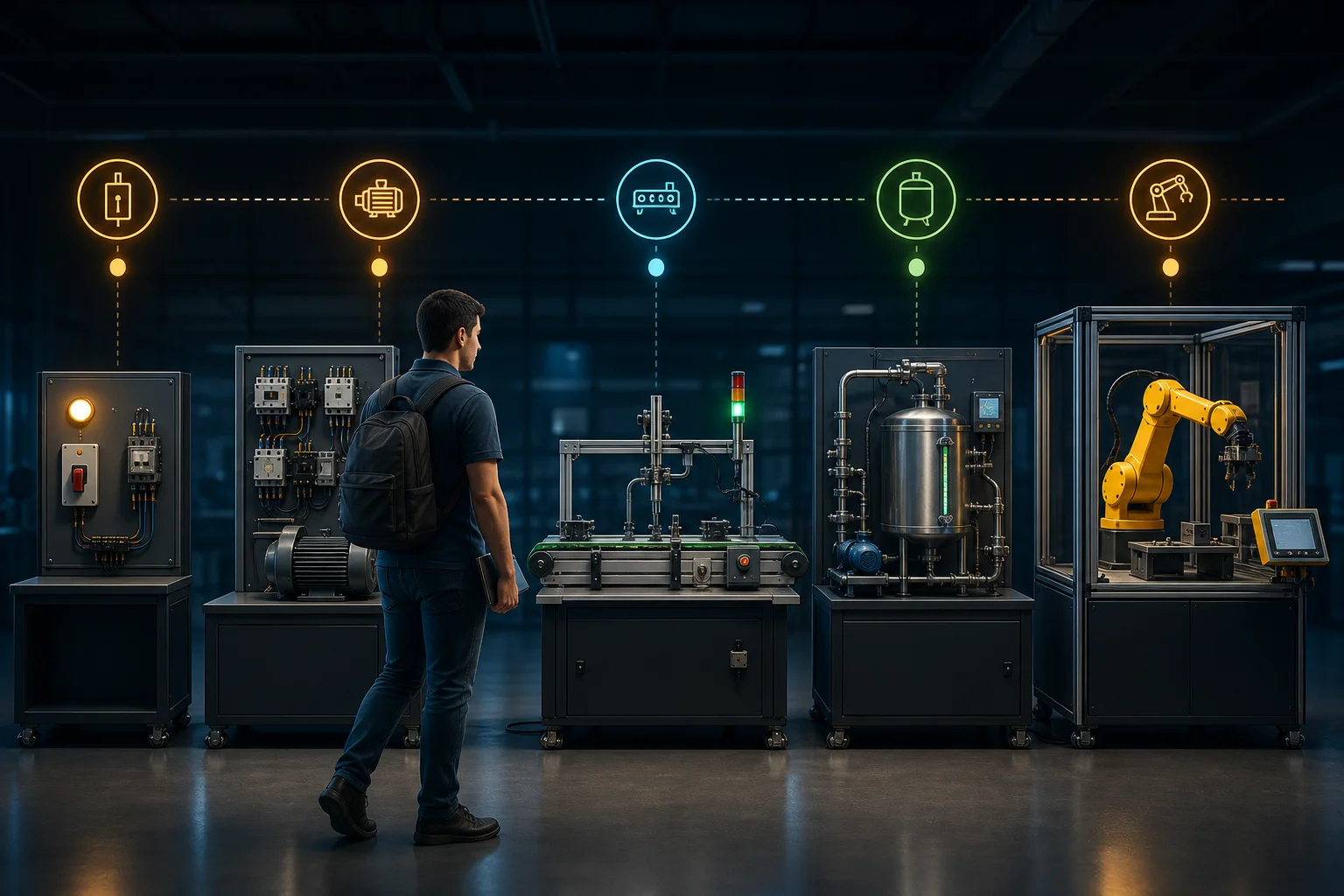
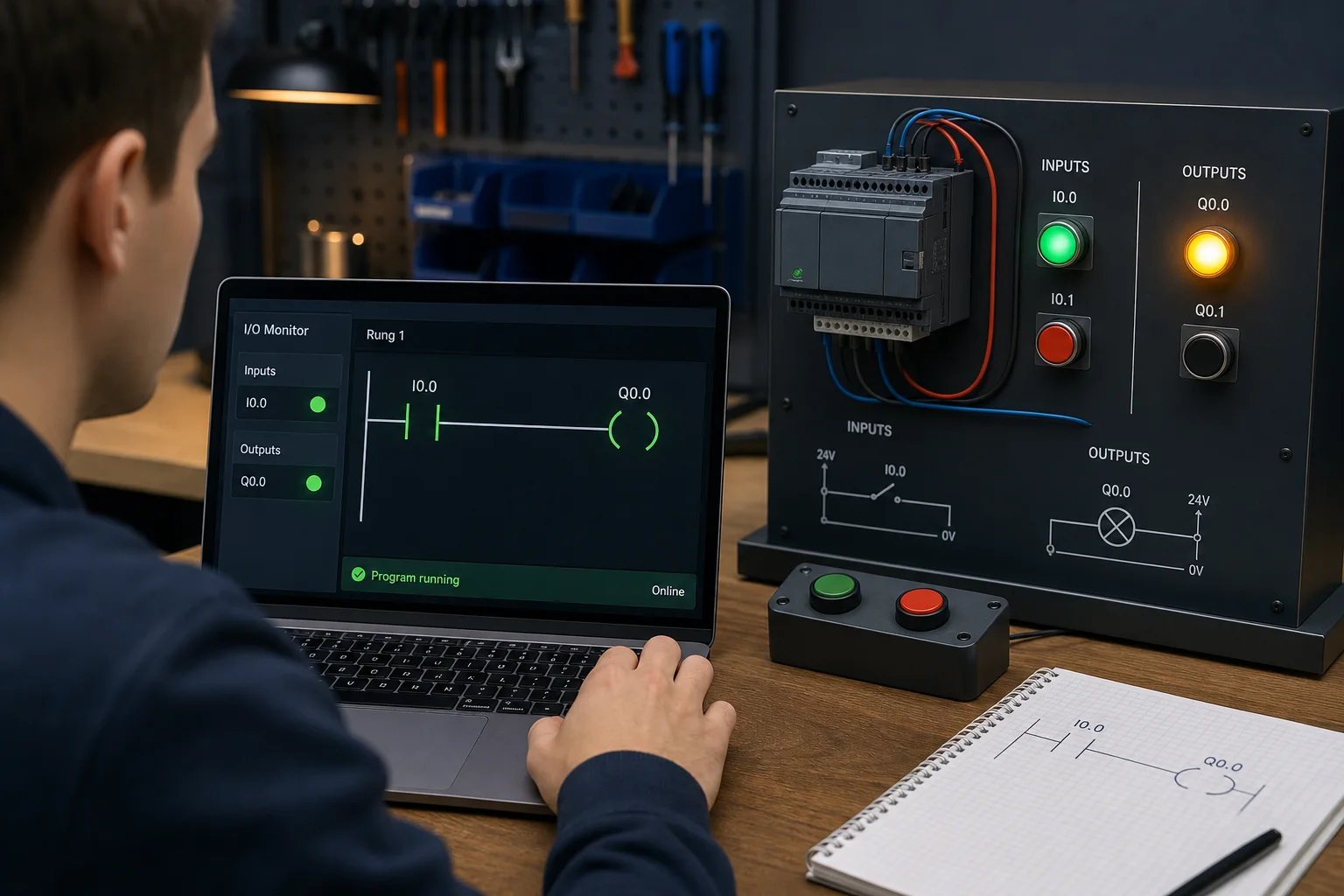
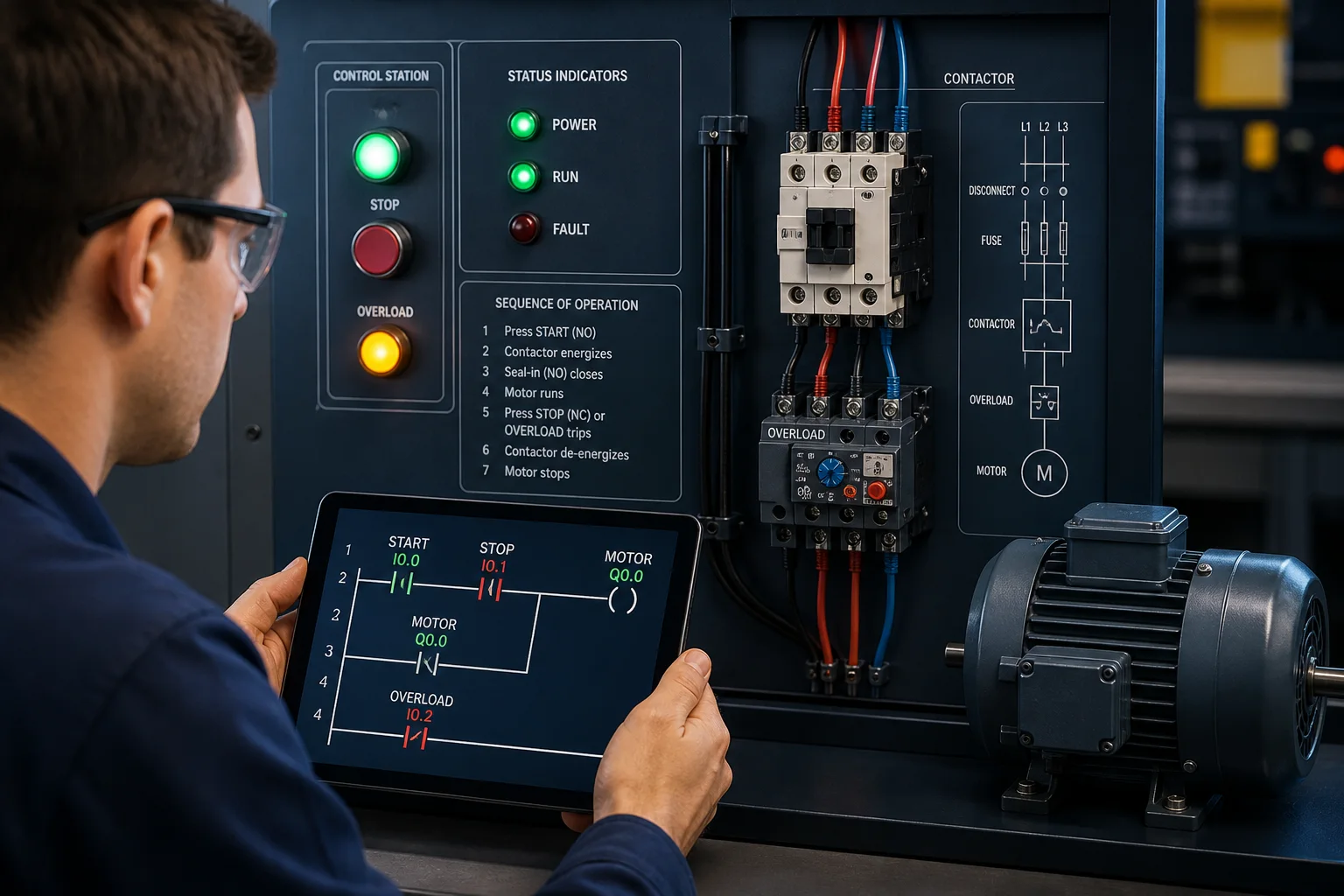
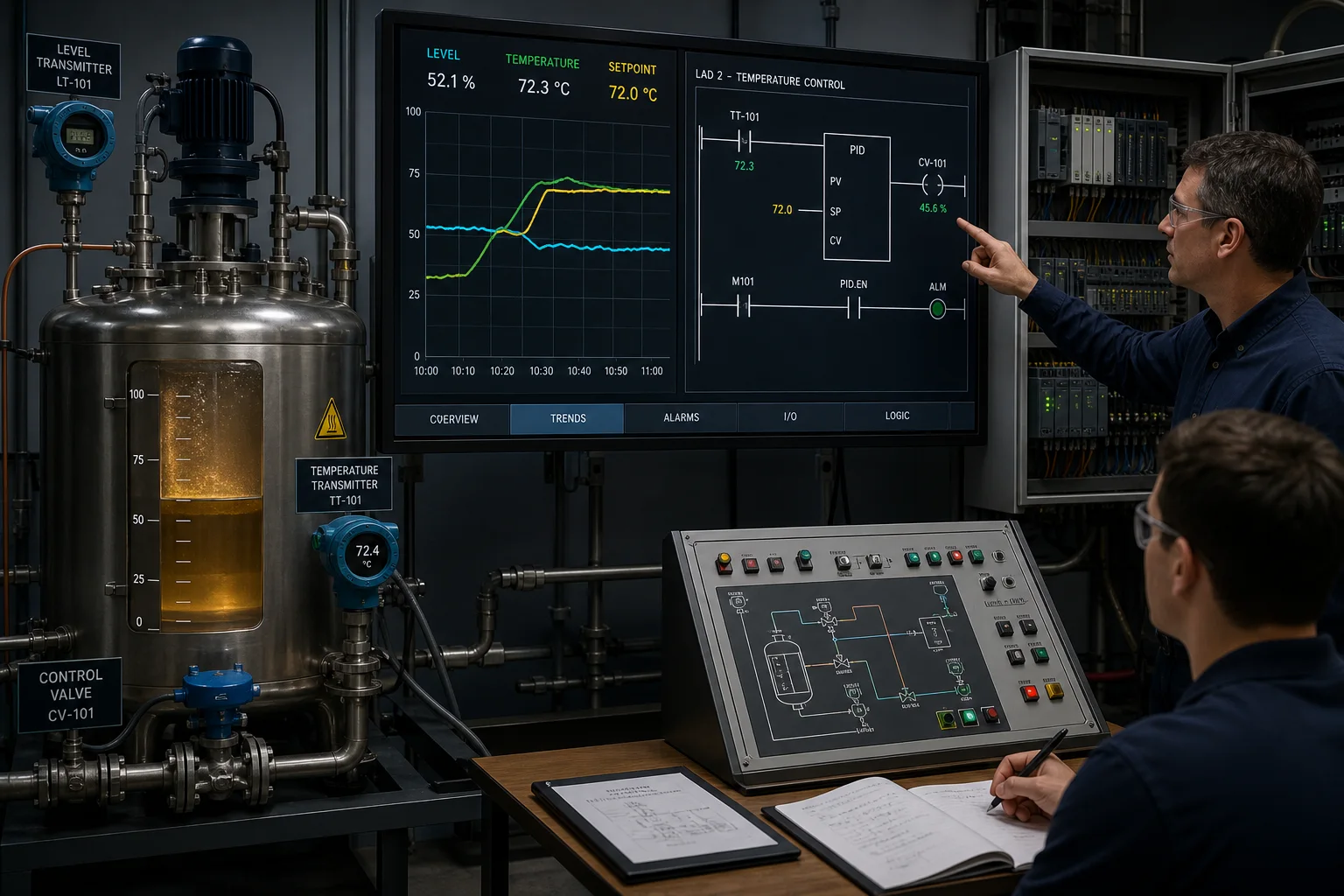
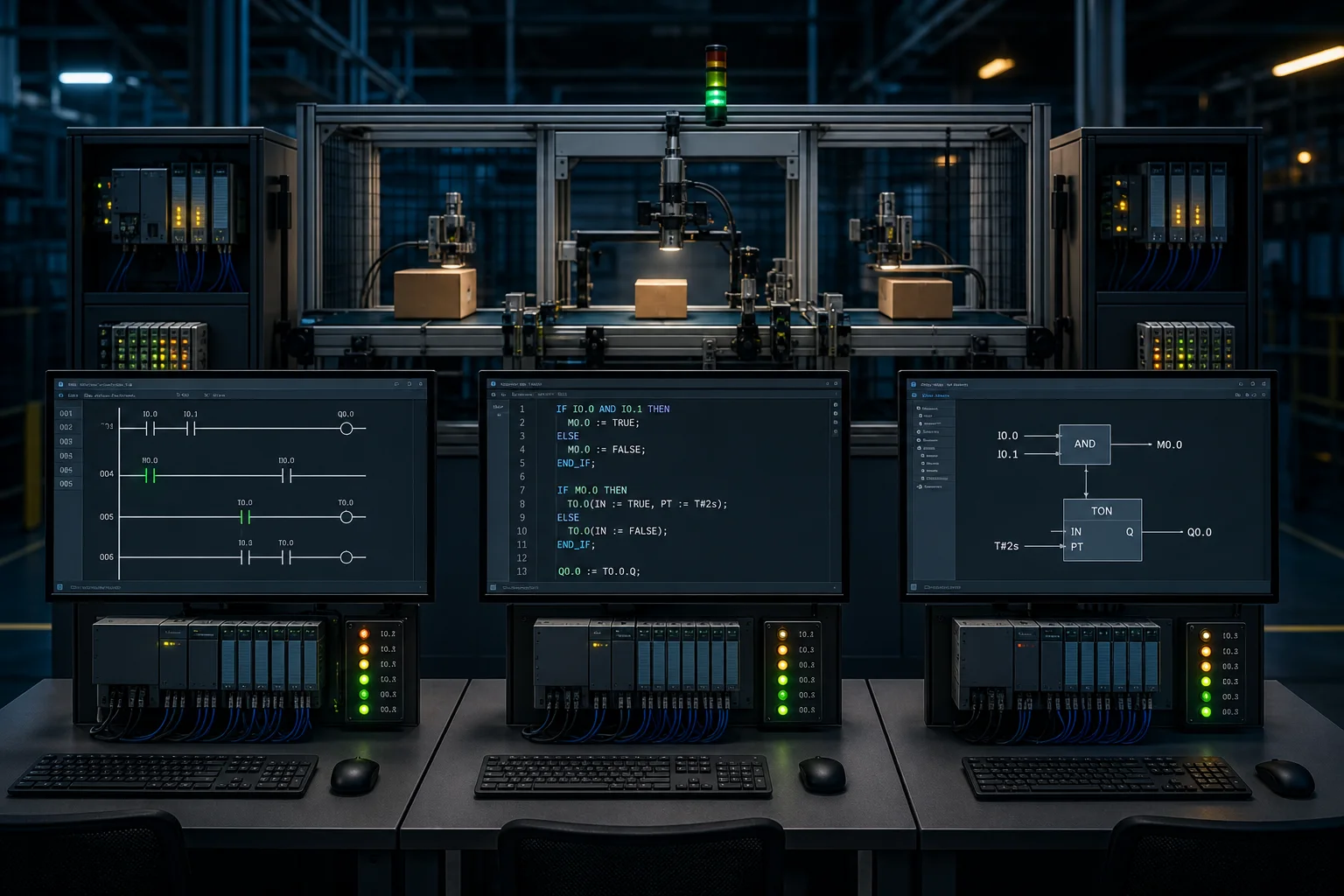
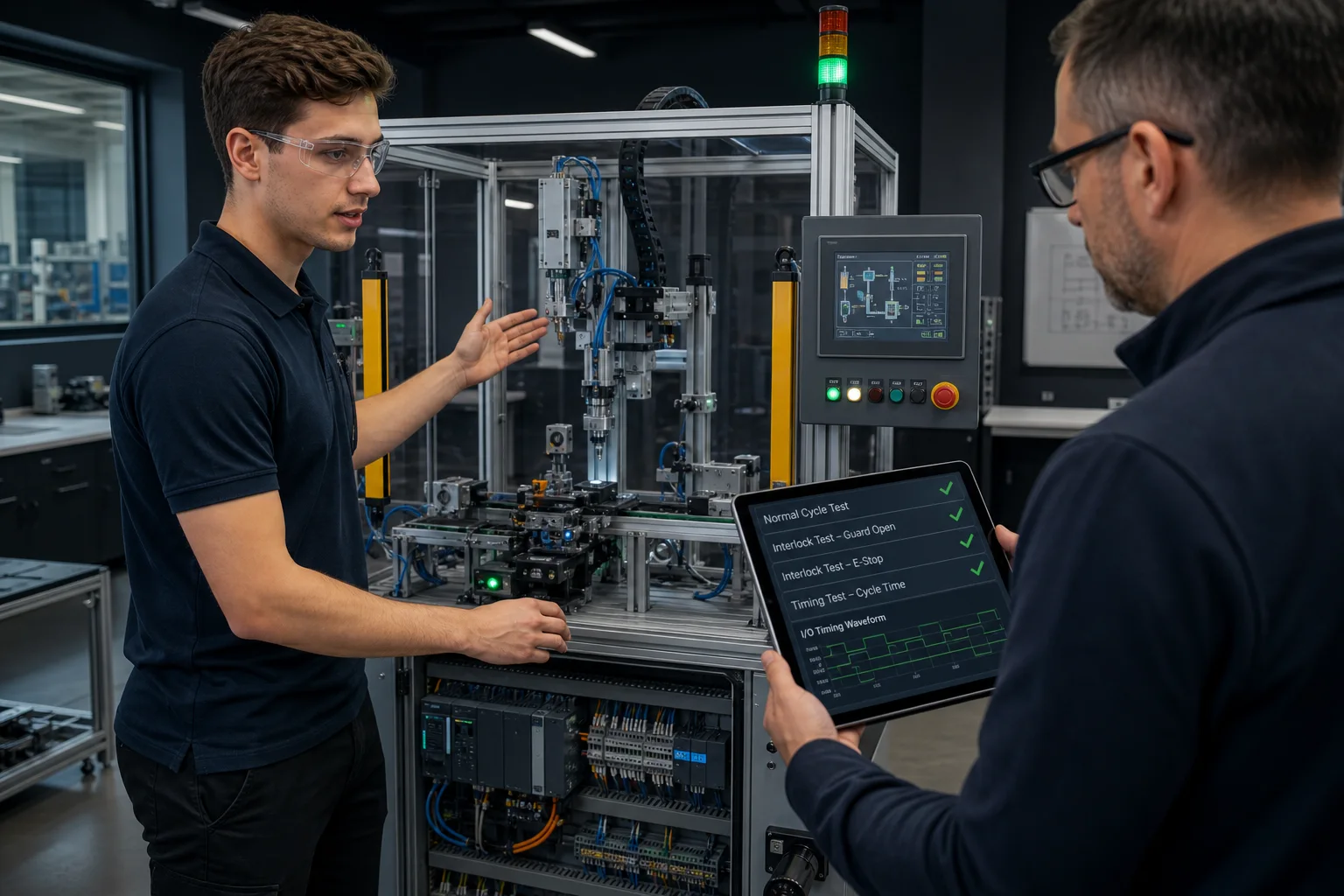
The PLC training curriculum.
12 core lessons sequenced from first principles,170 source-catalogued practice records ordered by difficulty, and 12 quizzes. Catalog visibility varies by account, plan, entitlement, and staged rollout.
Part 1
Fundamentals
The six lessons every PLC programmer needs before writing a single rung. No assumed knowledge beyond basic electricity. Covers the scan cycle, contacts and coils, latching, timers, counters, and the state-machine mental model.
PLC Fundamentals
What a PLC is, the scan cycle, I/O tags and addresses. The mental model everything else builds on.
Ladder Logic Basics
Contacts, coils, OR/AND rails. How ladder notation maps to relay schematics — and why that matters.
Latching and Sealing-In
SET/RESET coils, the three-wire seal-in rung, and why non-retentive coils de-energise between scans.
Timers and Counters
TON, TOF, TP, CTU, CTD — the function blocks that appear in virtually every piece of ladder logic.
State Machines in Ladder Logic
How to encode a state variable and transition logic without spaghetti rungs.
Debugging and the Scan Cycle
Online monitoring, force bits, and the scan-cycle timing bugs that catch every beginner twice.
Part 2
Core building blocks
Function blocks, structured text, analog I/O, and sequencing. The building blocks that separate someone who can write a motor-start rung from someone who can write a complete machine program.
Function Blocks In Depth
Instance data, input/output pins, and how to wire standard IEC function blocks into a program.
Comparisons and Math
EQ/GT/LT, ADD/SUB/MUL/DIV instructions and how they interact with the rung power flow.
Analog I/O and Scaling
Raw counts, engineering-unit scaling, and the dead-band tricks that keep analog-driven rungs stable.
Sequential Function Charts
Steps, transitions, and divergence. The IEC 61131-3 language that makes batch sequencers readable.
Introduction to Structured Text
IF/ELSIF/CASE, FOR loops, and how ST sits alongside ladder in the same project.
Shift Registers and Sequencing
Part-tracking on conveyors, pallet ID handoff, and bit-array sequencers for packaging lines.
Part 2 continued
Advanced topics
PID control, safety systems, industrial communications, and troubleshooting methodology. The lessons that cover the problems plant engineers actually spend time on.
PID Control Fundamentals
P, I, and D terms explained physically. Tuning a loop from first principles without a simulator crash.
Alarms and Fault Handling
Alarm latching, acknowledge/reset logic, and the common mistake that causes nuisance trips.
Safety Systems Introduction
Safety PLCs, SIL levels, E-stop circuits, and light curtain wiring — what the standard actually requires.
Modbus TCP Basics
Coils, discrete inputs, holding registers — the register map mental model and a worked read/write example.
Code Organization
Program tasks, function block libraries, and naming conventions that stop a 500-rung program from becoming unreadable.
Troubleshooting Methodology
Half-split, substitution, and the first-principles approach that works when the IO table is your only instrument.
Part 3
Machine scenarios
The source catalog contains 170 practice records, each with an IO list, a written objective, and a scripted test harness. Write ladder logic, press Run, and watch the machine respond. Visible records vary by plan and entitlement; the grader still checks sequencing, interlocks, and timing on every available exercise.
Traffic Light
Four-way signal with timer chain and all-red safety phase. The canonical first scenario.
Motor Start / Stop
Three-wire control with seal-in, E-stop, and thermal overload. Every motor control pattern starts here.
Conveyor Sort
Photo-eye sort station with a CTU counter and reject actuator timing.
Tank Fill Station
Level sensors with hysteresis and a latched high-level alarm. First analog-adjacent scenario.
Batch Mixer
Multi-step sequencer with ingredient timing and agitator interlock. State machine practice.
Elevator Controller
Multi-floor call queue, door timing, and direction logic. Builds real sequencer discipline.
Boiler Startup
Purge, ignition, and pressure-proving sequence with fail-safe lockout logic.
PID Temperature
Closed-loop control of a heated vessel. Tune the loop by adjusting gains and watching the response.
Palletizer
Layer counting, row indexing, and full-pallet divert — packaging line sequencing at its core.
Bottling Line
Indexing conveyor with filler, capper, and reject interlocks. Multiple simultaneous state machines.
Part 4
Quizzes and certification
12 topic quizzes test your recall and understanding before you progress. Quizzes cover fundamentals, timers, contacts and coils, number systems, safety, state machines, SFC, structured text, PID, analog I/O, debugging, and industrial communications. Passing the interview tracks earns a downloadable certificate of completion.
Who is this PLC training for?
Students
Mechatronics, automation, and electrical-engineering undergrads who need more reps than a two-hour lab session provides. Work the curriculum around lectures — each lesson is 20–40 minutes, each scenario 15–45 minutes.
Plant engineers
Commissioning and controls engineers who want to prototype and verify logic changes offline before a plant window. No vendor software license needed — open a browser on any machine.
Maintenance technicians
Electricians and instrument techs upskilling from relay-based panels to PLC systems. Start at lesson one — the relay-to-ladder mental model is covered explicitly because it is the fastest path to competence for someone who already understands contactors.
Hobbyists and self-learners
Makers, home-automation enthusiasts, and career-changers who cannot afford vendor training. No prior programming experience required. The fundamentals sequence assumes only that you know what a switch is.
How long does PLC training take?
The short answer: around 20 hours of hands-on practice to get competent on the fundamentals, another 30–60 hours for sequencers, PID, and safety logic, and 100–200 hours for genuine mastery. Those numbers assume graded practice — writing logic a test suite can fail — not passive video-watching, which does not accumulate skill at anything like the same rate.
The fundamentals — lessons one through six, plus the first four scenarios (Traffic Light, Motor Start/Stop, Conveyor Sort, Tank Fill) — take most people around 20 hours of focused practice. That is two or three evenings per week for three weeks. At the end of that time you can read a basic ladder program, understand what a scan cycle is doing, and write a working interlock rung from scratch.
The scenario work in Parts 2 and 3 — sequencers, PID, safety logic, packaging machines — adds another 30 to 60 hours. The range is wide because it depends how much time you spend on each failure. Spending 45 minutes debugging why your batch-mixer sequencer skips step 3 is not wasted time — that is the training. A plant engineer who rushes past failures to get a green tick learns less than one who works out exactly why the logic failed and fixes the underlying mental model.
Mastery — meaning you can sit down with a machine you have never seen, read the IO list, and write working logic in a reasonable amount of time — takes 100 to 200 hours of deliberate practice. That is a realistic estimate for someone going from zero to employable as a PLC programmer. It is also roughly what a good apprenticeship or a serious university controls course delivers. The difference is that you can do it from a browser tab, evenings and weekends, at no cost.
One thing to know: simulator hours develop the logic half of the skill. The wiring, commissioning, and hardware fault-finding half requires real equipment. Once the scenarios start feeling easy, the right next step is time on an actual controller — even a cheap used unit with a few switches wired to inputs teaches things no amount of browser practice can. Before that physical step, use the industrial multimeter tutorial to practise measurement references and the 4–20 mA loop calibration tutorial to document as-found and as-left analog evidence.
Compare paid PLC training.
Paid options have real advantages — vendor credentialing, hands-on lab time, an instructor who can answer questions on the spot. Here is an honest comparison so you can decide what combination makes sense for your situation.
| Training option | Typical cost | Online-only | Hands-on practice | No. of exercises |
|---|---|---|---|---|
| PLC Simulator (this site) | Free to start | Yes | Source-catalogued auto-graded practice | 170 source records + 12 quizzes |
| Allen-Bradley classroom courses | ~$2,000 + travel | No (lab-based) | Yes, real hardware | Varies by course |
| Siemens SITRAIN courses | ~$1,500 | Partially | Yes, real hardware | Varies by course |
| Community college semester course | ~$1,000 | No (lab attendance) | Yes, shared lab | 10–20 lab exercises |
| Udemy PLC courses | $20–$100 | Yes | Video-only, no practice | 0–few |
Note: pricing figures for paid courses are approximate and change frequently — check current vendor pricing. The comparison above is to give a sense of order of magnitude, not a precise quote.
Is PLC training worth it?
For industrial-maintenance and controls careers, practical PLC training can be valuable. The US Bureau of Labor Statistics projects 13% employment growth from 2024 to 2034 for industrial machinery mechanics, machinery maintenance workers and millwrights, with about 54,200 openings per year on average. These are broader maintenance occupations rather than PLC-only jobs, so local job descriptions, credentials and hands-on requirements still determine whether a particular training path is useful.
“Twenty focused hours in a graded simulator beat two hundred passive hours of training videos. The test harness does not care how many lectures you watched — it fails your rung and tells you why, and that is the moment the skill actually forms.”
Frequently asked questions about PLC training.
PLC training simulator and software.
This is a PLC training simulator: a browser-based application that runs real machine scenarios, grades your ladder logic against hidden test cases, and gives you immediate feedback without hardware. The distinction matters — a "PLC training software" download requires installation, a Windows machine, and often a vendor licence. This runs in any browser on any device, no install required.
No install
Every scenario, lesson, and quiz runs in your browser tab. No Windows requirement, no .exe to download, no vendor license key. Works on Mac, Linux, Chromebook, and any locked-down corporate laptop with Chrome or Firefox.
Real simulation, not slideware
The scenarios run a real PLC simulation engine — not a video or screenshot. Your ladder logic drives an actual scan cycle that controls a simulated machine. The tank fills, the motor runs, the conveyor sorts. If your code is wrong, the machine fails in a physically realistic way.
Simulator before you buy a kit
A physical PLC training kit (bench rig, PLC board, or training panel) costs $500–$3,000 and requires wiring time to set up. Build your logic skills here first — understand scan cycles, timers, and sequencing in simulation — then the physical kit time is spent on wiring and commissioning, not debugging your logic.
Related: PLC simulator overview · Free PLC training · No-install PLC simulator · PLC programming course · Learn PLC programming
Assign this training to a managed cohort
Import a roster, assign learning paths, export learner progress and issue organisation-attributed certificates. Test it with a real cohort before purchasing.
How much does PLC training cost?
PLC training costs anywhere from free (browser simulators like this one) to $20–$200 for video courses, $800–$2,500 for a community-college semester, and $2,000–$5,000 for a vendor classroom week. Hands-on lab hardware is the main thing the expensive options add — the logic practice itself no longer needs to cost anything. Below is a realistic comparison for 2025–2026; this platform is in the last row.
| Training option | Cost | Format | Hardware included | Certificate |
|---|---|---|---|---|
| Technical institute / TVET (South Africa) | R8,000 – R25,000 (~$450–$1,400) | 3–5 day classroom | Yes — lab PLC included | Institution completion cert |
| Rockwell TechConnect classroom (North America) | $2,000 – $5,000 | 2–5 day classroom | Yes — ControlLogix lab | Rockwell completion cert |
| Community college / TVET semester course | $800 – $2,500 / R6,000 – R15,000 | Semester (weekly classes) | Lab sessions included | College credit / transcript |
| RealPars online (video) | ~$600/yr ($50–$60/mo) | Online video, self-paced | No | Completion certificates |
| Udemy PLC courses | $20 – $200 | Online video, self-paced | No | Non-accredited badge |
| This platform (PLC Simulator) | Free to start; $99 Cert Pack | Browser, hands-on scenarios | No (simulation only) | PDF certificate + portfolio |
Cost figures are estimates based on publicly advertised 2025–2026 pricing. SA figures converted at R18/USD for illustration. Verify with each provider before enrolling.
Begin your PLC training.
Nine free beginner scenarios. No credit card. Sign up in under a minute and write your first working rung before your next coffee.
Related: PLC programming course · PLC simulator · PLC certification guide.
See this exact skill in the working simulator.
Watch the real browser product respond to the task on this page, then try the same practical workflow yourself. No slides, concept mockups, install, or credit card.
Try this in the browserPLC learning and career path
Turn practice into a demonstrable skill sequence
Start with the fundamentals, complete machine exercises, diagnose failures and retain evidence you can explain in an assessment or interview.