PLC factory training
Our strongest fit
Built-in code, I/O, motion, faults and grading.
Browser-based factory simulation software for PLC training: compose a reusable 3D line, connect typed I/O, run ladder or Structured Text, inject failures and retain objective test results.
Choose the right category
The fastest way to buy the wrong tool is to compare them as if they solve the same problem. Our product is intentionally strongest at visual PLC training and reusable 3D composition.
If you are still defining the category, use the manufacturing simulation selection guide or the broader plant simulation guide. If the control problem is already clear, start with the PLC conveyor system.
Our strongest fit
Built-in code, I/O, motion, faults and grading.
Use a specialist
Queues, utilization, staffing and throughput statistics.
Use engineering tools
CAD, vendor networks, hardware interfaces and safety validation.
3D Sandbox
Reusable factory equipment, props, snapping and saved layouts.
Every model shown here is a reusable runtime component—not a marketing render. Functional equipment shares PLC I/O, snap, motion and fault contracts across the viewer, guided scenarios and 3D Sandbox.
Public viewer is free. Guided 3D starts on Basic; composing and saving custom 3D scenes is Pro.
151 real-time factory components
Load the interactive viewer when you are ready to orbit the models.
Loads 3D only after your click
This is not a discrete-event optimizer, production digital twin, CAD commissioning system or safety-certification tool. Those jobs require statistical models, vendor interfaces and engineering evidence that a training simulator should not pretend to provide.
See our virtual-commissioning training boundary →Better factory training
Open composition lets learners explore. Guided scenarios add requirements, hidden cases and proof. The same PLC, I/O and asset contracts support both, so a learner can experiment freely and then demonstrate objective competence.
| Capability | 3D Sandbox | Why it matters |
|---|---|---|
| Reusable components | 151 / 4 packs | New scenarios reuse tested assets |
| PLC editor | Built in | No driver setup before first value |
| Custom layouts | Pro | Snap, edit, undo, save and rerun |
| Guided grading | Included | Machine motion plus objective evidence |
Software evaluation field guide
Direct answer
The evaluator can match a representative job to the required model fidelity, interfaces, evidence, deployment and lifecycle cost.
Written for controls engineers, educators and technical buyers comparing process visualization, PLC emulation, digital twins, material flow and training scenarios.
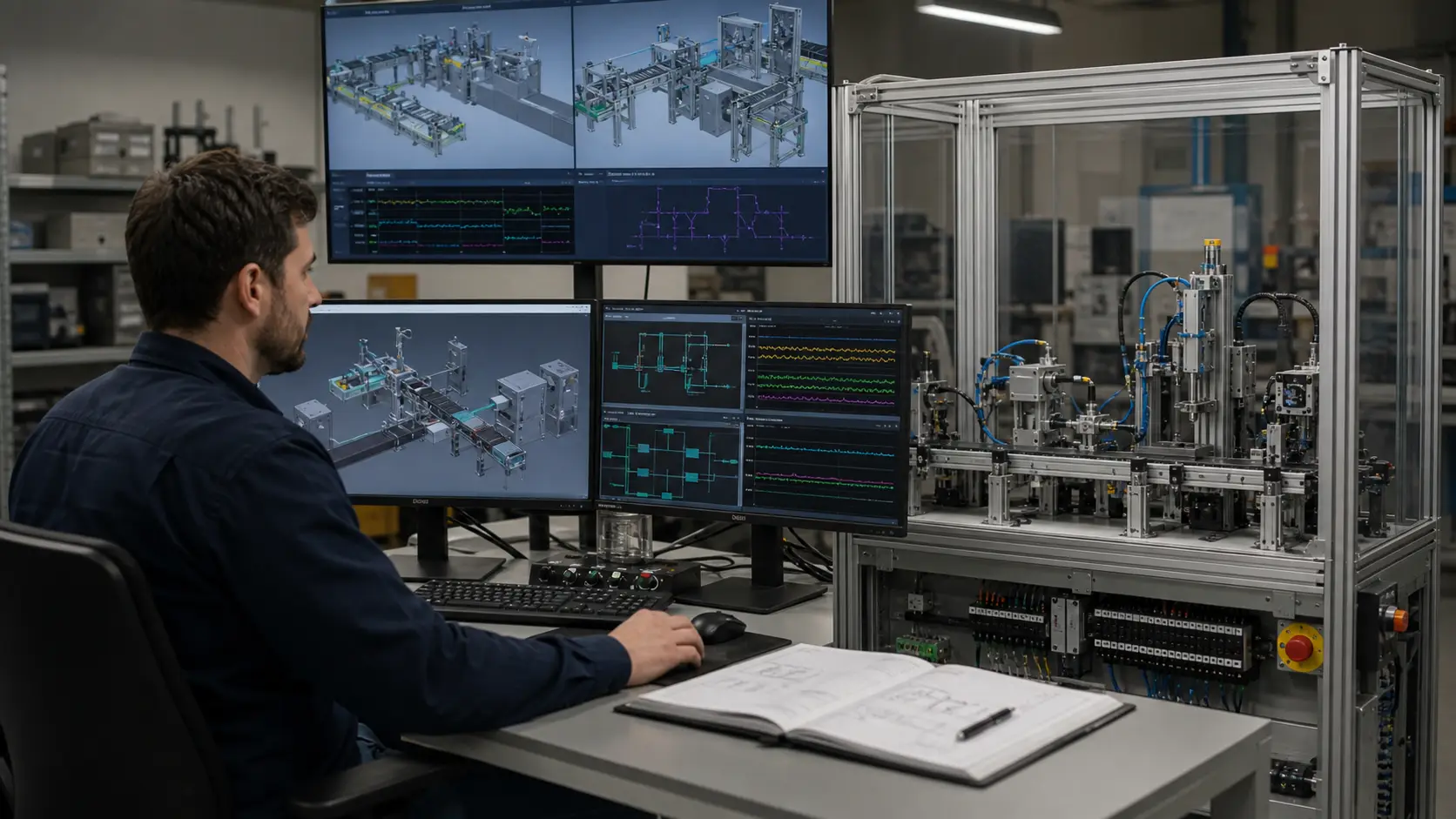
Decision goal, process domain, physics fidelity, control interface, PLC connection, I/O contract, scenario authoring, faults, data, collaboration, deployment, licensing and support.
Control request through PLC or emulation, mapped I/O, factory model, material or process response, feedback, diagnostics and retained acceptance evidence.
One representative cycle connected, run, stopped, faulted and restored with repeatable results.
Timing drift, communication loss, model mismatch, invalid initial state, simultaneous events, unavailable asset, version change and restart.
A requirement, interface, I/O, timing, physics, asset, data, deployment or commercial-fit mismatch.
The shortlisted tool proven with a representative model, target controller and documented acceptance cases.
Uses include process design, PLC testing, virtual commissioning, operator or maintenance training, material-flow analysis and communicating machine behavior.
Run the same representative task and compare model fidelity, controller interface, faults, data, collaboration, deployment, licensing and evidence—not feature labels alone.