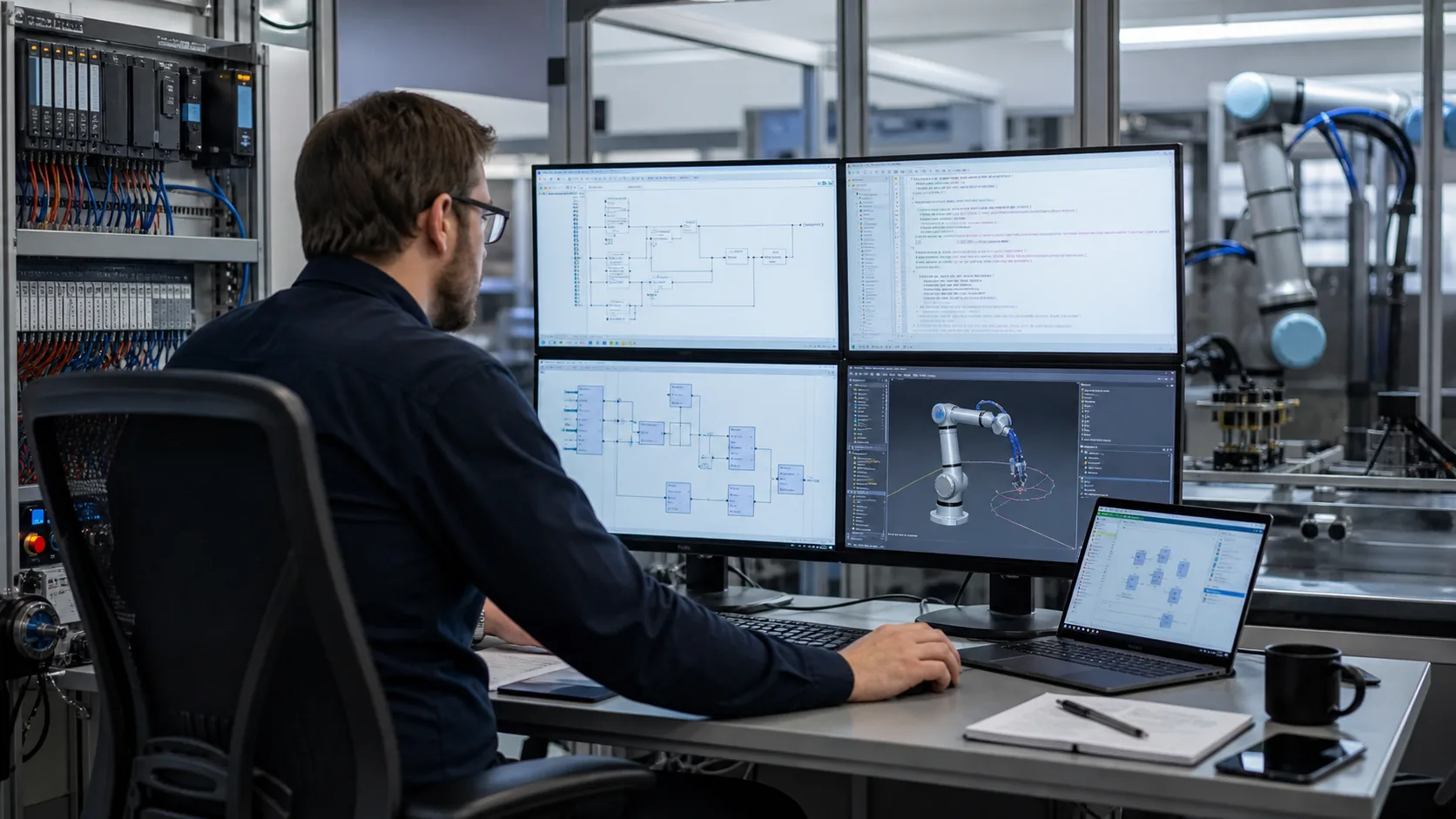
If you have started looking into Universal Robots, you have probably seen two words that sound like they might be the same thing: PolyScope and URScript. They are not. PolyScope is the touchscreen interface you tap through on the teach pendant. URScript is the actual programming language running underneath it. Understanding the difference is the first real step into robot programming — so let's make it concrete.
URScript in one sentence
URScript is the text-based scripting language used to program Universal Robots collaborative and industrial arms. Every motion, every gripper action, every wait and decision the robot makes can be expressed as a line of URScript. When you build a program in PolyScope by adding waypoints and actions on the touchscreen, PolyScope is generating URScript for you behind the scenes.
That last point is the one that surprises beginners. The friendly drag-and-drop program tree you see on the pendant is a front-end. The robot controller ultimately runs URScript. Learning the language directly gives you control that the graphical tree cannot always express, and it makes you far more productive once programs get complex.
PolyScope vs URScript: two ways to program the same robot
There are two ways to put a program on a UR robot, and they are not rivals — they are layers of the same system.
- PolyScope (graphical): You build a program tree on the teach pendant by adding nodes — Waypoint, Set, Wait, If, Loop. Great for getting started and for simple, visual pick-and-place jobs. Every node you add corresponds to URScript the controller executes.
- URScript (text): You write the commands directly, either inside a Script node in PolyScope, as a
.scriptfile, or streamed to the controller over a network socket. This is how integrators write flexible, reusable, logic-heavy programs.
A useful mental model: PolyScope is to URScript what a visual form-builder is to HTML. The visual tool is faster for simple things; the underlying language is more powerful and is what actually runs.
What URScript looks like
Here is a minimal pick-and-place written in URScript. Even if you have never seen it before, you can probably read it:
# Define poses (x, y, z in metres; rx, ry, rz in radians)
home   = [0, -1.57, 0, -1.57, 0, 0]
pick   = p[0.40, -0.20, 0.05, 0, 3.14, 0]
place  = p[0.40,  0.20, 0.05, 0, 3.14, 0]

movej(home, a=1.4, v=1.0)      # fast joint move to home
movel(pick, a=1.2, v=0.25)     # straight-line move to the pick point
set_digital_out(0, True)       # close the gripper
sleep(0.4)                     # let the grip settle
movel(place, a=1.2, v=0.25)    # straight-line move to the place point
set_digital_out(0, False)      # open the gripper
movej(home, a=1.4, v=1.0)      # return home
The syntax is deliberately approachable — it looks a lot like Python, which is no accident. URScript uses indentation-free blocks, simple function calls, and readable names. That is part of why Universal Robots is the friendliest place to start learning robot programming.
The core URScript commands
You can do a remarkable amount with a small vocabulary. These are the commands you will use constantly.
Motion
movej(q, a, v)— move through joint space. The tool takes whatever curved path gets the joints to the target fastest. Use it for big, unobstructed repositioning moves.movel(pose, a, v)— move linearly, keeping the tool centre point on a straight Cartesian line. Use it near parts, fixtures, and surfaces where the path matters.movep(pose, a, v, r)— move with constant tool speed along a path, blending through waypoints with radiusr. Use it for process moves like gluing or dispensing.
The a and v arguments are acceleration and velocity. Choosing movej versus movel correctly is one of the first skills every UR programmer develops — we cover it in depth in movej vs movel vs movep.
Poses, frames, and the TCP
A pose p[x, y, z, rx, ry, rz] describes where the tool tip is and how it is oriented. Two ideas make poses meaningful:
- The TCP (Tool Centre Point):
set_tcp(...)tells the robot where the working tip of your tool is relative to the wrist flange. Get this wrong and every Cartesian move is off by the length of your gripper. - Frames / features: poses are expressed relative to a coordinate frame — the robot base by default, but you can define your own (a fixture, a conveyor) so your program reads in the part's coordinates rather than the robot's.
I/O and the gripper
set_digital_out(n, True/False)— switch a digital output on or off. This is how you fire a gripper, a valve, or a signal to a PLC.get_digital_in(n)— read a digital input, e.g. a part-present sensor.
Logic
URScript has variables, if/elif/else, while loops, and user-defined functions (def name(): ... end). That is what lets a program react — pick from bin A if a sensor is true, otherwise bin B; loop until a tray is full; count cycles. Real robot work is mostly this logic wrapped around the motion commands.
Where URScript runs
URScript can reach the controller three ways, and knowing them demystifies a lot of online tutorials:
- Inside a PolyScope Script node — paste URScript into a program built on the pendant.
- As a
.scriptprogram — a full text file the controller loads and runs. - Streamed over a socket — an external computer sends URScript lines to the robot in real time (port 30002), which is how higher-level systems and research setups drive a UR.
Do you need a real robot to learn URScript?
No — and trying to learn on a physical arm first is usually the slow, expensive way. A UR arm costs tens of thousands, and beginners learn fastest by repeating a task many times and failing safely, which is exactly what you cannot do freely on shared hardware.
The traditional free option is URSim, Universal Robots' official offline simulator. It is genuinely good, but it ships as a Linux virtual machine that many beginners find fiddly to install and run. That install friction stops a lot of people before they have written a single line.
This is the gap we closed. We built a browser-based robot simulator where you write real URScript and run it on a simulated UR arm with live physics — no install, no Linux VM, no robot, free to start. It is the same approach we took with our PLC simulator: practise the real skill in the browser, graded from zero. It is live now — the first lessons are free, and Pro unlocks the full course and a certificate.
Key takeaways
- URScript is the text language that runs Universal Robots arms. PolyScope is the touchscreen front-end that generates URScript for you.
- The core vocabulary is small:
movej,movel,movepfor motion;set_tcp/set_payloadfor the tool;set_digital_out/get_digital_infor I/O; plus normal variables, conditionals, and loops. - The syntax is intentionally Python-like, which makes UR the best on-ramp into robot programming.
- You do not need a real robot to learn — a simulator lets you practise safely and repeatedly.
Next steps
- Read movej vs movel vs movep: URScript move commands explained to master the most important distinction in UR motion.
- Read How to program a Universal Robot: a beginner's guide for the full first-program walkthrough.
- Try the browser robot simulator free and write your first URScript today.