Technical reference and worked-example guide
PLC scenario test-harness documentation: field reference
Direct answer
The reader can convert a behavior requirement into reproducible cases and distinguish passing code paths from passing system outcomes.
Written for learners, instructors, engineers and evaluators interpreting how initial state, timed stimuli and output or machine assertions determine a scenario result.
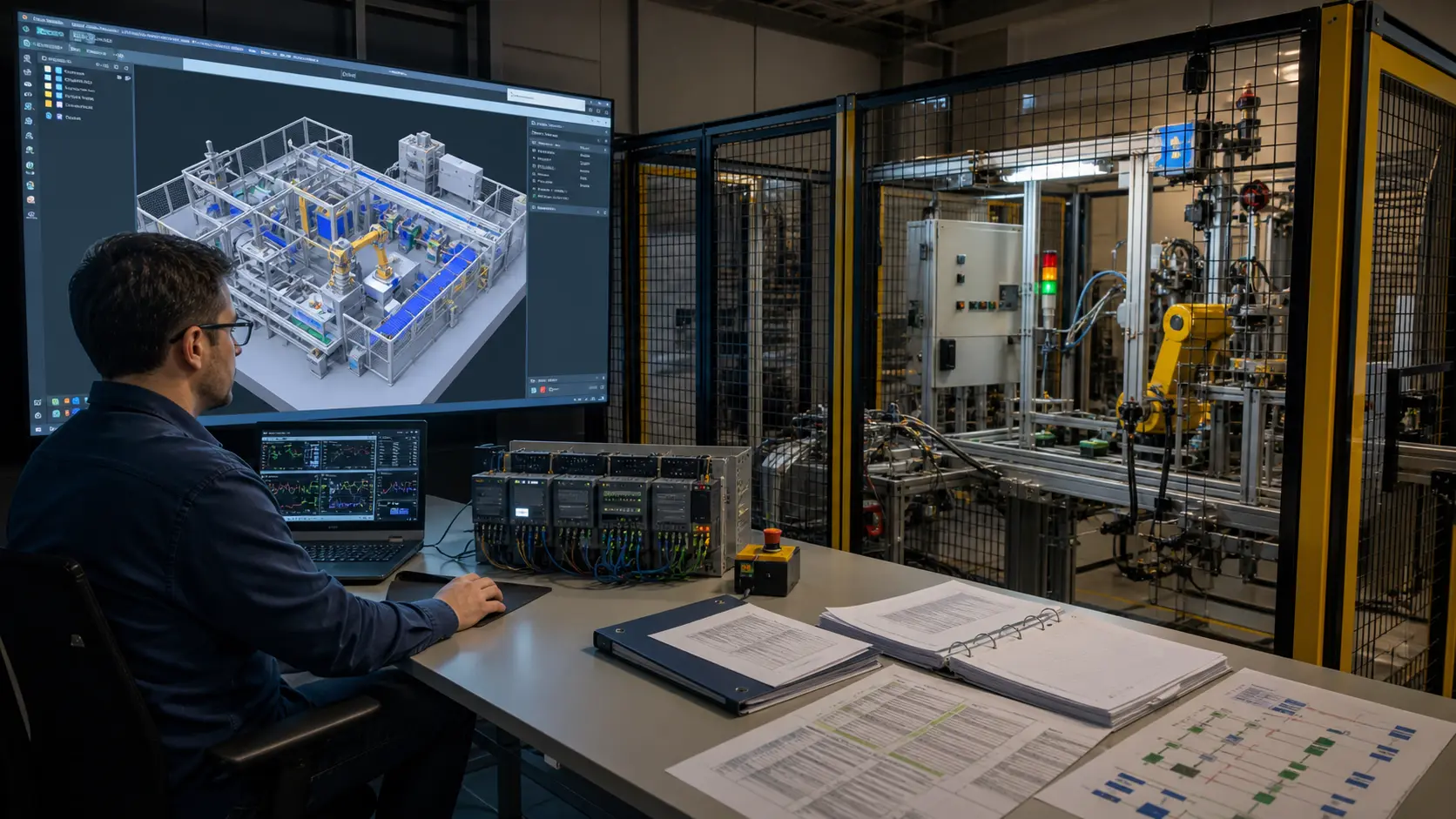
Definition
Requirement, initial state, reset behavior, timed stimulus, observed tags, modeled machine state, tolerance, timeout, pass rule, diagnostics and repeatability.
Signal path
Scenario reset through program load and scans, input actions, modeled process response, assertions, failure output and retained attempt evidence.
Worked example
One normal and one stop case repeated from fresh state with identical pass results.
Limits
Stimulus before boundary, exactly at boundary, after boundary, simultaneous actions, invalid input, timeout, restart and nondeterministic state leak.
Common mistake
A requirement, reset, timing, stimulus, tag, model, tolerance, assertion, diagnostic or state-isolation mismatch.
Verification
Cases versioned with scenario behavior and replicated on target equipment where commissioning truth is required.
What is a PLC test harness?
It is a controlled runner that establishes initial state, applies defined inputs over time and checks observable program and machine results.
Why reset before every PLC test?
A clean reset prevents retained state or a prior case from changing the outcome and makes failures reproducible.