Competency and practice field guide
PLC edge-detection curriculum scenario: practice plan
Direct answer
The learner can generate exactly one event for a declared transition, explain the memory bit and prove behavior across startup, bounce and rapid changes.
Written for pLC beginners learning why a maintained Boolean condition differs from a one-scan event.
Scope
Current sample, previous sample, rising or falling transition, one-scan pulse, memory initialization, task period, input filter and consumer ownership.
Signal path
Field or simulated Boolean through input sampling, previous-state comparison, pulse tag, consuming instruction and resulting count or transition.
Baseline practice
One clean off-to-on change produces one rising event and a maintained on state produces no additional events.
Edge cases
Input already on at startup, contact bounce, two changes within a scan, task restart, retentive memory, multiple consumers and falling transition.
Fault practice
An input-sampling, previous-state, initialization, scan-timing, pulse-ownership or consumer mismatch.
Transfer to the job
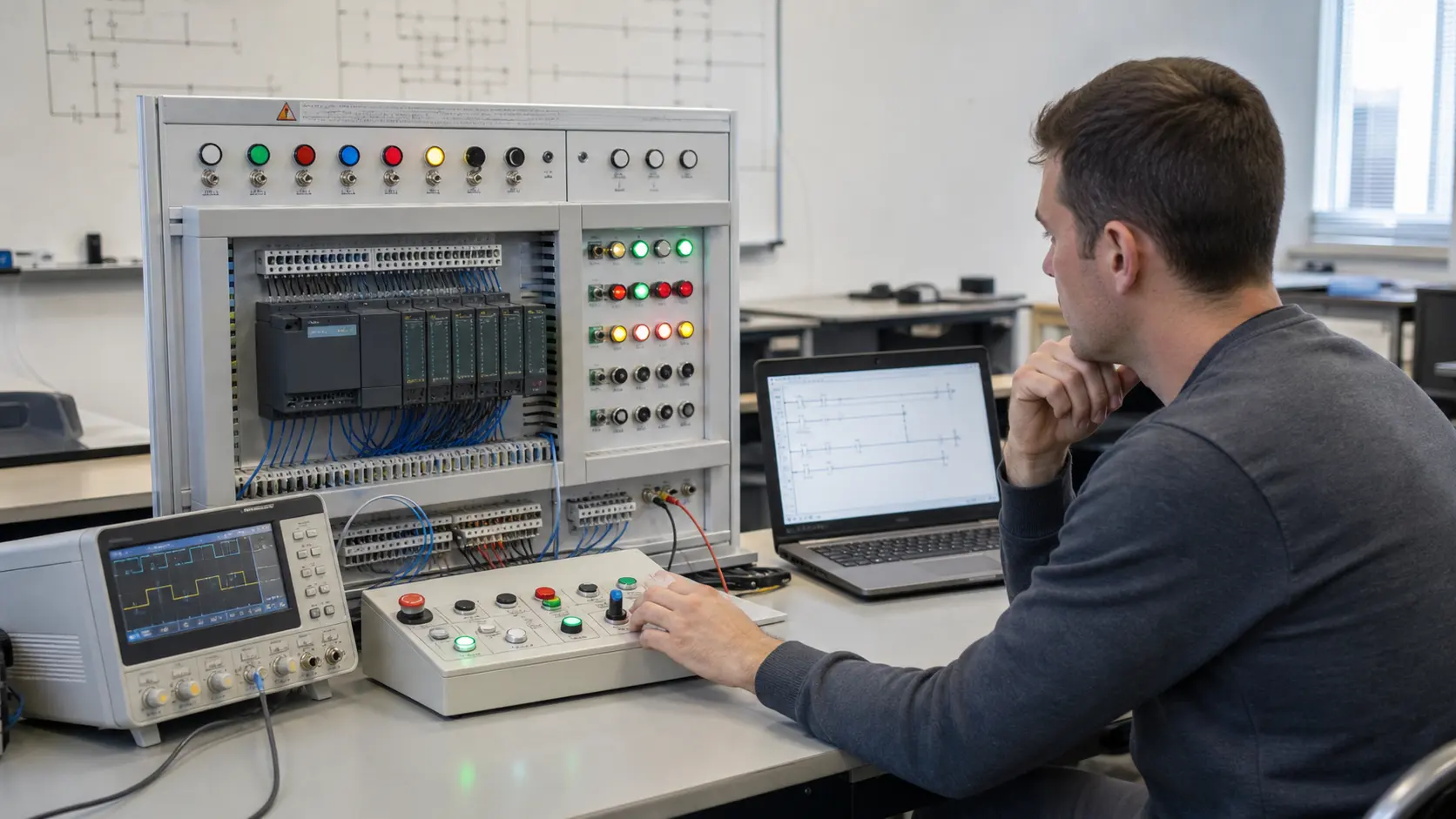
The pattern recreated in official software and tested against the intended task and controller startup behavior.
What is edge detection in a PLC?
It compares the current Boolean sample with a remembered previous sample to produce a pulse only when the selected transition occurs.
Why does a PLC one-shot sometimes fire at startup?
Initialization or prescan behavior can make the first sampled state appear to be a transition; define startup state and verify the exact platform semantics.