Runnable simulator field guide
Brew schedule PLC sequencer scenario: test checklist
Direct answer
The learner can separate schedule intent from current batch state, advance only on proven transition conditions and recover an interrupted batch without guessing material state.
Written for pLC and process-control learners sequencing recipe steps across vessels, pumps, valves, temperatures and durations.
Scenario setup
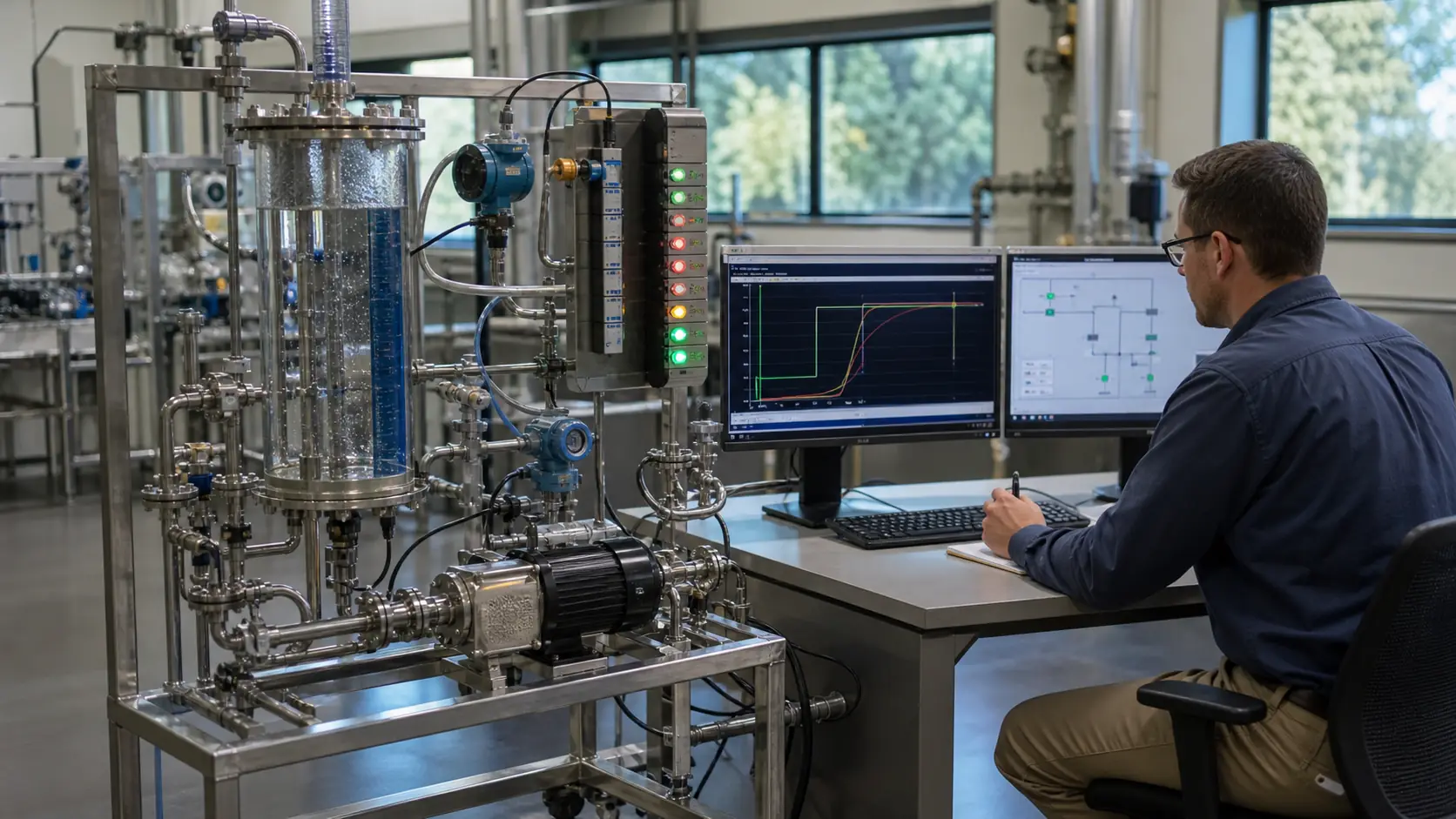
Batch identity, recipe version, scheduled start, unit availability, material state, step, command, feedback, transition condition, hold and completion record.
I/O and state map
Schedule request through batch state and equipment arbitration into valve, pump or temperature commands, physical model feedback and recorded transition evidence.
Normal run
One declared recipe advancing through charge, heat, hold, transfer and completion with each transition caused by observable conditions.
Boundary run
Late start, unavailable unit, temperature timeout, valve feedback loss, pause, operator hold, restart, schedule conflict and partially transferred material.
Injected fault
A schedule, identity, recipe, unit allocation, step, command, equipment, feedback, transition or recovery mismatch.
Target check
The control model transferred only after recipe governance, process hazards, equipment limits, records and target-platform behavior are reviewed.
What is the difference between a brew schedule and a PLC sequence?
The schedule says when and which batch should run; the sequence owns the current step and equipment actions. Joining them requires identity, availability and conflict rules.
How should a batch recover after a PLC restart?
Reconcile retained software state with actual vessel contents, temperatures, valve positions and equipment status, then use an approved hold, resume or abort procedure.