Pro
10 min

CCST 29 — Drive Fault / Alarm Handling

ccstmotiondrivefaultalarm

Ready to build this?

Sign up free — no credit card required. This scenario requires the Pro plan.

Sign up to play this scenario →

Already have an account? Log in

CCST 29 — Drive Fault / Alarm Handling scenario preview

Briefing

A drive faults (DRIVE_FAULT input) — shut down DRIVE_RUN immediately, latch FAULT_ALARM, and wait for FAULT_ACK to clear it before allowing a restart.

Objectives

  • DRIVE_RUN drops immediately on DRIVE_FAULT
  • FAULT_ALARM latches and only clears on FAULT_ACK
  • Motor cannot restart until FAULT_ALARM is cleared

Hints

  • FAULT_ALARM latches SET on DRIVE_FAULT, RST on FAULT_ACK
  • DRIVE_RUN := DRIVE_CMD AND NOT FAULT_ALARM

I/O Table

Inputs

DRIVE_CMD

Drive run command

BOOL · %I0.0

DRIVE_FAULT

Drive fault signal

BOOL · %I0.1

FAULT_ACK

Fault acknowledge

BOOL · %I0.2

Outputs

DRIVE_RUN

Drive run output

BOOL · %Q0.0

FAULT_ALARM

Fault alarm output

BOOL · %Q0.1

Your program will be tested against:

All test cases run automatically when you submit. Assertions are hidden until you pass.

  1. #1Drive runs on cmd

    Drive runs on cmd

  2. #2Drive drops on fault

    Drive drops on fault

  3. #3Clears on ACK

    Clears on ACK

Ready to build this?

Sign up free — no credit card required. This scenario requires the Pro plan.

Sign up to play this scenario →

Already have an account? Log in

Job-readiness and assessment field guide

CCST 029 drive fault and alarm practice: readiness checklist

Direct answer

The candidate can preserve drive and PLC evidence, classify the failed boundary, remove the cause and prove a controlled restart without reset-first guessing.

Written for controls candidates diagnosing a drive that has stopped and distinguishing the active cause from command, alarm and historical indications.
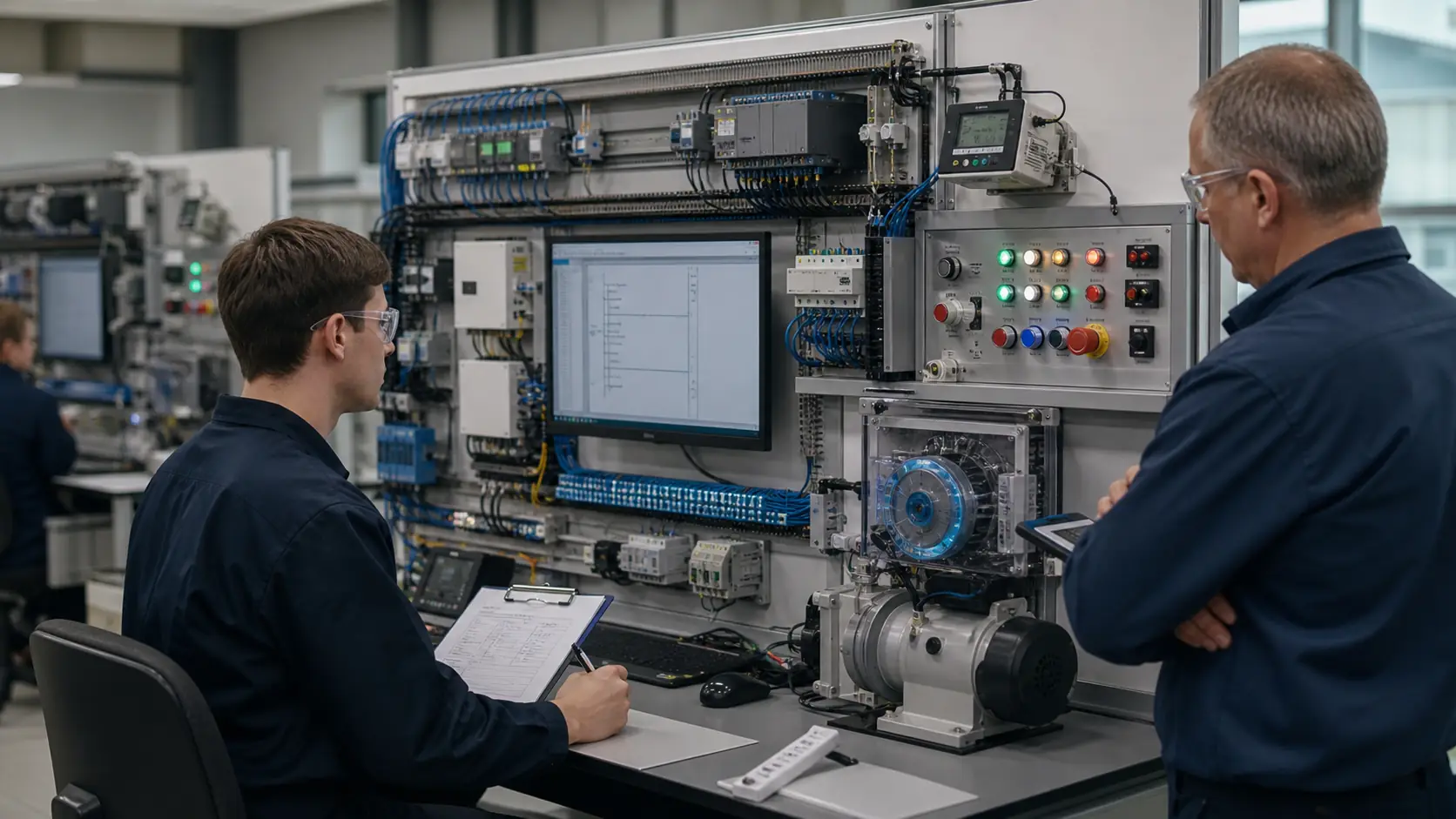
a controls technician completing an evidence-led practical assessment on a generic PLC, alarm, motor and instrumentation bench while studying variable-speed drive fault evidence, permissives, reset policy and proven return to service
System map / 02

NODE 01observable

Role scope

Safe state, drive status, active fault, history, enable, run command, speed reference, motor condition, process permissive, reset permission and running feedback.

NODE 02observable

Skills map

Process request through PLC permissives and commands into drive state, power conversion, motor response, process feedback and alarm reporting.

NODE 03observable

Core exercise

Ready, run, controlled stop and restart behavior matching commands, reference and independent feedback under a known load.

NODE 04observable

Stretch case

Overload, overvoltage, undervoltage, lost command, bad reference, motor stall, communication loss, reset held, automatic restart and repeated trip.

NODE 05observable

Troubleshooting

A process, permissive, PLC command, interface, drive state, power, motor, mechanical load, feedback or reset-policy mismatch.

NODE 06observable

Portfolio evidence

The cause corrected and the drive recommissioned under exact manufacturer instructions, site energy control and witnessed functional tests.

Answer surface / 07

Should I reset a VFD as soon as it faults?

No. Preserve the active code, history, operating values and process conditions first. A reset changes evidence and may permit motion without removing the cause.

What is the difference between a drive alarm and a fault?

Definitions vary, but an alarm often warns while operation may continue, whereas a fault commonly inhibits or stops output. Use the exact drive manual and current state.