Machine safety · beginner
Emergency-Stop Pushbutton
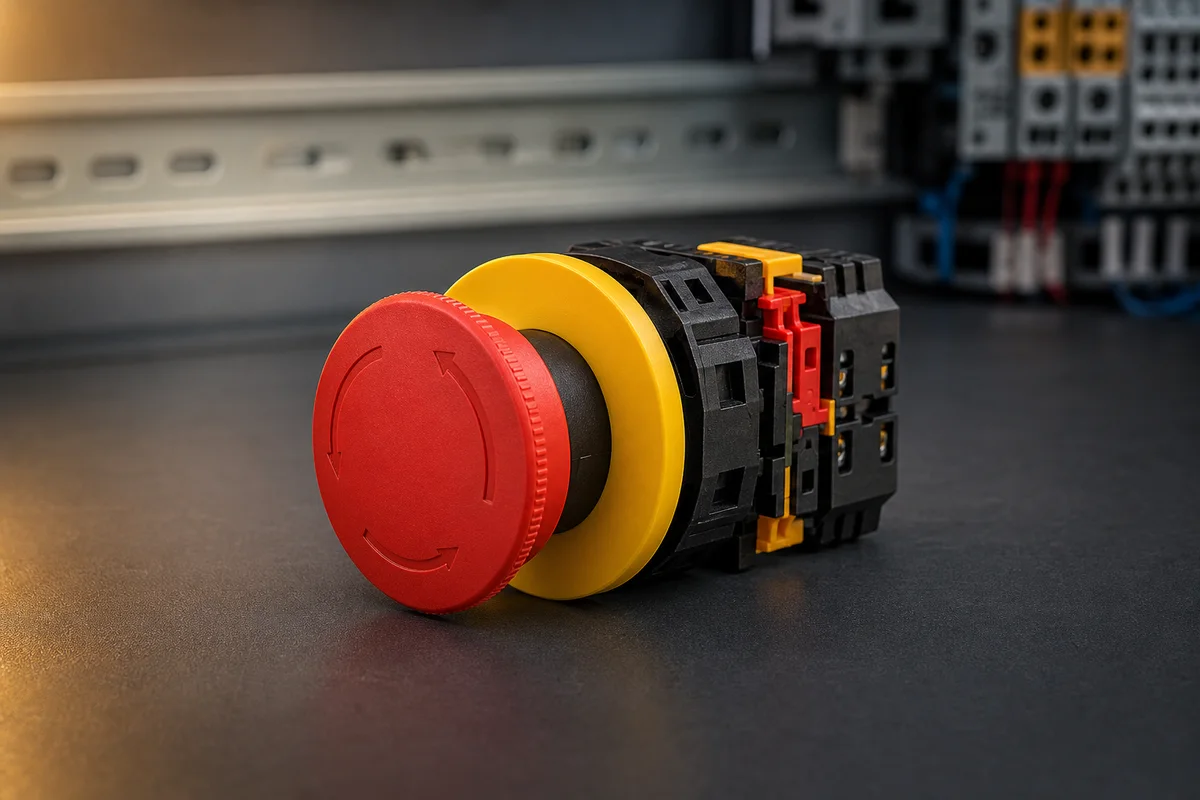
A red latching mushroom button used to stop hazardous motion in an emergency. Pressing it opens monitored safety contacts and it stays pressed until deliberately reset.
Why it exists
Give a person one obvious action that removes the machine’s ability to create hazardous motion. It is a hardware safety function, not an ordinary PLC stop bit.

Quick answer
What is a emergency-stop pushbutton?
An emergency-stop pushbutton is a manually operated, mechanically latched safety device intended to stop hazardous machine motion as quickly as the risk assessment requires. Pressing the red mushroom positively opens normally-closed safety contacts. The button remains latched until deliberately reset, but releasing it must not restart the machine; it only makes a separate safety reset possible.
Inside the control system
How the PLC relates to it
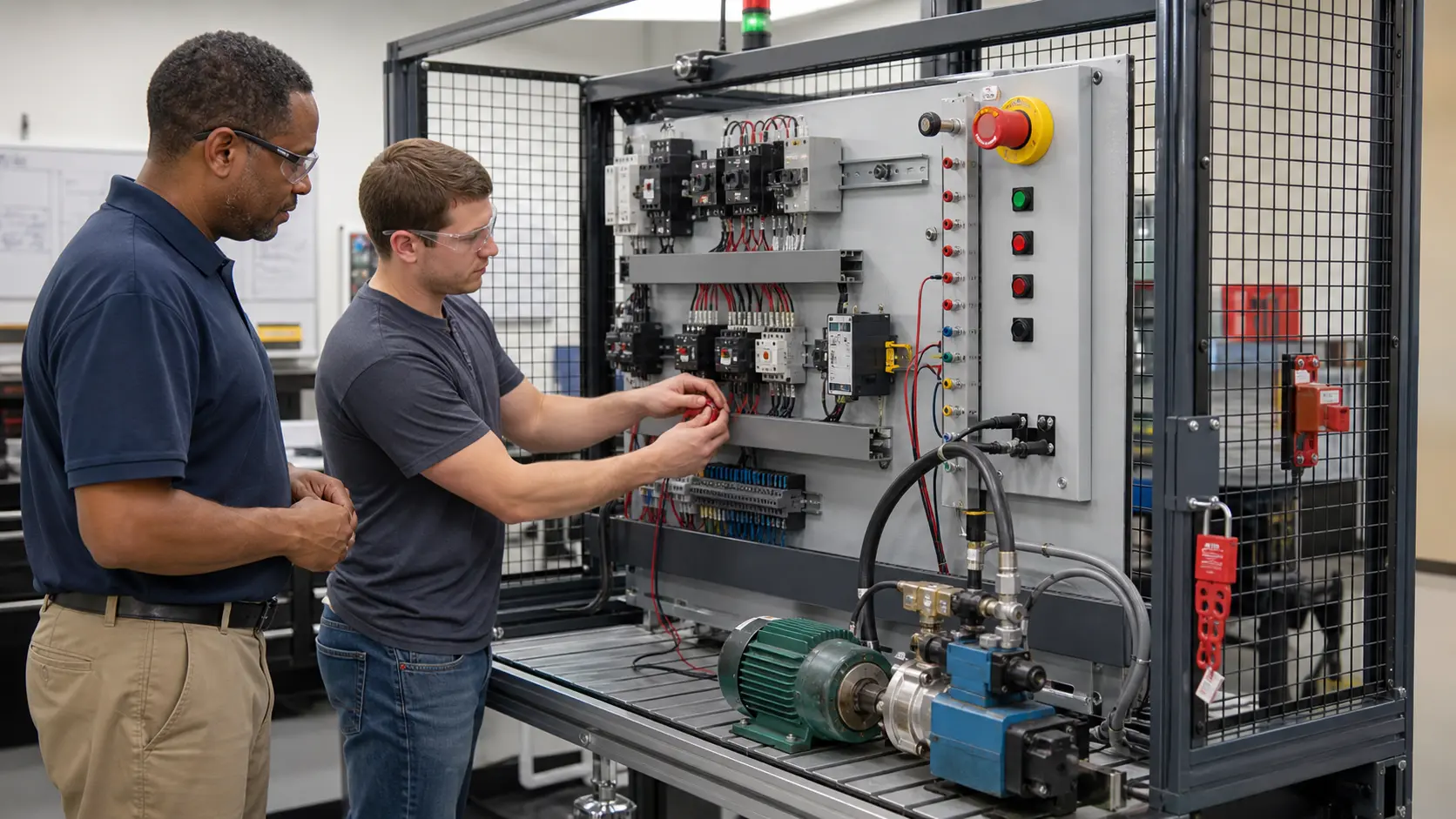
An ordinary PLC may display E-stop status, diagnose which channel opened and prevent the normal sequence from running, but it should not be the sole device removing hazardous energy. Dual channels normally enter a safety relay or safety PLC that monitors discrepancy, cross faults and reset conditions before opening safety-rated output devices. Standard PLC feedback should mirror the safety state rather than replace it. The final design depends on the risk assessment, required stop category, performance level or SIL, contactor monitoring, stopping time and safe distance.
Cause and effect
How it works, step by step
- 01
The mushroom is pressed and mechanically latches.
- 02
A positive-opening plunger forces both normally-closed channels apart.
- 03
A safety relay or safety PLC detects the channels opening.
- 04
Safety contactors remove hazardous energy; twisting the button only permits a separate reset.
01 / Open the case
Watch the mechanism do the work
Follow one highlighted causal link at a time, then operate the component and deliberately create the fault.
Unlock all interactive component labs
Know the terminals
- 11–12 — channel A NC
- 21–22 — channel B NC
- Mechanical latch / reset collar
Recognise the faults
- One channel bridged or shorted
- Contact block detached
- Reset wired to restart motion
- Safety distance or stop time not validated
Read the field guide
Go deeper on sizing, wiring conventions, test procedure, and the mistakes that damage equipment.
Open the complete guide02 / Ask in context
Ask about this exact component
The Pro AI tutor receives this component’s mechanism, terminals, and common faults so its explanation stays grounded in the lab.
Selection checks
- Positive-opening contacts and the required number of monitored channels.
- Environmental rating, mounting method and resistance to accidental operation.
- Compatibility with the safety relay or safety PLC input test pulses.
- Stop category and downstream energy-isolation devices.
- Standards, risk assessment and validation requirements for the actual machine.
Commissioning sequence
- 1Identify every hazardous motion and confirm the E-stop is visible, reachable and unobstructed from the operating position.
- 2With energy controlled, verify both positive-opening channels change state and are not bridged together.
- 3Press the device during each operating mode and confirm the required hazards stop within the validated time.
- 4Reset the mushroom and prove the machine remains stopped until a separate deliberate start command.
- 5Create one-channel and external-device-monitoring faults using an approved test method and confirm reset is blocked.
Troubleshooting answers
Frequently asked questions
Is an E-stop the same as a normal stop button?
No. A normal stop is part of routine control. An E-stop is a supplementary safety function with distinctive hardware, latching action and validated safety circuitry.
Should resetting an E-stop restart the machine?
No. Resetting should restore the ability to start only after the hazard is clear. A separate intentional start action is required.
Why are two E-stop channels used?
Two monitored channels help detect a single broken wire, welded contact or channel fault instead of allowing one hidden failure to defeat the stop function.
Now use it in a machine
Recognition is not mastery. Build the control logic, operate the process, and prove the fault response.
Free first success
Now control a emergency-stop pushbutton in a working machine
Move from recognition to PLC logic, feedback checks and fault recovery. The related guided exercise runs in your browser.