Pro
75 min

PID Temperature Control

pidanalogcontrolpro
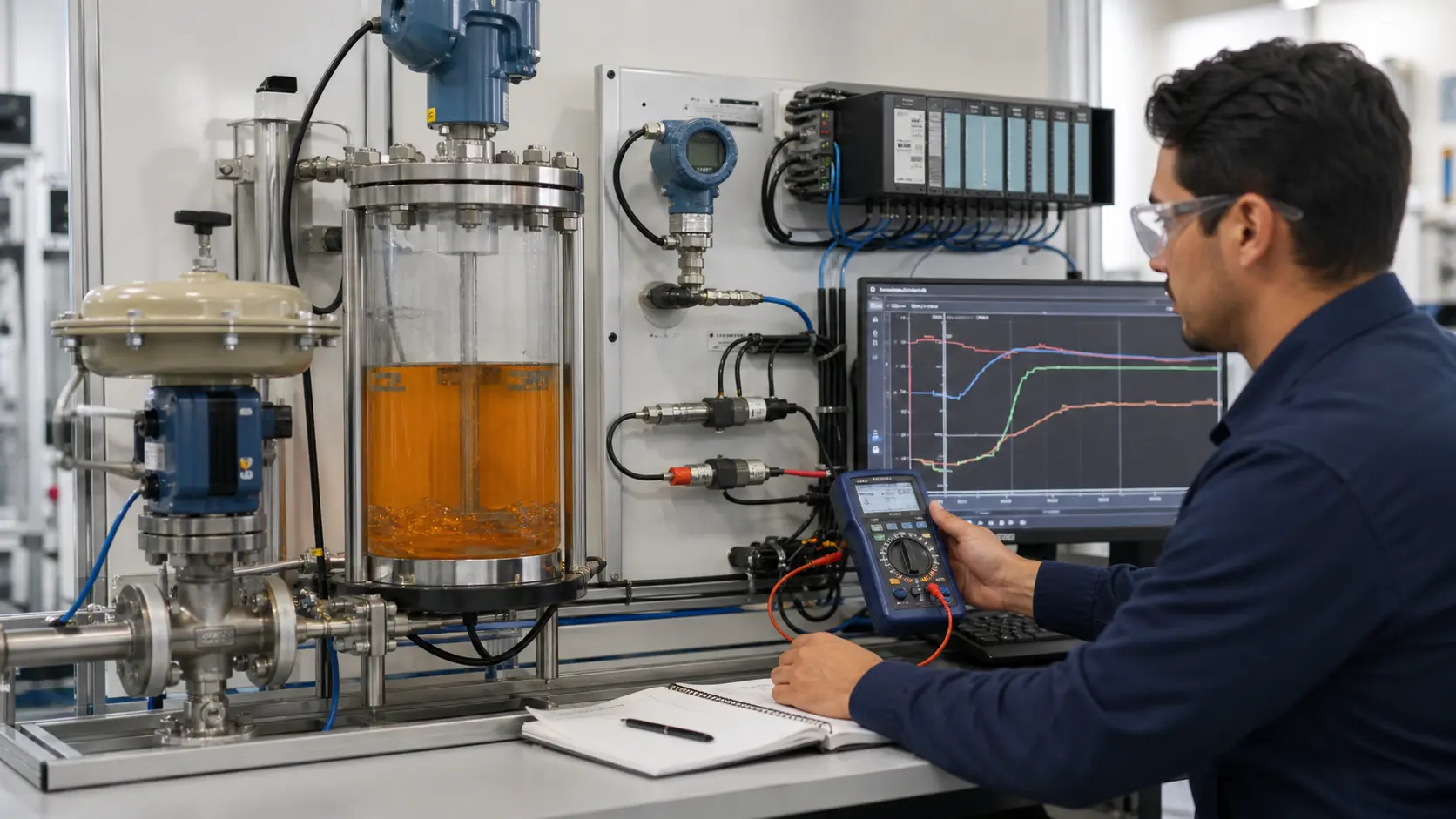
PID Temperature Control scenario preview

Ready to build this?

Sign up free — no credit card required. This scenario requires the Pro plan.

Sign up to play this scenario →

Already have an account? Log in

Briefing

A single-vessel reactor with a continuously-variable electric heater and an optional cooling fan disturbance. Your job is to configure a discrete-time PID loop (the platform ships a PID function block) so that pressing START drives the temperature up to a 60 °C setpoint without overshooting past 70 °C, holds it there, and survives a 60 s fan disturbance still tracking within ±3 °C. A separate safety latch — independent of the PID — must observe a TEMP_HIGH signal (process > 95 °C) and latch an ALARM output that stays on until STOP is pressed after the temperature has recovered. A READY lamp lights after the loop has stayed within ±1 °C of setpoint for 10 s continuously. The PID block is declared as a typed function-block instance (TEMP_PID : PID;) and called with the standard named-argument form: TEMP_PID(SP := 60.0, PV := TEMP_PV, Kp := …, Ki := …, Kd := …, MIN := 0.0, MAX := 100.0, DT_MS := 50, ENABLE := RUN);. The block's commanded output (TEMP_PID.CV) is piped directly into the thermal physics — your tuning is what makes the plant track. Use Kp around 2.0, Ki around 0.3, Kd around 0.5 as a starting point and refine from there.

Objectives

  • Latch a RUN bit: SET on START, RESET on STOP
  • Declare a PID function-block instance (TEMP_PID : PID;) and invoke it once per scan with sensible PID gains (Kp, Ki, Kd), MIN=0, MAX=100, DT_MS=50, ENABLE := RUN
  • Use the platform-provided IN_TOL discrete input through a 10 s TON to drive READY
  • Use the platform-provided TEMP_HIGH discrete input through a SET/RESET latch to drive ALARM; clear on STOP once TEMP_HIGH has released
  • Keep the closed-loop transient below 70 °C (no severe overshoot) and steady-state within ±1 °C of 60 °C

Hints

  • Number literals in block arguments may be written with decimals, e.g. Kp := 2.0
  • The scan interval is 50 ms — pass DT_MS := 50 to the PID block so integral/derivative terms are computed against a stable timebase
  • READY lamp: T_RDY(IN := IN_TOL, PT := 10000); | T_RDY.Q | := READY ;
  • ALARM latch: | TEMP_HIGH | S= ALARM ; and | STOP AND /TEMP_HIGH | R= ALARM ;
  • Start tuning conservative. A Kp of ~2.0, Ki of ~0.3, Kd of ~0.5 with MIN=0 MAX=100 DT_MS=50 converges well without overshoot on the canonical physics

I/O Table

Inputs

START

Operator start push-button

BOOL · %I0.0

STOP

Operator stop push-button

BOOL · %I0.1

FAN_ON

Cooling-fan disturbance enable

BOOL · %I0.2

SP_LOW

Setpoint preset: low (enrichment)

BOOL · %I0.3

SP_MID

Setpoint preset: mid (enrichment)

BOOL · %I0.4

SP_HIGH

Setpoint preset: high (enrichment)

BOOL · %I0.5

IN_TOL

Physics-published: |PV − SP| < 1 °C this scan

BOOL · %I0.6

TEMP_HIGH

Physics-published: PV > 95 °C (over-temp)

BOOL · %I0.7

TEMP_PV

Process temperature (°C)

REAL · %IW0

Outputs

ALARM

Latched over-temperature alarm

BOOL · %Q0.0

READY

In-tolerance indicator (10 s continuous)

BOOL · %Q0.1

Your program will be tested against:

All test cases run automatically when you submit. Assertions are hidden until you pass.

  1. #1PID tuning converges to setpoint within ±3 °C

    After pressing START, the PID must drive temperature from ambient (20 °C) to setpoint (60 °C) and settle within ±3 °C inside 120 s.

  2. #2Temperature never rises past 70 °C during the transient

    With conservative tuning the process temperature must not overshoot setpoint (60 °C) by more than 10 °C on the way up.

  3. #3Process recovers within ±3 °C of setpoint with fan disturbance on

    Bring the loop to steady state, then turn the cooling fan on for 60 s — the loop must still be within ±3 °C of setpoint at the end.

  4. #4ALARM latches on TEMP_HIGH and stays on after the fault clears

    Inject TEMP_HIGH = true for one scan. ALARM must latch on within the following scan and stay on even after TEMP_HIGH returns to false.

Ready to build this?

Sign up free — no credit card required. This scenario requires the Pro plan.

Sign up to play this scenario →

Already have an account? Log in

Real plc pid temperature control footage

See this exact skill in the working simulator.

Watch the real browser product respond to the task on this page, then try the same practical workflow yourself. No slides, concept mockups, install, or credit card.

Try this in the browser
PLC PID Temperature Control — Tune a Live Process