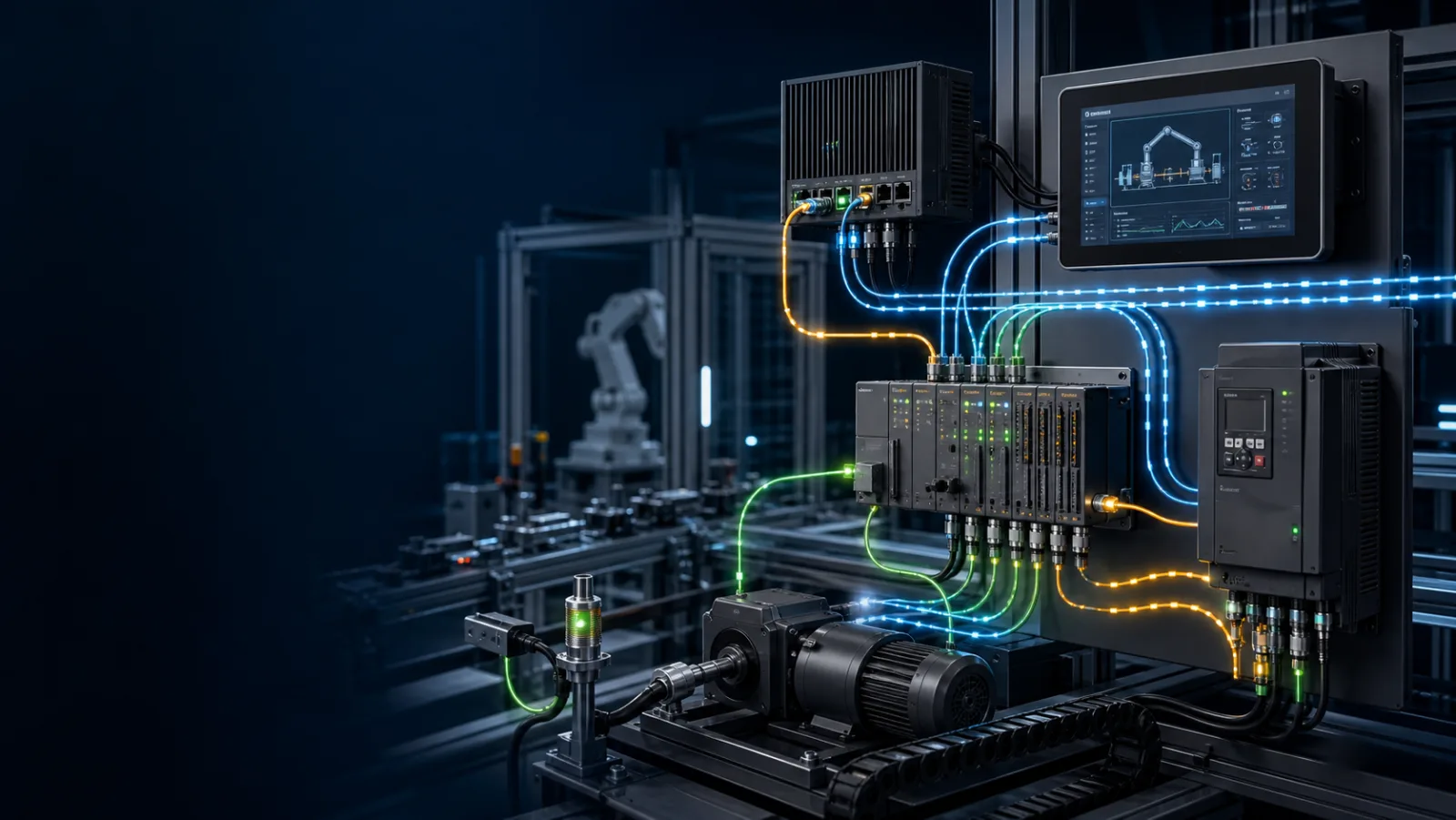
Commission from physical link to process evidence
What PROFINET is—and is not
PROFINET engineering separates an IO controller from configured IO devices. The engineering system uses a GSDML description and a device/module/channel model, while controllers exchange cyclic process data and request acyclic diagnostic or parameter data as needed. Device name assignment is a key commissioning step: an IP address alone does not prove the controller has identified the intended IO device.
Treat PROFINET as a defined system of roles, configuration and observable behavior. The cable and link LEDs are only the physical beginning. A device can be reachable yet rejected by the controller because identity, ownership, data layout or security does not match.
Build the configuration from the data contract
Write down who produces each value, who consumes it, its data type, length, update expectation, normal quality and safe behavior when communication is lost. Then configure the controller and device from that contract. This prevents byte maps and tag names from becoming undocumented magic.
Use the official device description and the manual for the exact firmware revision. Record every imported file and configuration revision so a replacement can be reproduced rather than rediscovered.
Commission in layers
Start with power, media and link. Then verify identity and ownership, compare configured modules or data structures, establish the connection, and only then prove a safe physical transition through the mapped process value. Read the detailed diagnostic before changing several settings at once.
Capture a normal baseline: connection state, update time, device identity and representative process values. Remove or disable the connection using an approved method and prove the controller detects stale data, enters the designed state and recovers predictably.
- Confirm topology, controller ownership and supported conformance class.
- Import the correct GSDML and build the installed module/channel order.
- Assign and verify the PROFINET device name before chasing IP symptoms.
- Compare configured modules with the physical station and read diagnostics.
- Force a safe input transition, prove process data and test device replacement behavior.
Troubleshooting without random changes
If there is no link, stay at power, connectors, media and port configuration. If identity is wrong, resolve addressing, naming, certificate or ownership. If configuration is rejected, compare device files, module order, assemblies, data sizes and revisions. If connected data is wrong, inspect byte order, scaling, quality/status and application mapping.
Make one controlled change at a time and save the before/after evidence. The protocol school is vendor-neutral training; production commissioning still requires the current controller and device documentation plus the site network and security standards.
Field record
Evidence checklist
Primary technical sources
Use these official sources and the exact device manual for production work. This guide teaches diagnostic structure; it does not authorize live work or replace site procedures.
